Reflections and how to use them creatively
Today a bit more about reflections
In my previous blogpost I shared the link to the digital classroom episode about reflections.
Today let’s take a look at the results and give you some information about how I shot them.
Set 1
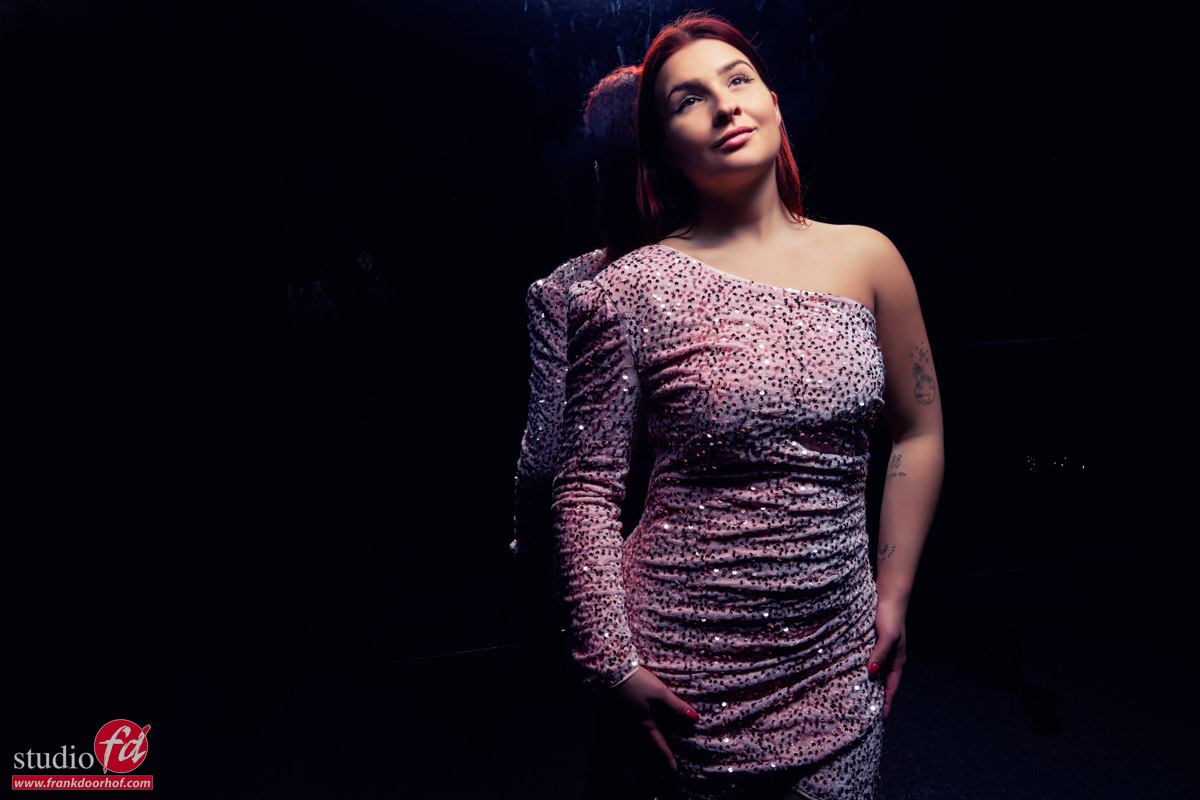
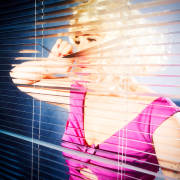
Here you see our model Lisa leaning against a wall that is covered with wallpaper that is sold, at for example Amazon, as mirror wallpaper.
I have to be honest, the effect is very cool, but it’s far from a mirror which you could use to comb your hair.
For a setup like this, the first thing you have to make sure is that there are no reflections in the wall from your studio.
When you stand in front you will of course see the studio, but remember that when shooting with strobes you are overpowering the available light so if you push enough power to the set it will render the reflection to a very nice black wall with of course a cool reflection.
The second point is of course to make sure you don’t see the strobe in your viewfinder.
If you don’t see it in your viewfinder, it won’t show up in the final shot. There could be some lens flare of course but that can also be a nice addition to the shot.
We call this effect “angle of incidence is angle of reflection”, in other works, follow the lines and you know where the reflection will show up.
As soon as you’ve done this a few times it becomes almost second nature.
Set 2
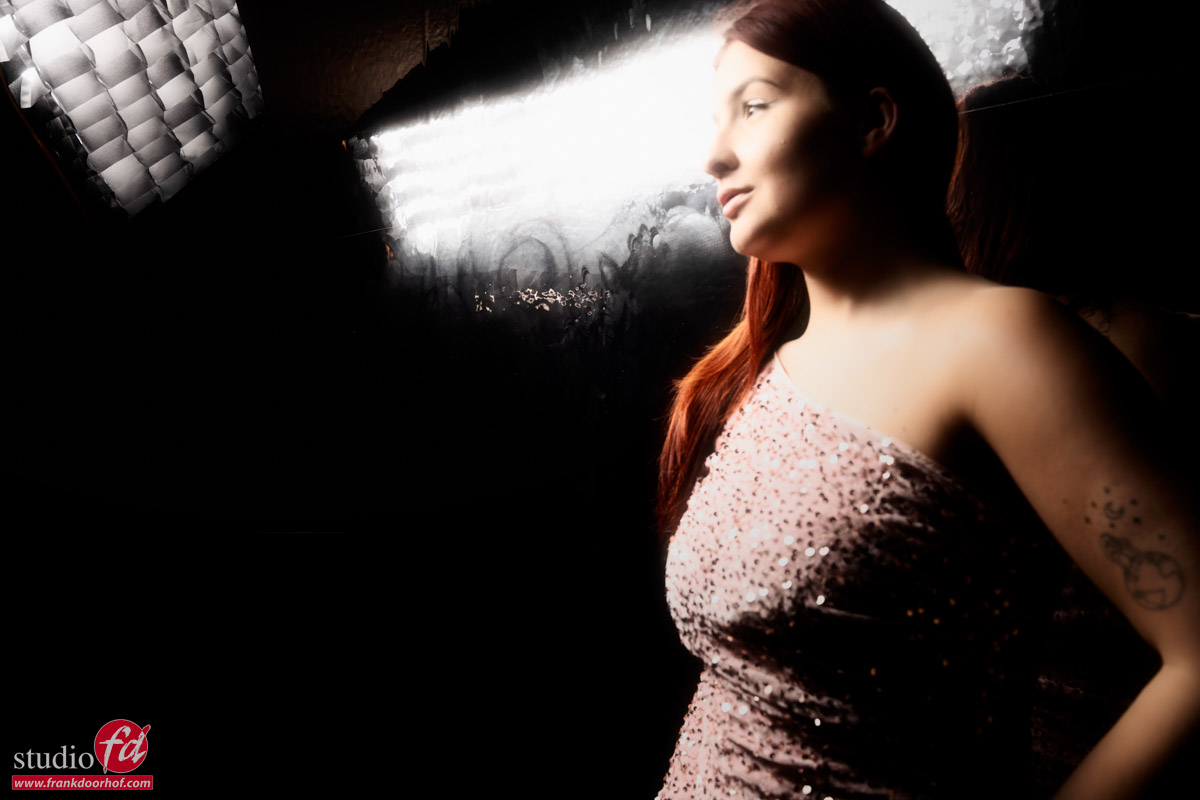
In the first set I did not want the reflections in.
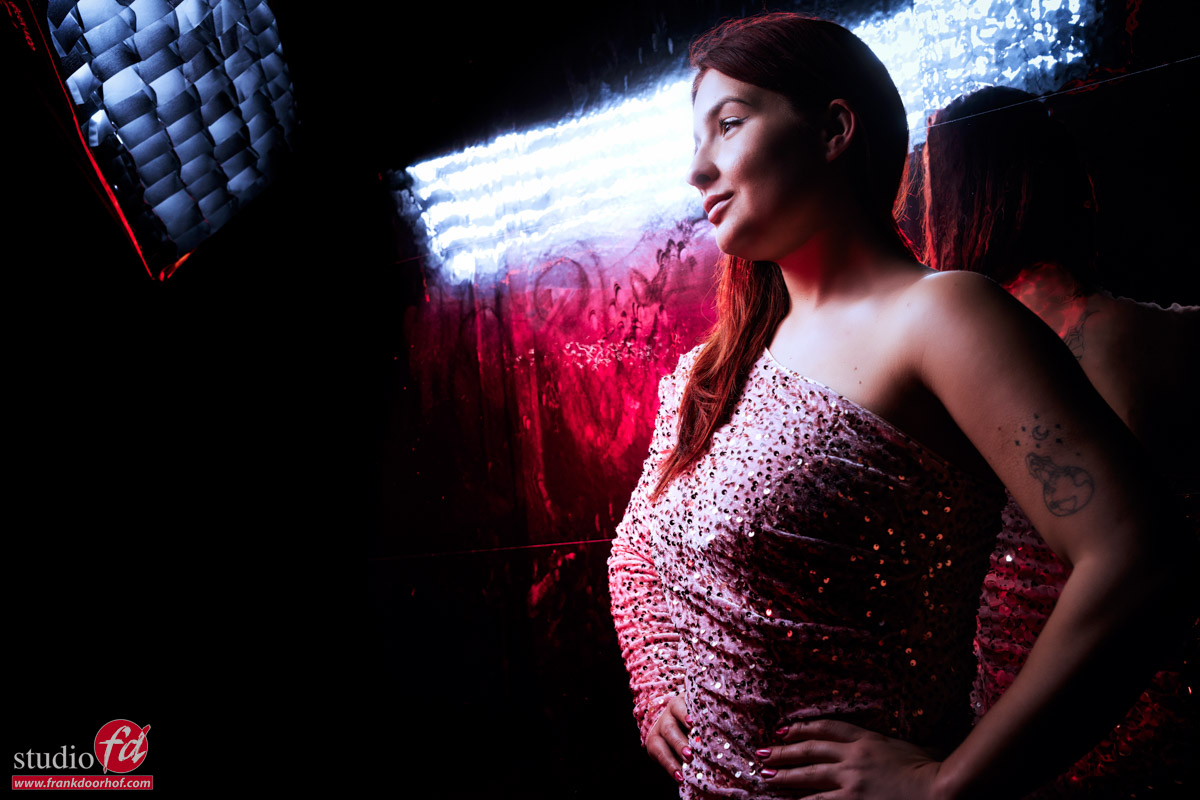
But what if we are getting a bit more creative?
I have to be honest, this is a large amount taste.
Set 3
As you can already see in the last shot, I’m adding a red strobe.
Now you can use this strobe just as a fill in light, but you can also go a “bit” more extreme.
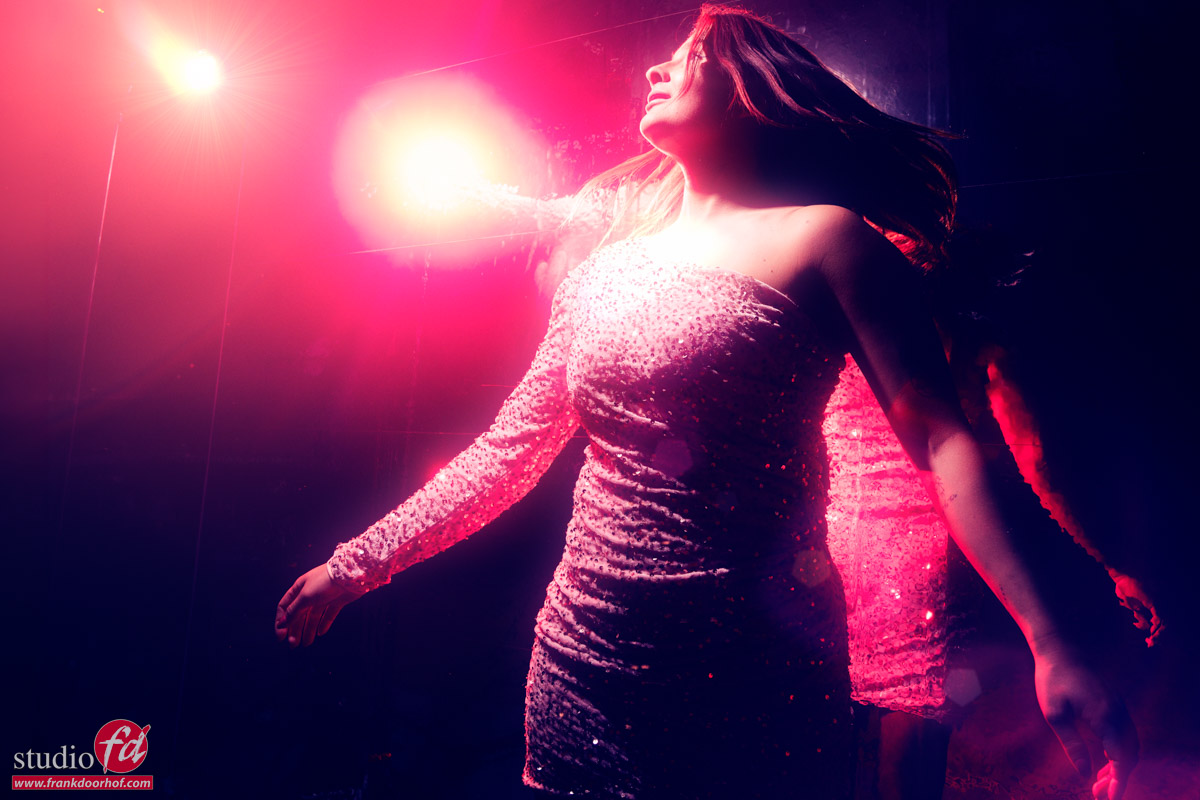
In the last image I’ve used a lens flare effect from BorisFx.
BorisFx is great software with loads of special effects including some very convincing lens flares.
I mostly use it for filmlooks and special color processing. But sometimes a lens flare can turn out not 100% perfect in the final results, or you want to add a bit more “oomph”
In that case BorisFx can really add something special.
I do feel that the lensflare/colored gels should be in place when shooting the image, just adding a lens flare when there was no lens flare does look nice, but also fake in cases like these.
But when it’s already in the shot, BorisFx can really add a lot of extra mood.
During the broadcast I also took a quick shot of the setup.
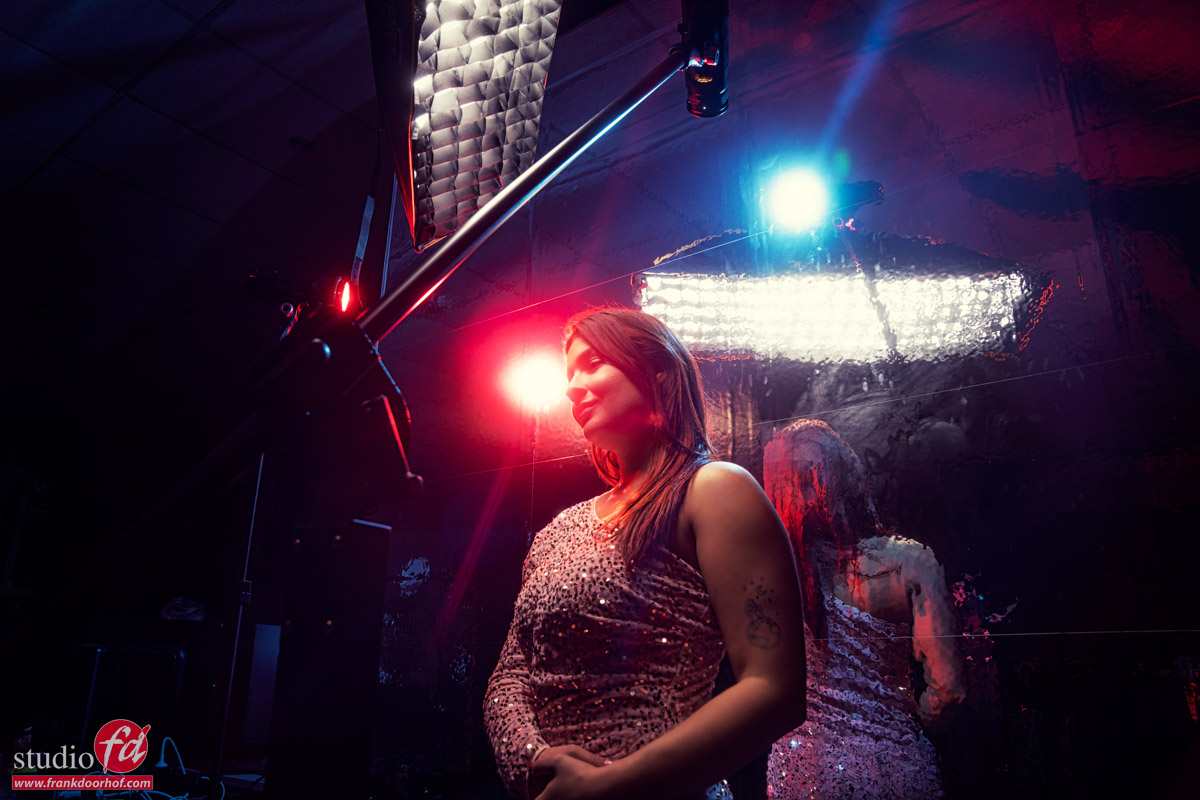
Yep, try to keep the reflections out, can be a challenge, so why not include them, right 😀
Set 4
For the next set we used a very nice mirror background.
I bought this for a few euros online and must be honest it’s one of the coolest things I bought for the studio in while.
In fact you can use it in two totally different ways, so let’s start with option 1.
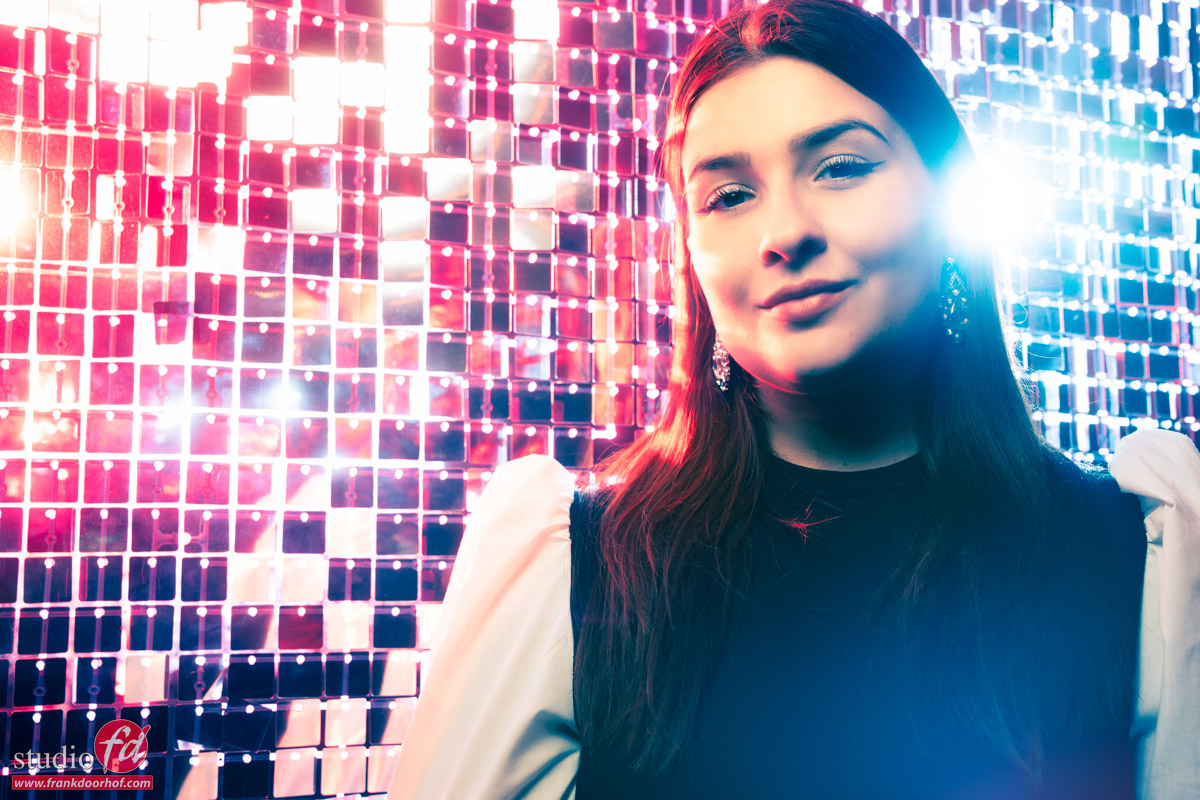
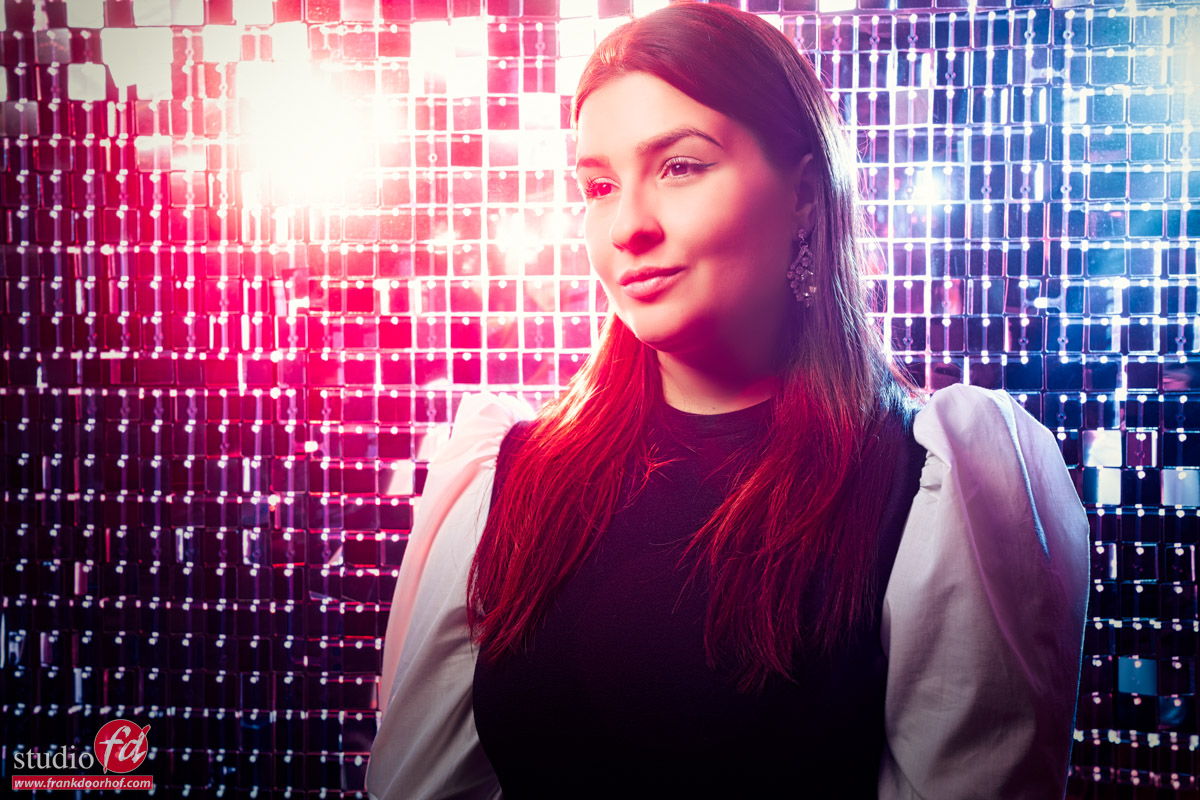
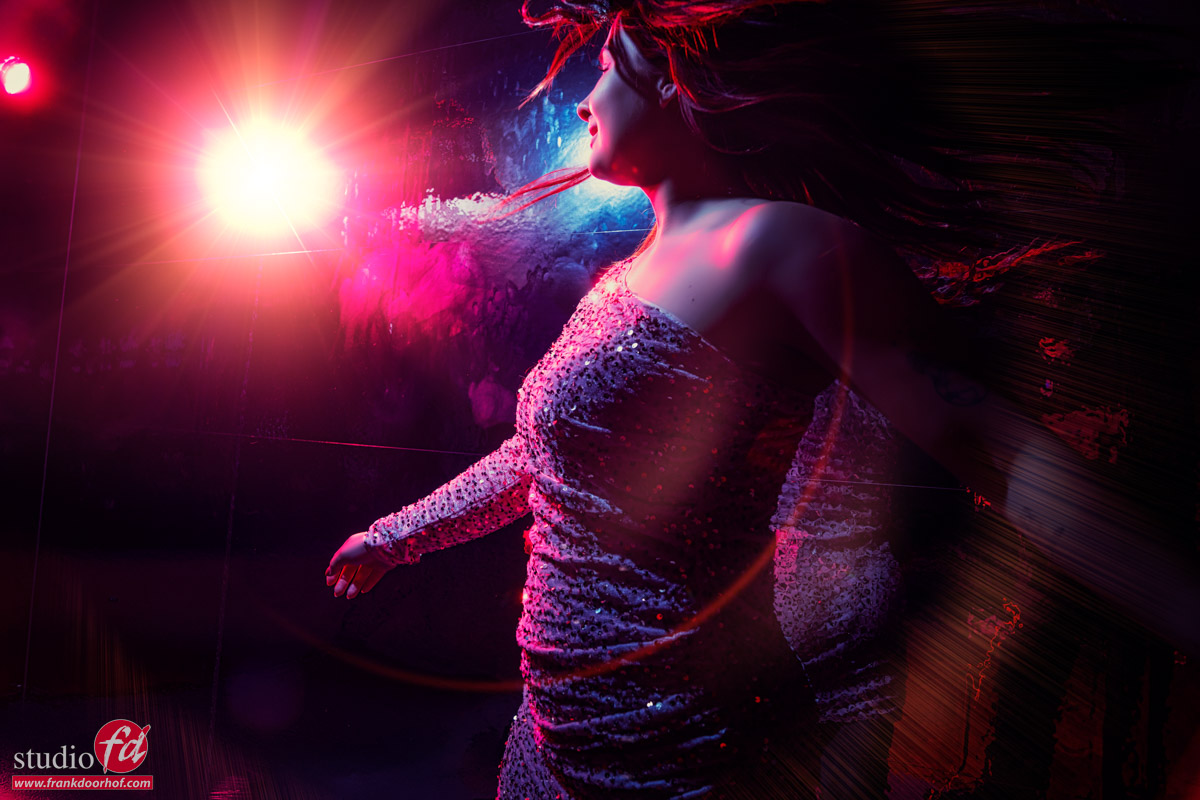
Here I’m using the background behind my model (duh), and placed two strobes behind the background.
Both the red and blue gel can be angled to get different results, if you just want to blend the colors, use a sort of cross setup, of you want to have some cool lens flare effects you can for example aim one of the strobes forward. Also make sure to experiment with the light output, in these cases I love it when it almost blows out the background on some of the edges.
The final set
Let’s combine the mirror wallpaper and the mirror wall for the final setup.
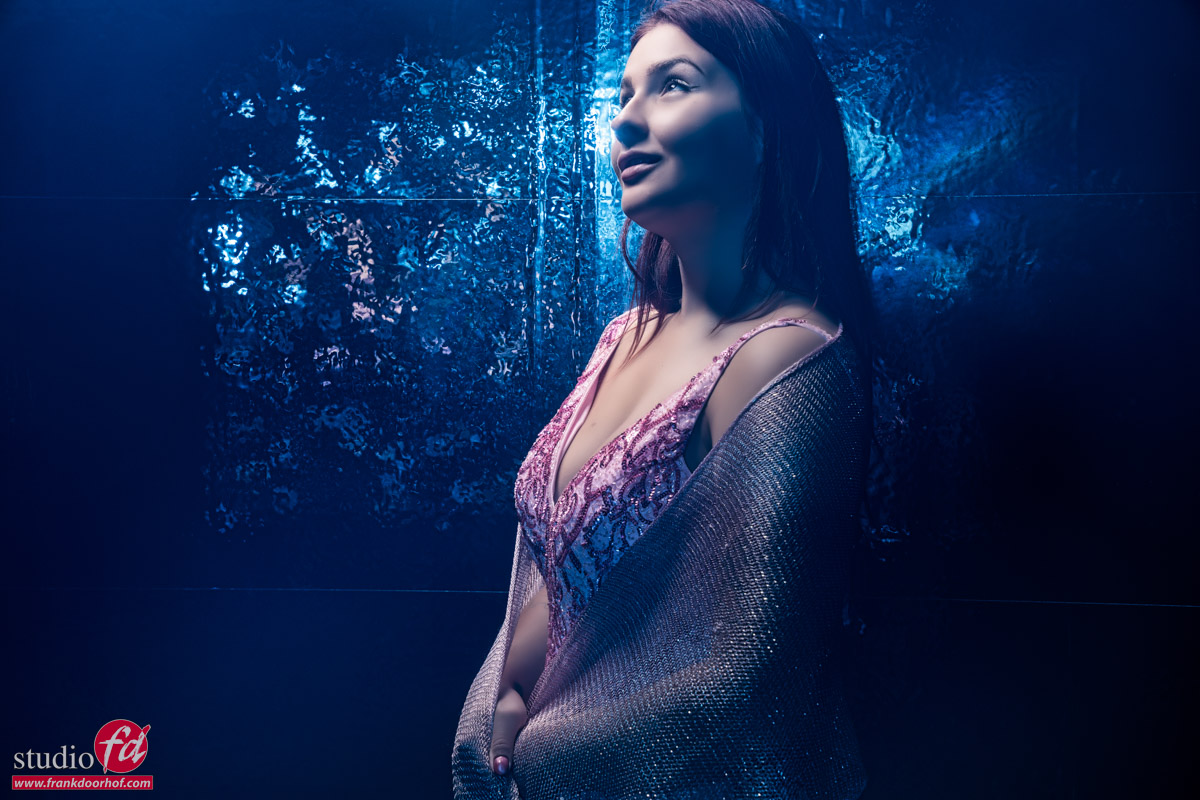
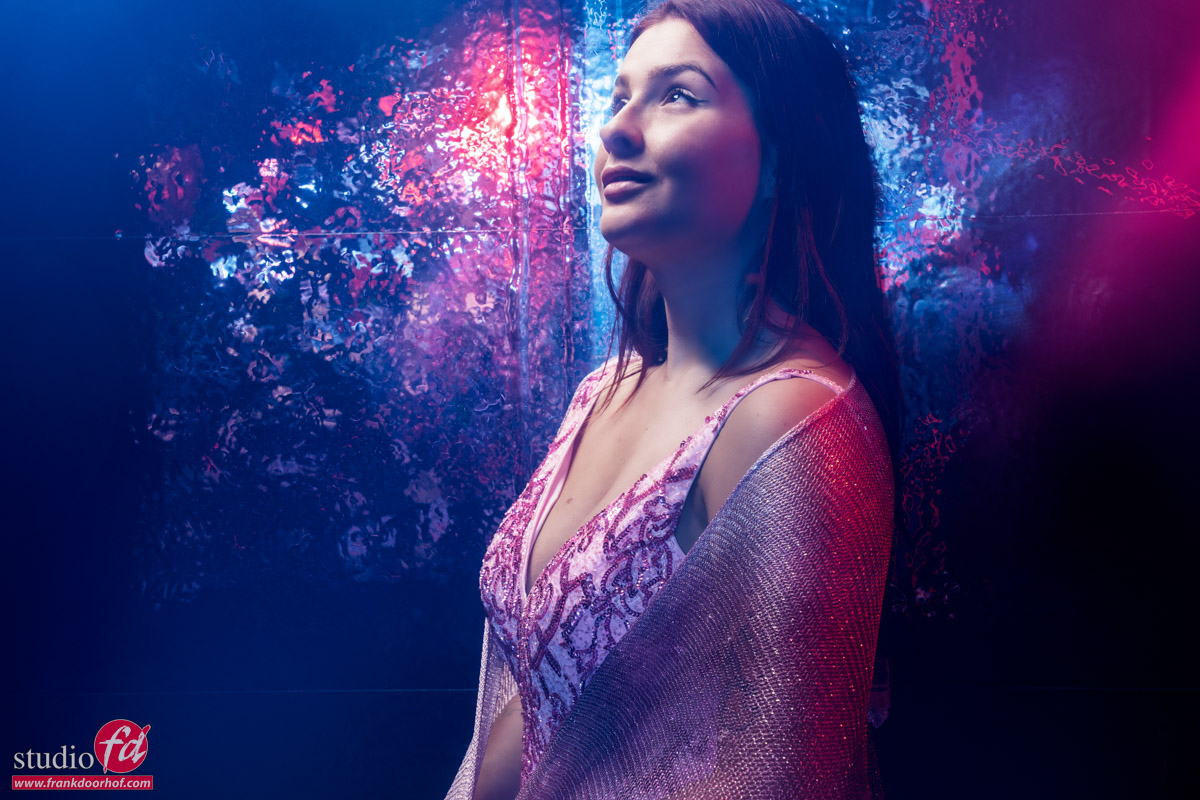
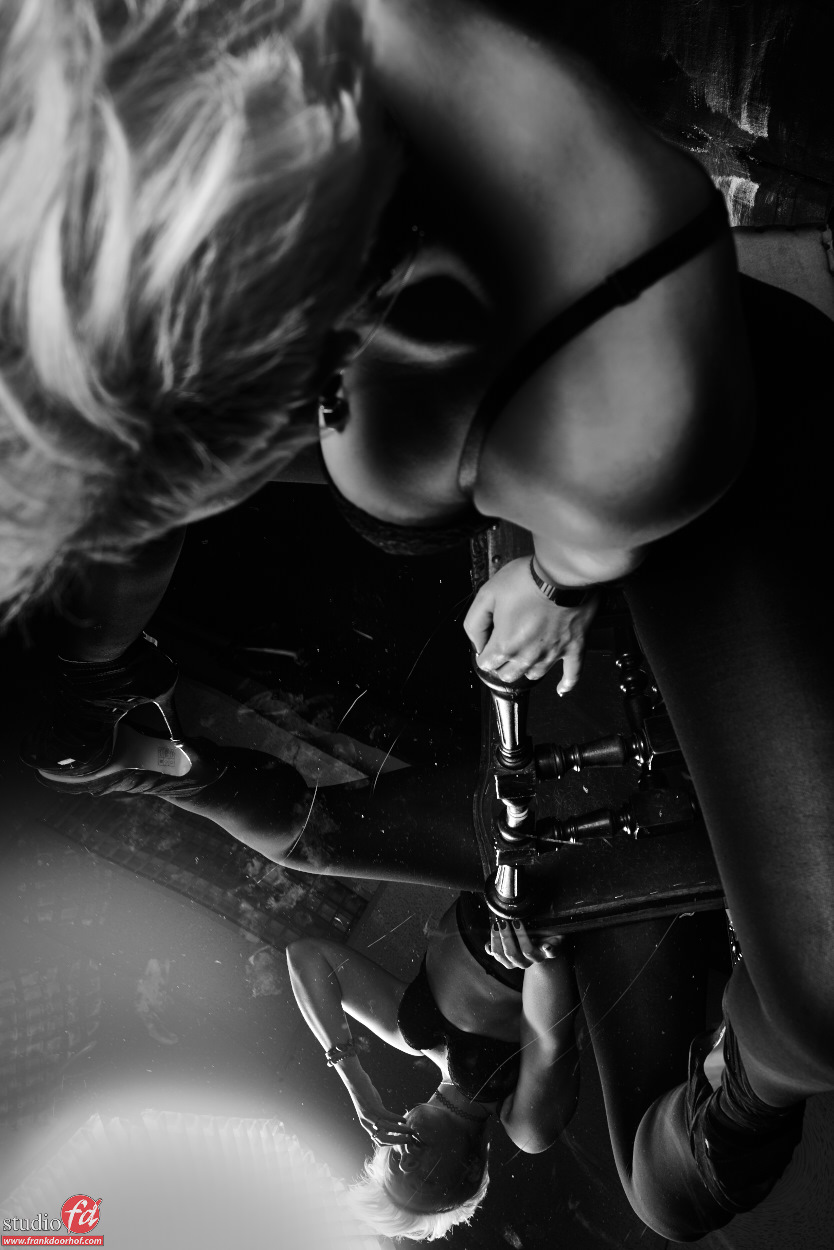
I’ve placed the small mirrors in front of the model.
Two strobes are aimed at the mirrors to reflect the light back on the model who is standing against the mirror wallpaper wall.
This way you don’t only get a very cool shimmer effect, but also a very nice blend of the red and blue gels.
By varying the output you can mix the colors of course.
Another cool thing you can do is shoot with one of the strobes aiming slightly towards the camera, this way you can get a blue or red “haze” in the shot due to lens flare.
It’s not as obvious as the lens flares from the back, but the effect is something I use a lot to spice up a shot.
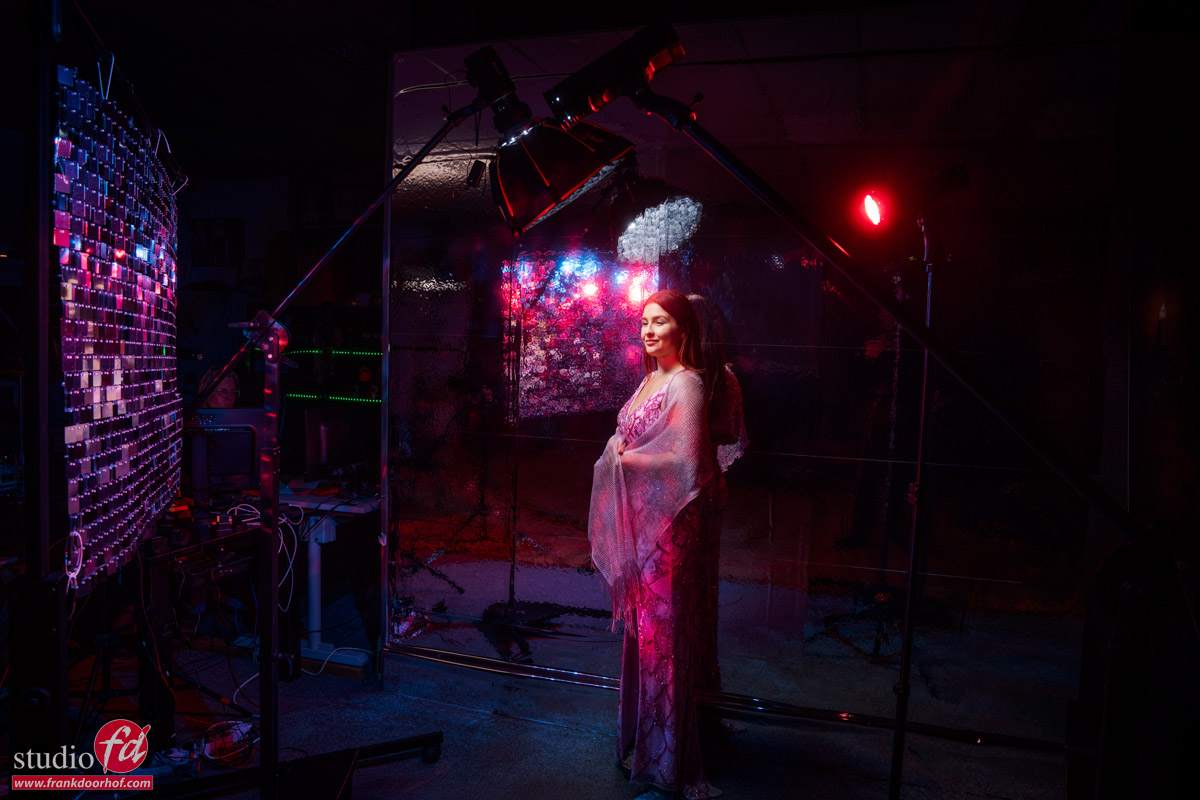
Here you can see the setup.
Two Geekoto strobes with the Rogue magnetic system on the background and our Geekoto Quicky softbox on the model.
Conclusion
I hope you enjoyed todays blogpost.
The images were shot during the live broadcast.
Want to learn everything about light control?
Want to visit a workshop where it’s not just shooting a model with a fixed lighting setup, but see how the setup is built and adjusted to the taste of the group?
And of course learn how to work with poses, backgrounds, small sets, styling, retouching, and a lot more…..
If this all sounds awesome, visit fotografie-workshops.nl and book your workshop.
If you don’t speak Dutch, no problem, let us know a few weeks in advance, and we can switch the workshop to English.
Not possible to travel to the Netherlands?
We got you covered with our 1:1 online workshop.
We have a full streaming setup in our studio. 4 detail cameras and of course the retouching software, so you can see every detail and of course ask questions during the day. Plus, you get all the RAW files after the workshop.