Composition is often overlooked
Composition is one of those things
During the workshops, we get a lot of questions, of course, and some come back all the time.
But there is one topic that actually hardly gets asked about, but is in essence (in my personal opinion) one of the most important things in your photography.
Ask photographers about their favorite gear, and the conversation can easily turn into a discussion about cameras, lenses, filters, and enough accessories to fill a small van. But there’s one tool that doesn’t cost anything and has a bigger impact on your images than most equipment: composition
So what is composition?
Composition is simply the way you arrange elements within your frame. Think of it as being the director of a movie. You decide who gets the spotlight, where the viewer looks first, and what story the image tells. As you know, a movie works because of its storytelling elements, but if it’s not accompanied by the correct music, tinting, and camera work, the story is much weaker.
Think about the whole uproar that led to the term OAR (Original Aspect Ratio or no sale).
This mostly boils down to a DVD/LD release of the Back to the Future movie where, in a train scene, there was a whole person cut off due to the “conversion” from 21:9 to 16:9. Which meant that whole scene didn’t make any sense at all. In other words, choose the wrong composition, and you’re toast 😀
Landscapes, guiding the eye
In landscape photography, composition helps transform a beautiful location into a compelling photograph. After all, standing in front of an amazing mountain range is easy—the mountain does most of the work. Turning that scene into an image that keeps people looking is where composition comes in.
Leading lines, such as roads, rivers, or fences, can guide the viewer through the frame. Foreground elements add depth and help create a sense of scale. The rule of thirds remains popular because it often creates a balanced image without making it feel static.
And remember: not everything interesting has to be placed dead center. If every subject lived in the middle of the frame, photography would look suspiciously like passport photos.
And sometimes it just works fine. It’s all about what leads the eye and the rest of the frame. Don’t get me wrong, I love the rules, but living by them also means you are limiting yourself. Plus, remember that the rules are there because “something” works and we want to be able to recreate that. In my opinion, it’s much better to just train yourself to see the flow.
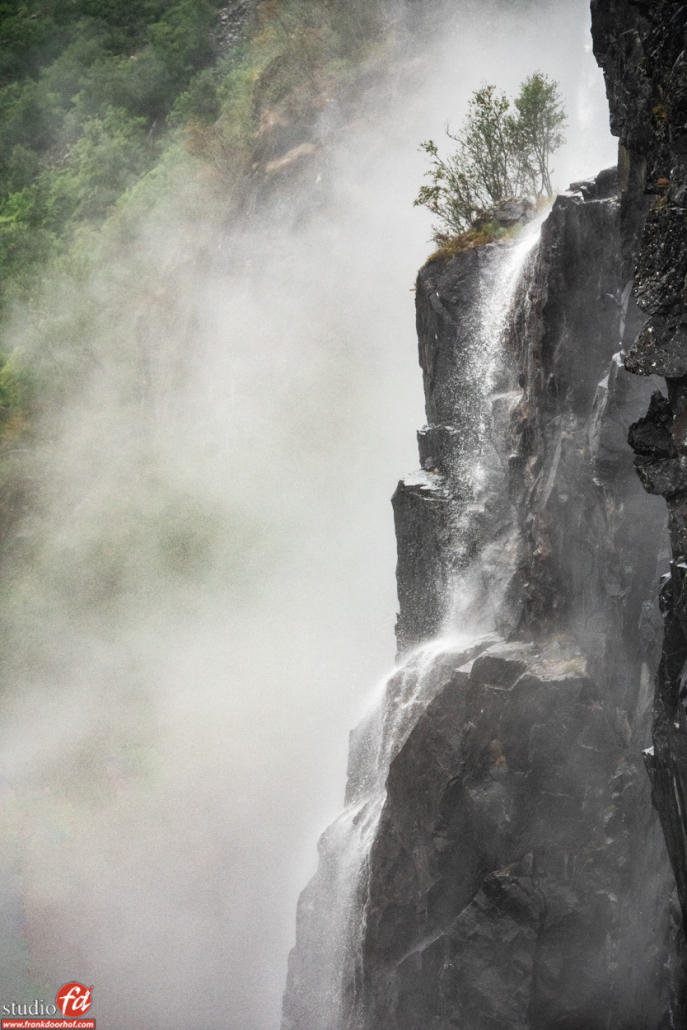
In some cases this means showing a full waterfall, and in some just focus on one element.
But also the lens choice is incredibly important.
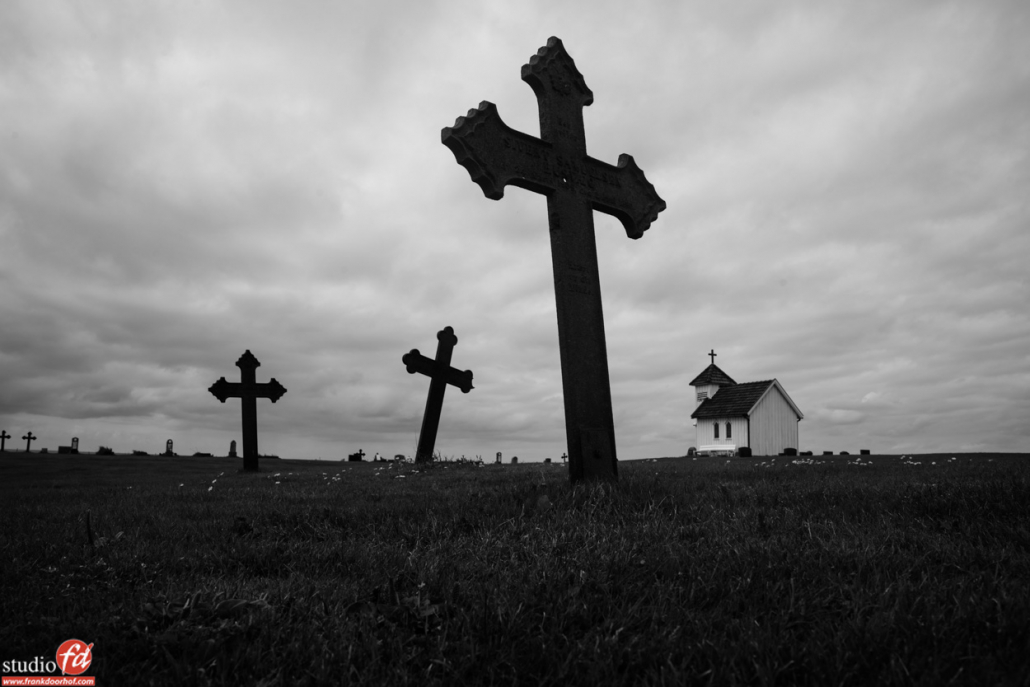
When you look at this shot below, for example.
I’m using a wide angle and am almost at the ground level shooting up.
Due to the wide angle, everything gets distorted, which for me personally gives the image something that is drawing me in.
The front cross is placed slightly off center to the right to leave a bit more space. On the left side the small white church was too large when shot with a standard lens, but with the wide angle it pushed the church to the back and created a much more surreal-looking image. But in essence it’s all composition.
Model photography, directing attention
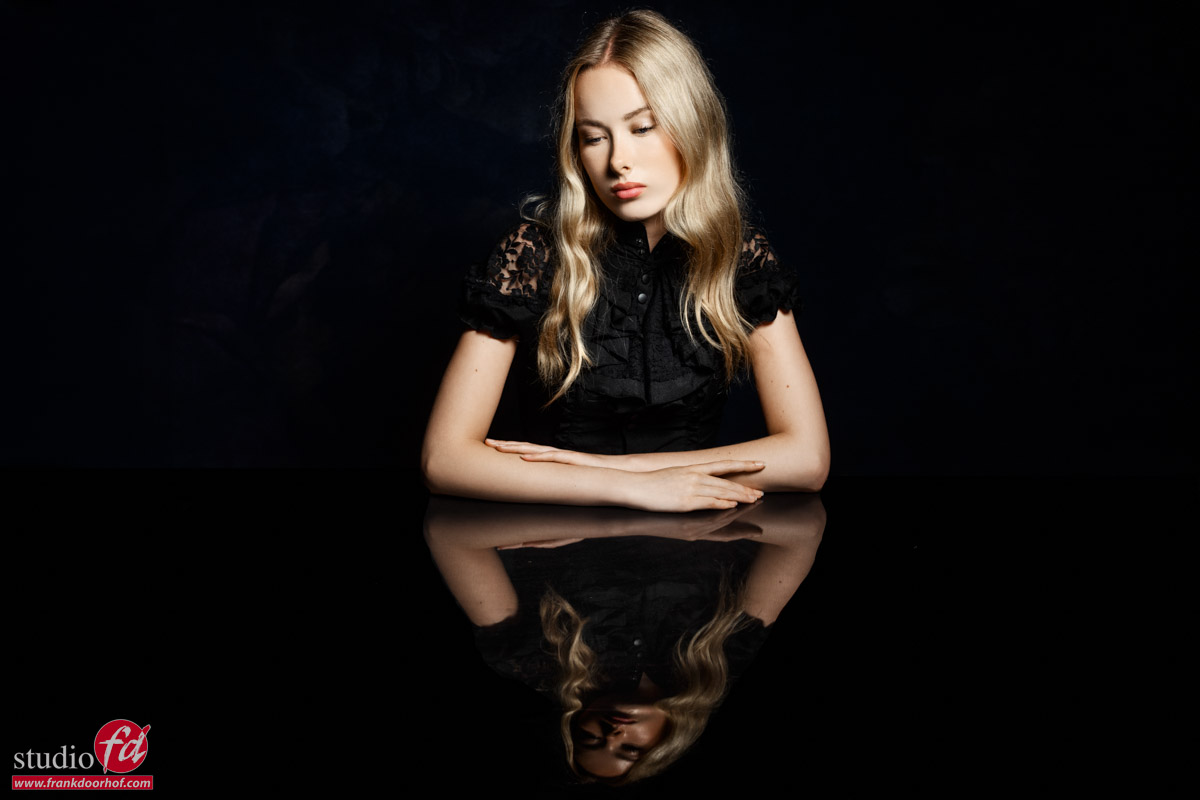
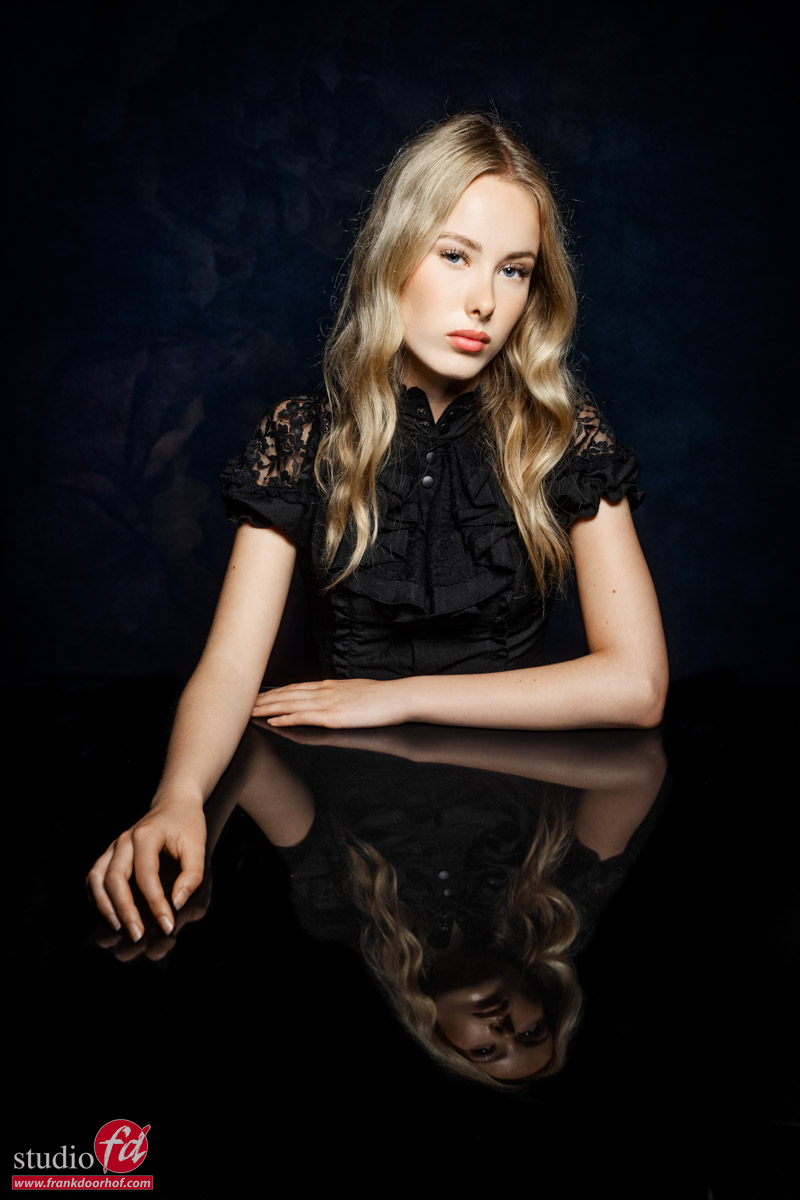
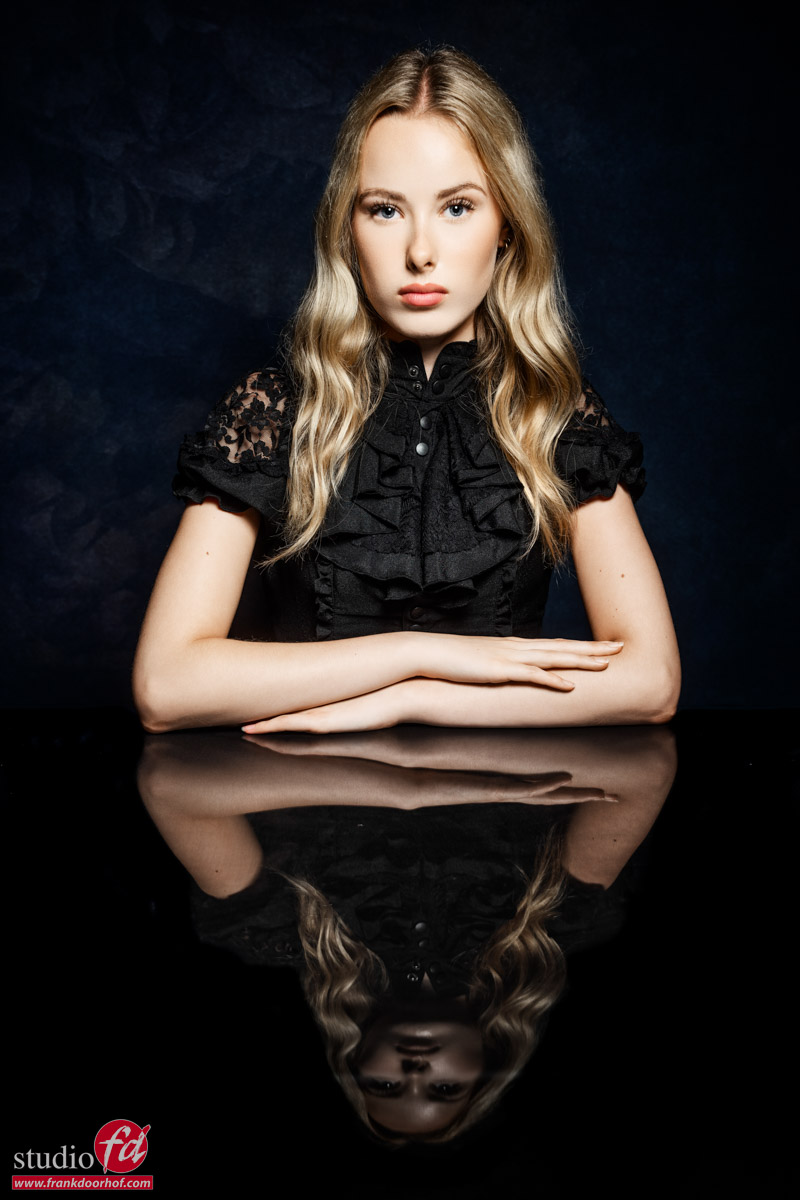
The same principles apply when photographing people. A model may have a great pose, fantastic styling, and perfect lighting, but poor composition can still weaken the image.
The viewer’s eye should immediately know where to go. Usually, that means the face or eyes, and with the eyes. Always remember that we focus on the closest eye; even if that eye is in total darkness, somehow our eyes tell us it’s all right.
Use framing, negative space (which I still think would have been called positive space because it’s so important), and lines within the environment to support the subject rather than compete with them. Especially when building sets, this is one of the most important things to take into account.
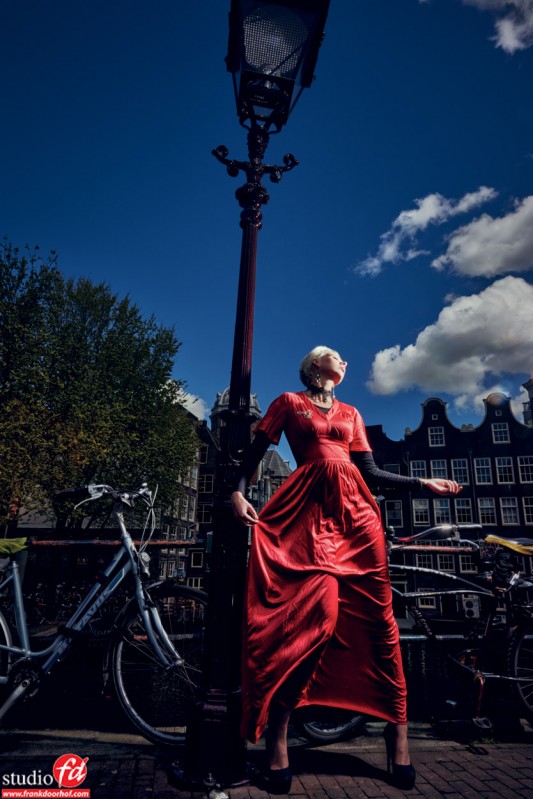
One common mistake is becoming so focused on the model that you forget the background. Suddenly, a tree appears to be growing from someone’s head, or a lamp post becomes an unexpected fashion accessory. Composition is not only about what you include—it’s also about what you exclude. And if you really can’t take something out, it’s often a great solution to just make it part of the scene.
The connection
Landscape and model photography may seem very different, but composition connects them.
In both cases, your job is to guide the viewer’s attention.
A landscape photographer might use a winding path to lead the eye toward a mountain.
A portrait photographer might use the lines of a building to lead the eye toward a model, or use some flash to make the model jump out from the scene; this is a technique that is also often used with landscape photographers who focus on the smaller parts of the landscape, for example, backlighting a mushroom can have awesome effects. In essence, all the techniques are interchangeable; different subjects, same visual language.
But don’t think that if you are great with landscapes you are a master portrait photographer, or vice versa.
Both “talk the same language,” but both need totally different approaches, which I think makes it more fun to learn from other areas of photography and use these techniques in your own work.
However, the strongest images are often the simplest.
Remove distractions, organize the frame, and make sure every element has a purpose.
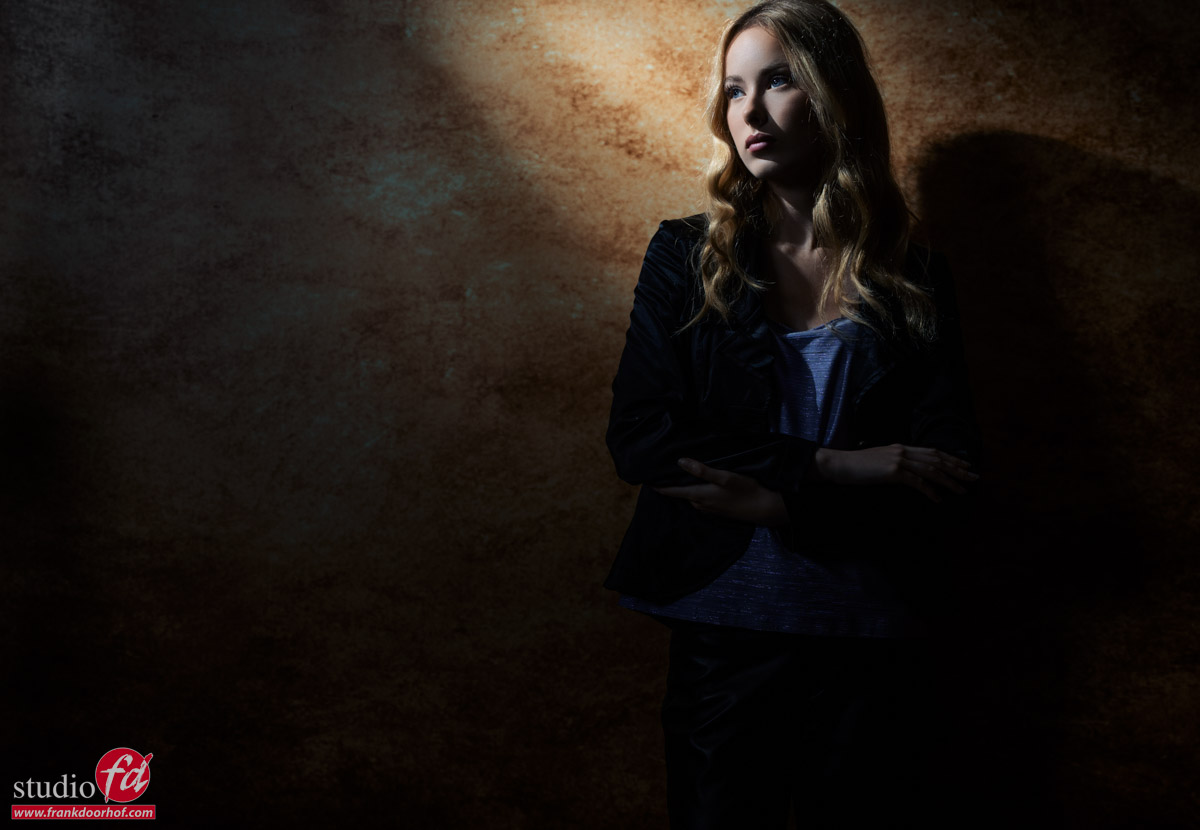
And sometimes just a beam of light from one strobe is enough to draw the viewer exactly to where you want them to go.
Final thoughts about composition
Great composition is less about rules and more about intention. The rules are useful because they teach you how people naturally look at images, but they are not handcuffs. Learn them, practice them, and then use them when they help tell your story.
Whether you are photographing a dramatic coastline or a fashion model, composition is what turns a snapshot into a photograph. Cameras capture the scene. Composition creates the experience.
And unlike that shiny new lens you’ve been looking at, composition is available right now—and it doesn’t require a firmware update.
Tomorrow on the blog, we will show you a tips video from our Digital Classroom series that’s all about composition.
Workshops
Want to learn everything about light control?
Want to visit a workshop where it’s not just shooting a model with a fixed lighting setup, but see how the setup is built and adjusted to the taste of the group?
And of course learn how to work with poses, backgrounds, small sets, styling, retouching, and a lot more…..
If this all sounds awesome, visit fotografie-workshops.nl and book your workshop.
If you don’t speak Dutch, no problem; let us know a few weeks in advance, and we can switch the workshop to English.
Not possible to travel to the Netherlands?
We’ve got you covered with our 1:1 online workshop.
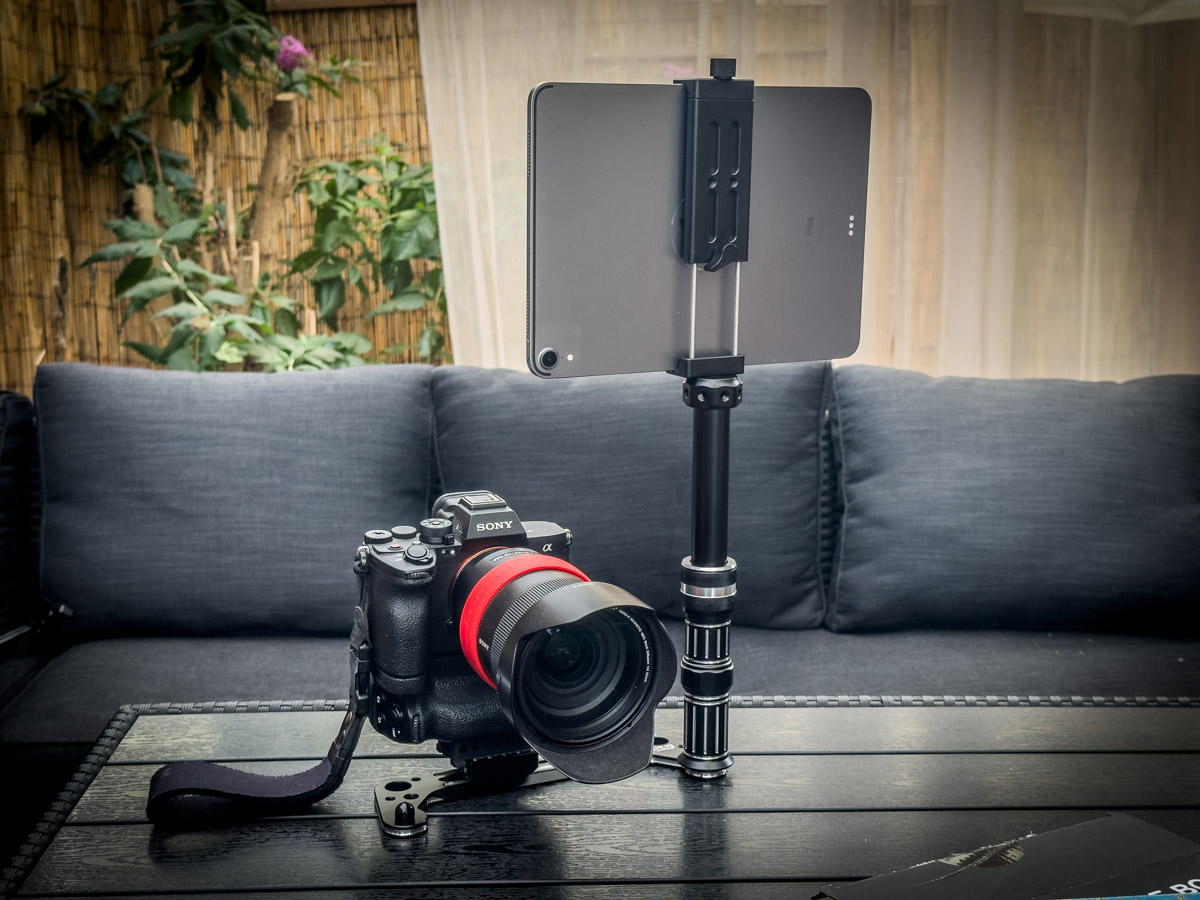
We have a full streaming setup in our studio. 4 detail cameras and of course the retouching software, so you can see every detail and, of course, ask questions during the day. Plus, you get all the RAW files after the workshop.

 But there is more.