Frank Doorhof
  • Blog (articles)
  • Rent our studio space
  • MAIN SHOP
    • MAIN SHOP
      • Orders
      • Account details
      • Downloads
      • Addresses
      • Lost password
      • Cart
      • Checkout
      • Terms webshop
      • Return policy
      • Privacy Policy
      • Privacy Statement in3. Dutch customers only. When you want to pay in 3 parts
  • IQwire Tether Cables
  • Rogue Modifiers
  • Geekoto Flash and Modifiers
  • Platypod
  • Click Backdrops
  • PORTFOLIO
  • Learning with Frank
    • Dutch workshop agenda
    • Workshops
    • A Year With Frank
    • Online 1:1 workshops
    • 1:1 workshops in English
    • Portfolio review by Frank Doorhof
    • Patreon
  • Support our work
  • Merchandise
  • Digital Classroom LIVE
  • Our YouTube channel
  • Biography Frank Doorhof
  • Services
  • Discounts etc
  • I need help
  • Menu Menu
  • Shopping Cart Shopping Cart
    0Shopping Cart
  • Link to Facebook
  • Link to X
  • Link to Youtube
  • Link to WhatsApp

Use channels in Photoshop for awesome control

13-08-2025/in blog, Visions and technique, Webinars and instructional videos/by Frank Doorhof

Today another Adobe Photoshop tip

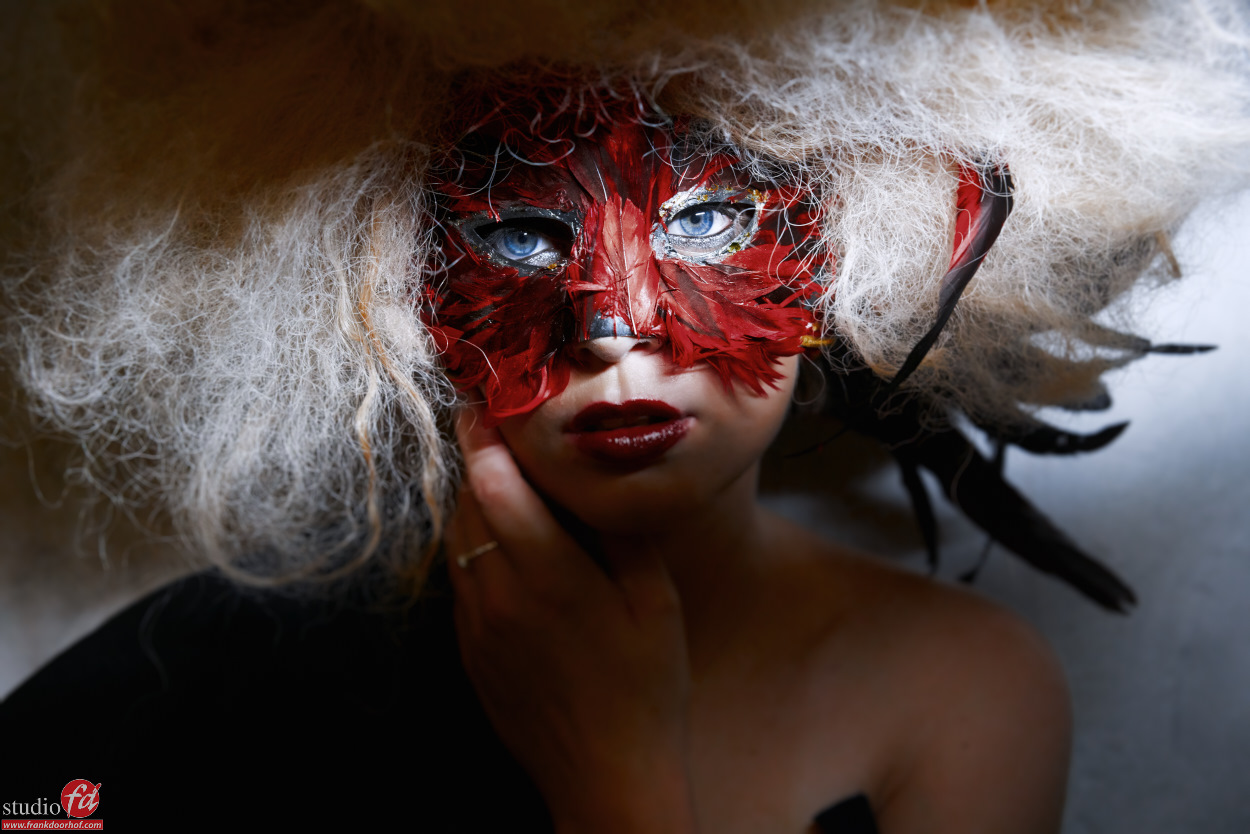
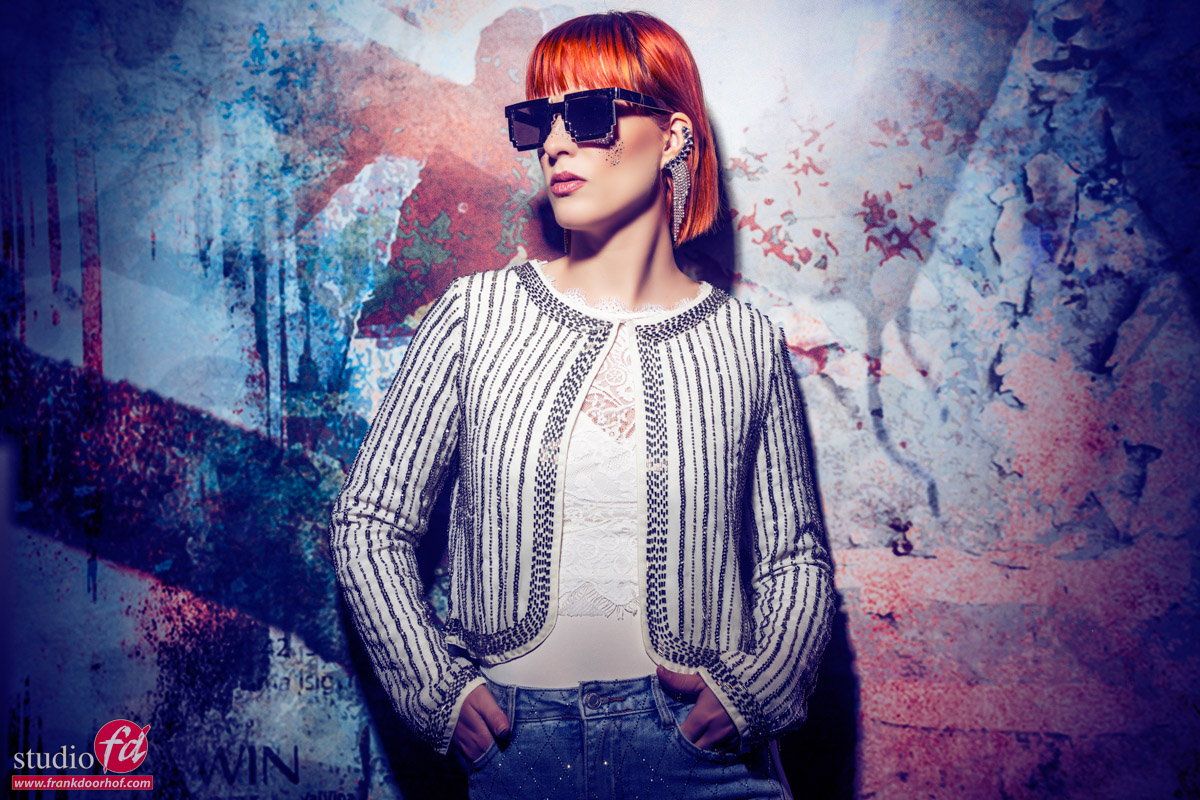
I love to tint my images, in fact tinting is for me a vital part of the final look of the photo.
During the workshops we talk a lot about colors, and how they evoke emotion with people.

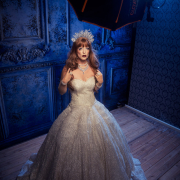
Of course you can do a lot of cool stuff with gels and lighting, but did you know that in Photoshop you can really add some serious “oomph” to your images with a relative simple trick with channels?

Today I show you one of the techniques I use a lot on my images for that extra unique look.
Tags: Adobe, channels, creativity, doorhof, extra mood, how to, inspiration, instructional, lightroom, location, model, modelphotography, photoshoot, Photoshop, retouching, studio, styling, technique, tinting, tip, tips, tricks, Tutorial, video, workshop
Share this entry
  • Share on Facebook
  • Share on X
  • Share on WhatsApp
  • Share on Pinterest
  • Share on LinkedIn
  • Share on Tumblr
  • Share on Vk
  • Share on Reddit
  • Share by Mail
https://frankdoorhof.com/web/wp-content/uploads/2025/07/Claudia-65-March-22-2025-Edit.jpg 800 1200 Frank Doorhof https://frankdoorhof.com/web/wp-content/uploads/2015/03/studioFD_Logo-1FV.png Frank Doorhof2025-08-13 15:40:002025-08-14 18:16:18Use channels in Photoshop for awesome control
You might also like
Become an instant lighting expert (sort of)
A different background for a totally different look
Tip: Directional lighting or character lighting
Fashion session outside with Amarens
Digital classroom episode
Wacom Mobile Studio Pro in depth review Part I

Newsletters

Subscribe to our newsletter for updates, discounts, and much more

English news letter
Dutch news letter

Interesting links

Here are some interesting links for you! Enjoy your stay :)

Snel naar

  • Blog
  • Learning with Frank
  • News etc
  • Reviews
  • Shop products & books
  • Contact

Contact

Studio Frank Doorhof:
Constructieweg 8
8305 AA Emmeloord

The Netherlands
+31-6-14522327

Or Email : info@frankdoorhof.com


© Copyright 2000 - - Frank Doorhof
  • Link to Facebook
  • Link to X
  • Link to Youtube
  • Link to WhatsApp
Link to: A special event and we take you behind the scenes Link to: A special event and we take you behind the scenes A special event and we take you behind the scenes Link to: A new product in our store Platypod Link to: A new product in our store Platypod A new product in our store Platypod
Scroll to top Scroll to top Scroll to top