Tag Archive for: studio

Solve the biggest problem in Photography

One of the biggest problems in photography is probably reflections

We all know this nasty reflections in backgrounds, glasses, cars etc.
Always in locations where you don’t want them.
But in essence they are pretty easy to solve, so we thought it would be a great idea to dedicate a full digital classroom episode to the topic reflections.

A few weeks ago we installed a new reflective wall in our studio, and that’s of course the perfect wall to demonstrate the lighting setups.
In this 2 hour episode of digital classroom I show you how things can go wrong, how to see the reflections and how to prevent them, but also how to become very creative with reflections.

I hope you enjoy this episode.
We really appreciate a like, subscribe but most of all share our channel to your friends and fellow photographers so we can record more content.

Movement in a different way Part II

Today part II in our creative movement blogpost

Read part I here.

In the first part I used one strobe to freeze the model and than moved her face out of the frame to fill up the dark set with a large Nanlite Pavotube.
Today we are going one step further.

What if….

I’m not using one strobe but two?
There are a few ways you can do this.

First you could program an interval in your strobes.
Most strobes support multi sync where you can program the strobes to fire several times during the exposure, great for showing the trajectory of a racket or golfclub, or be more creative.
Today we are doing it differently.
Using second and first curtain sync is an option but only if you can SPLIT them between the strobes.

First curtain sync means the strobes fire immediately when the sensor opens.
Second curtain sync means the strobes fire at the end of the exposure.
You can see the effect when shooting a car in the dark. On the first curtain the car will seem to drive backwards, while on second curtain sync the car moves forward.
This setting is global when set in camera, some strobes can be programmed manually.

What if you have really dumb strobes?
In workshops I always try to use the advanced features as little as possible, I think the power of my workshops is that even with the cheapest strobes and modifiers you can create effects that come close to what we do during the workshops. So also for this set we are doing it in the most simple way, which actually gives you much more creativity, but later more on that.

Triggers

When I shoot myself I’m using the Geekoto commander.
The commander makes it possible to control the strobes from my camera in 4 different groups.
The commanders are however limited to the brand of your camera, and not all brands are supported of course.
That’s why during the workshops I’m using a Phottix radio trigger system, this way everyone can use the strobes.

The idea of this setup is to first fire the first strobe, and at the end of the exposure a second strobe.
To achieve this I use a shutterspeed of 2 seconds, I’m doing the same as in the first blogpost.
Make sure you use small light sources, in this case I’m using one Geekoto Quicky on the left side and one Geekoto S26 on the opposite side, both are aimed only at the face of the model, so they are using the grid and are place very close to the model to prevent too much light spill. Modeling lights are of course off.

One one strobe I’m using the receiver on channel 1 (don’t confuse this with groups).
On the other strobe I’m using the receiver on channel 2.
On my camera the transmitter that is sending channel 1 is active, and one of the students is holding a second trigger that is programmed on channel 2.
Now it’s just a matter of firing that second strobes somewhere at the end of the exposure. Or even two/three times.
Automatic is always easier of course, but this way you have much more creative options, although you do need an extra trigger of course.

The results are even more difficult than we did in the previous blogpost.
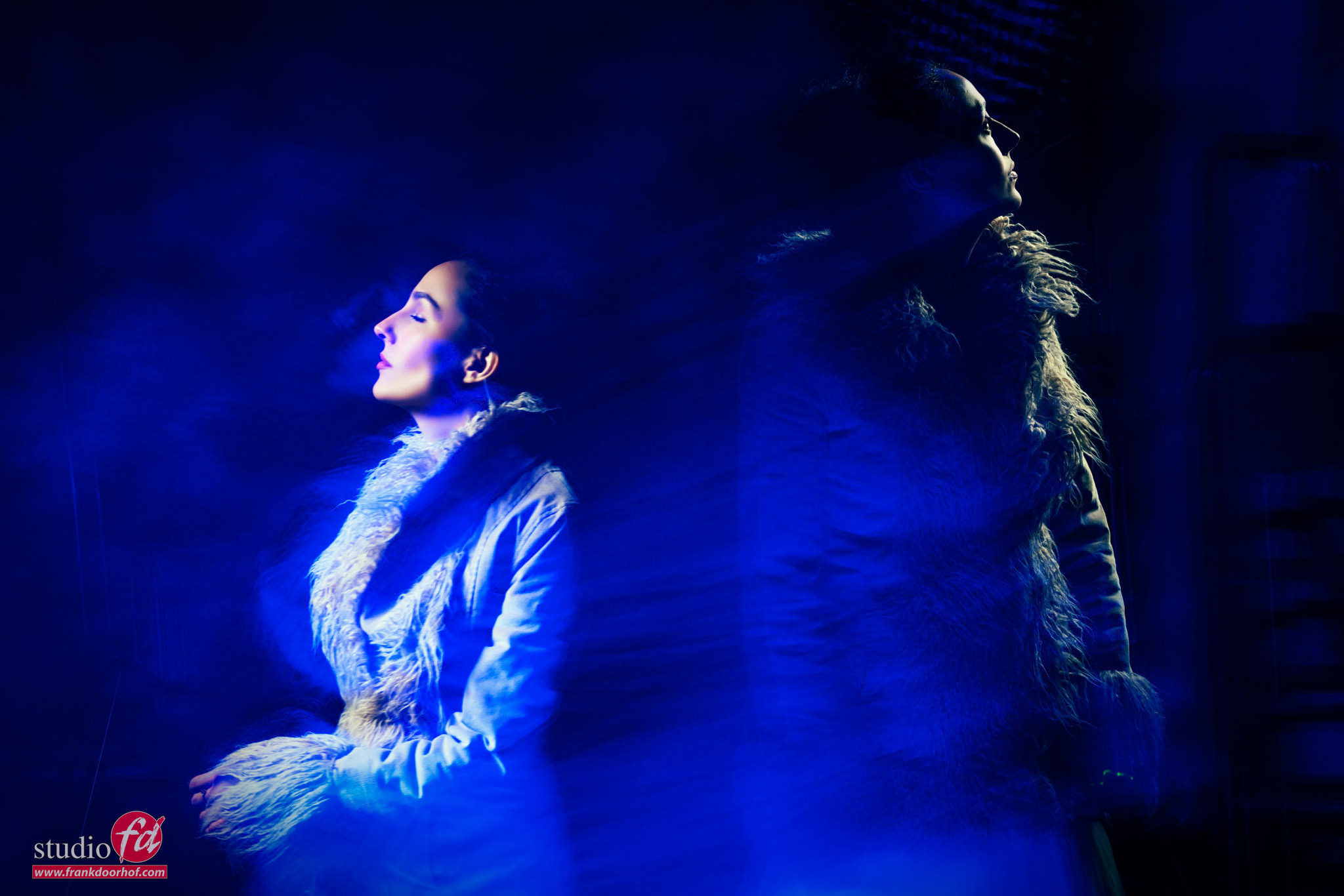
I’m using zoom and tilt a lot for this setup, so getting great results is pure luck, but that’s the most part of the fun.

So let’s take a look at two of the results I got during the workshop.
Do remind I’m only shooting a few shots.

Conclusion

Freezing motion is always fun.
But adding continuous lighting and an extra strobe can really push your creativity.
This is a HIGHY addictive lighting setup so don’t blame me if you get stuck in your studio for days trying to get perfect shots. I’m still hunting for that one 😀

Workshops about (mixing) lights

Want to learn everything about light control?
Want to visit a workshop where it’s not just shooting a model with a fixed lighting setup, but see how the setup is built and adjusted to the taste of the group?
And of course learn how to work with poses, backgrounds, small sets, styling, retouching, and a lot more…..

If this all sounds awesome, visit fotografie-workshops.nl and book your workshop.
If you don’t speak Dutch, no problem, let us know a few weeks in advance, and we can switch the workshop to English.
Not possible to travel to the Netherlands?
We got you covered with our 1:1 online workshop.
We have a full streaming setup in our studio. 4 detail cameras and of course the retouching software, so you can see every detail and of course ask questions during the day. Plus, you get all the RAW files after the workshop.

Movement in a different way

Freezing motion is awesome

But it doesn’t stop (pun intended) with just freezing a jumping model of course.
Let’s first take a look at what actually happens when we freeze motion in the studio.

First of all we have to work with something called the X-sync.
When we look back at the old ages it’s easier to understand how X-sync works.
When we take a photo the mirror flips up (not anymore on most cameras), the first shutter curtain opens and is followed by the second shuttercurtain.
With continuous lighting this is no problem, we can shoot as fast as we want and the sensor is nicely and evenly lit.
However when we compare continuous lighting with flash there is a huge difference.

Continuous lighting, is like the name suggest, light that build up over time. The longer you leave the shutter open, the more light will accumulate and the brighter the picture will become.
If we talk about flash something else happens.

Let’s say that for f11 we need 2 seconds of shutter time with continuous light.
When we switch to strobe the f11 is reached within a fraction of a second, it’s one huge pulse of light and that’s it.
But this is where we have a problem.
Not all strobes are the same.

Some strobes will need a longer time to reach this f11 than other strobes.
And to make it even more complicated it also varies per light output. In other words a strobe on the lowest setting wil in most cases be “faster” than on full power.

A quick tip:
To test the speed of your strobes, take a normal fan and shoot it on different settings on your strobe.
In Lightroom check which of the images is the sharpest and you know on which setting the strobe is fastest.
Or get a high end lightmeter like the Sekonic 858 that can also meter the flash duration. And even shows you the cut off and raise of the strobe.

For a proper “frozen” jump I always try to keep the flash duration above 1/2000 of a second.
For the Geekoto strobes I use this means shooting at app 70% of the lightoutput or lower for the best usable stopping power.

But I promised there was more

You probably heard about light painting?
With light painting we have a pitch dark area and a subject that is lit with continuous lighting but not in a normal way, we literally paint the light in.
Compare it a but with dodge and burning in the darkroom/photoshop.
it’s a great technique.

and of course it’s possible to combine the two in one shot.
What about first freezing the model with a strobe and than leaving the shutter open for another light source?

That’s exactly what we did here.
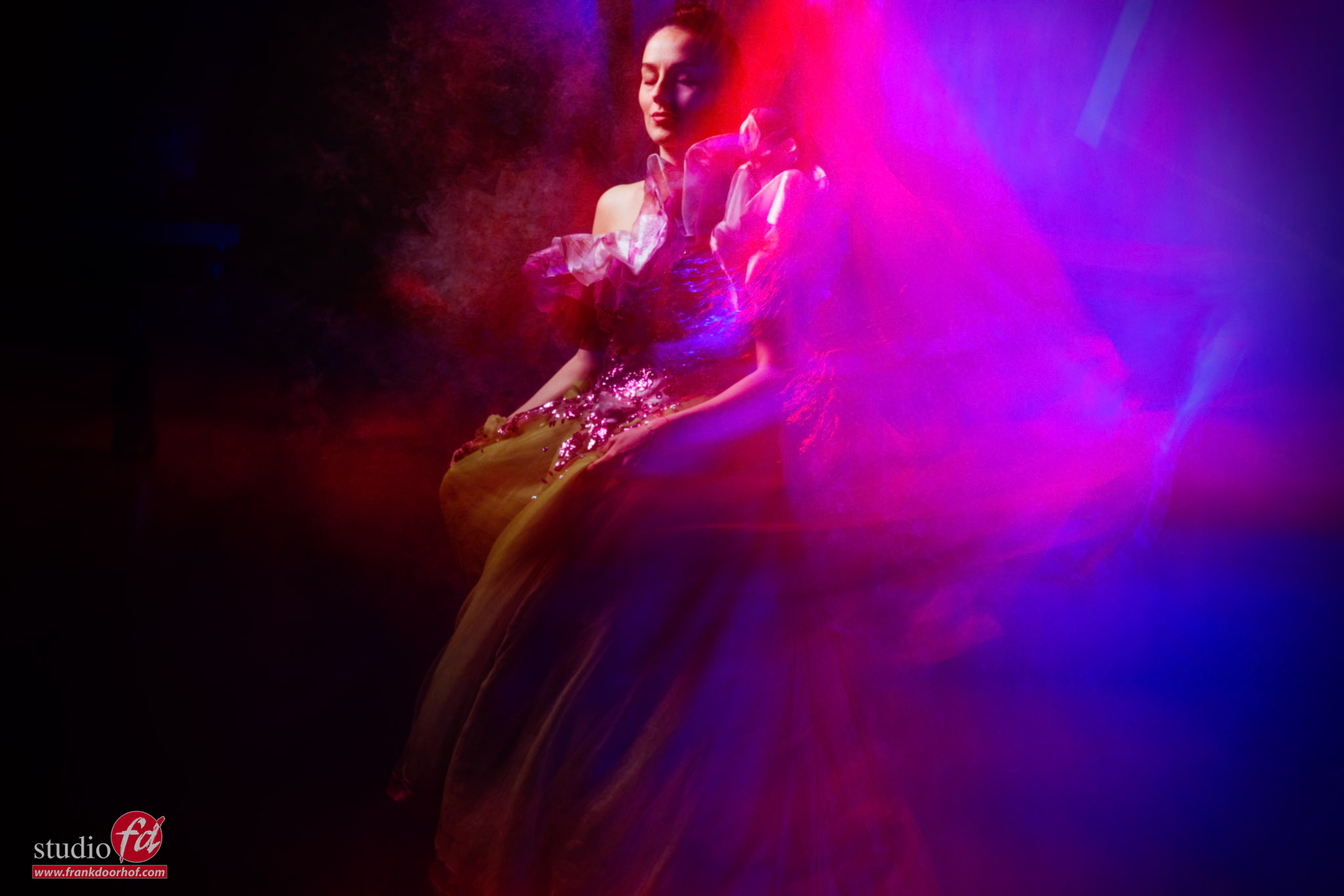
I’m using one strobe (without the modeling light of course) on the model from the side.
I use a small softbox here like the Geekoto Quicky or S26 with a grid, to make sure I only light the area I want to be “strobed”
After that the rest of the scene is filled in with a led tube in this case.

I’m using a Nanlite Pavo tube in “cop mode” where it alternates between red and blue.

We do have a few problems.
When you would just keep the camera on a tripod, fire the strobe and start adding the led tube you will quickly find out also the face is “infected” with the light of the led.
This is of course not something we always want.

So to make sure you have total control and can do some really funky/creative stuff it’s best to make sure you hand hold the camera.
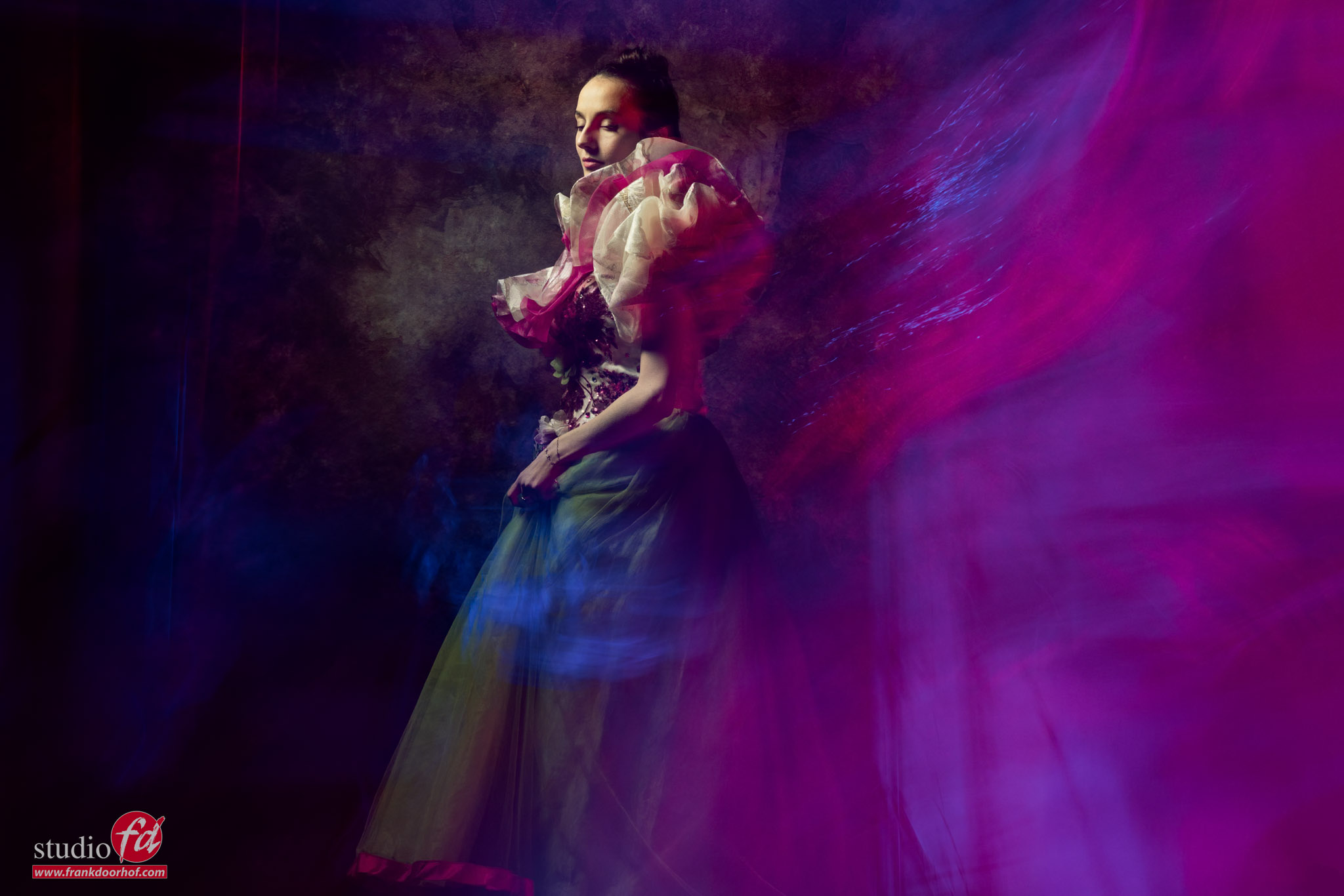
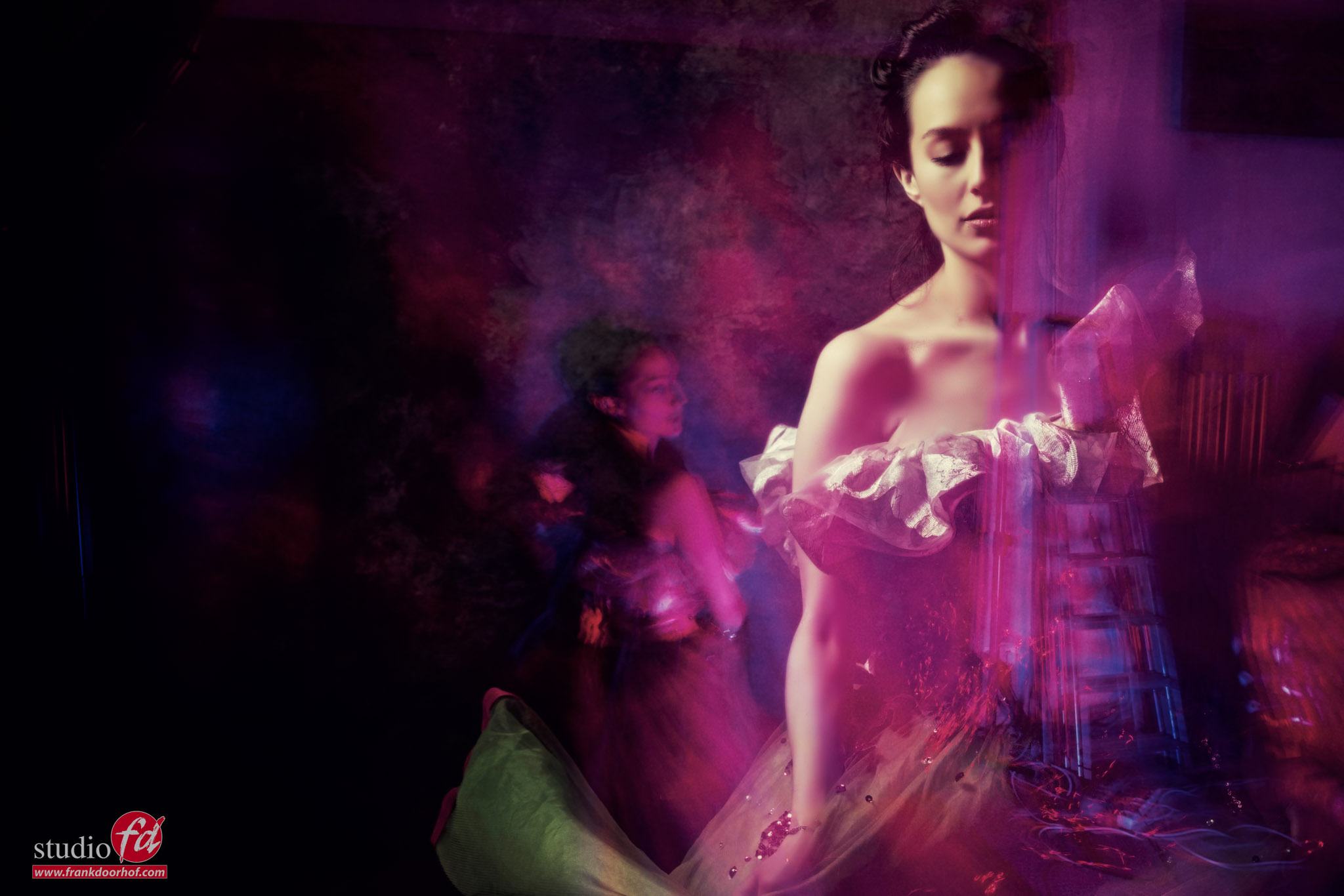
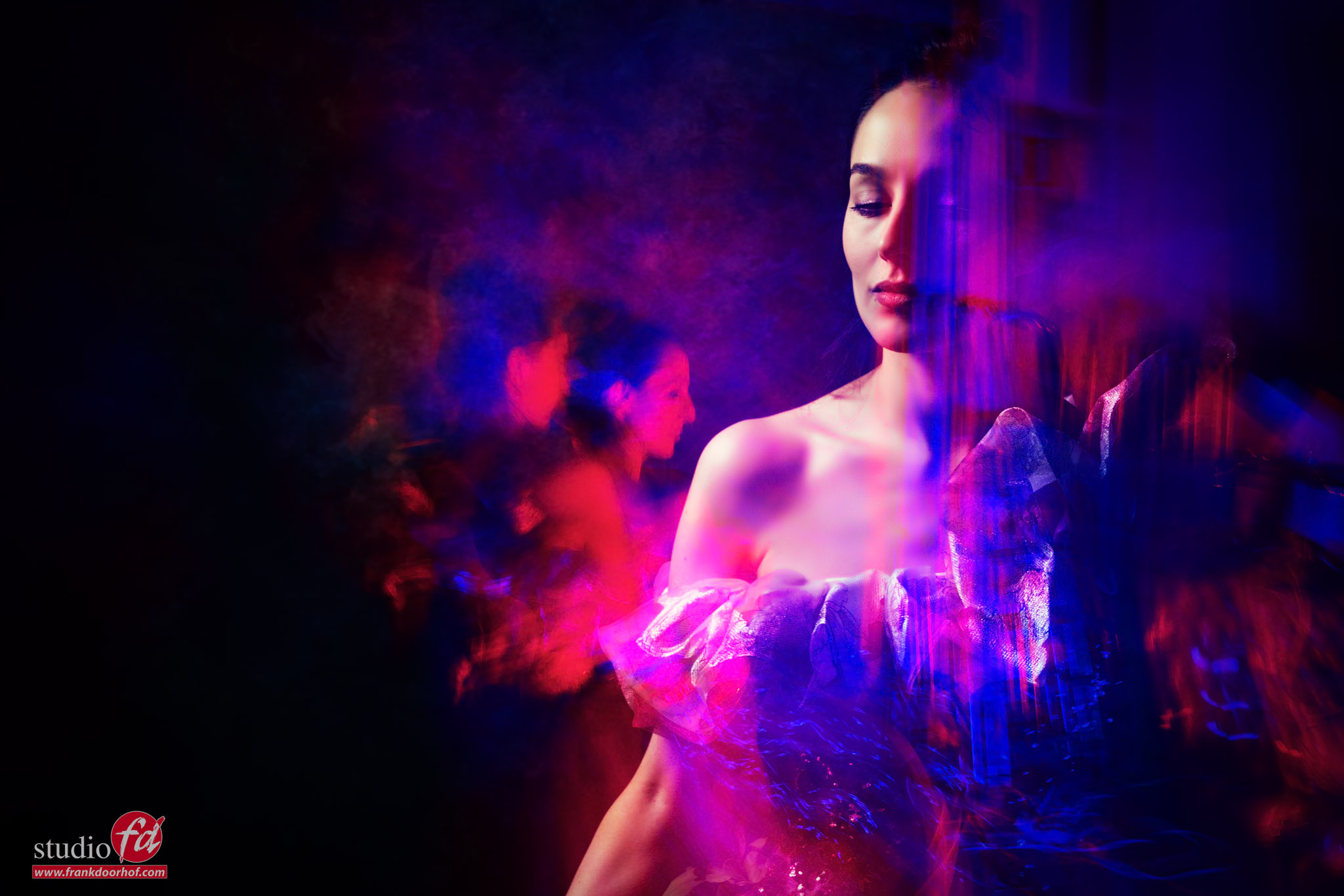
Now make sure your composition is as you want before the strobe fires, as soon as the strobe fires, LOWER your camera to the point that the face of the model is outside of the frame, this way it can’t be lit by the leds anymore so now you have free range with the led. To make it even more interesting while the led tube is moving you can tilt your camera, zoom in or zoom out, what ever you like.

The funny/bad thing is, that whatever you do it’s impossible to recreate exactly the same effect.
That’s makes this incredibly fun to do, but also sometimes frustrating because no matter how well you master your craft, this is always a gamble.

During the workshops I only take a few shots, but I’m sure when you spend longer you will get much better results.
For a workshop I’m really happy with these results with our model Malin.
In the next blog post I’m talking about using a second strobe.
Workshops about (mixing) lights

Want to learn everything about light control?
Want to visit a workshop where it’s not just shooting a model with a fixed lighting setup, but see how the setup is built and adjusted to the taste of the group?
And of course learn how to work with poses, backgrounds, small sets, styling, retouching, and a lot more…..

If this all sounds awesome, visit fotografie-workshops.nl and book your workshop.
If you don’t speak Dutch, no problem, let us know a few weeks in advance, and we can switch the workshop to English.
Not possible to travel to the Netherlands?
We got you covered with our 1:1 online workshop.
We have a full streaming setup in our studio. 4 detail cameras and of course the retouching software, so you can see every detail and of course ask questions during the day. Plus, you get all the RAW files after the workshop.

No more wrinkles in your backdrops

One of the biggest frustrations can be easily solved

As a photographer, I love backdrops.
Of course, there is nothing wrong with seamless paper, but from an early stage, I began painting walls and using wallpaper to create more realistic or interesting backgrounds. But when you change your backdrops a lot, you need backdrop clamps. I tell you why.

backdrop clips

Click Backdrops

A few years ago, we were introduced to Click Backdrops (a brand we now also sell), and I was immediately impressed by the quality of their backdrops. Proper shadows, high-contrast vinyl (without hot spotting), and the very nice pro fabric, which photographs as well as the famous canvas backdrops, without the known issues of wrinkles and damage over time.

Backdrops on location

But you also want to be able to shoot on location without sacrificing what you are used to in the studio.
We have several compact portable systems, and with a large car, there is no reason you cannot bring the ProFabric or vinyl backdrops.
However, for most people it would be ideal to have a backdrop you can fold up very small, and still has a nice print and size like you’re used to in the studio. In fact, we even deliver our new ProFold in backgrounds with a floor attached, and it still fits in a small bag.

The ProFold material is slightly elastic, and even when you don’t use anything, it already hangs very straight. But of course, we want it perfect, right?
And that can be done really easily and cheaply.

First, the ProFold material can be mounted in several ways.
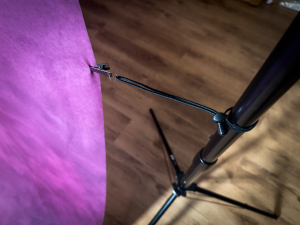
You can use the loop on a background system, or use clamps or magnets from our vinyl backdrops.
Because the material is elastic, you can easily create a super-tight backdrop with a few background clamps.
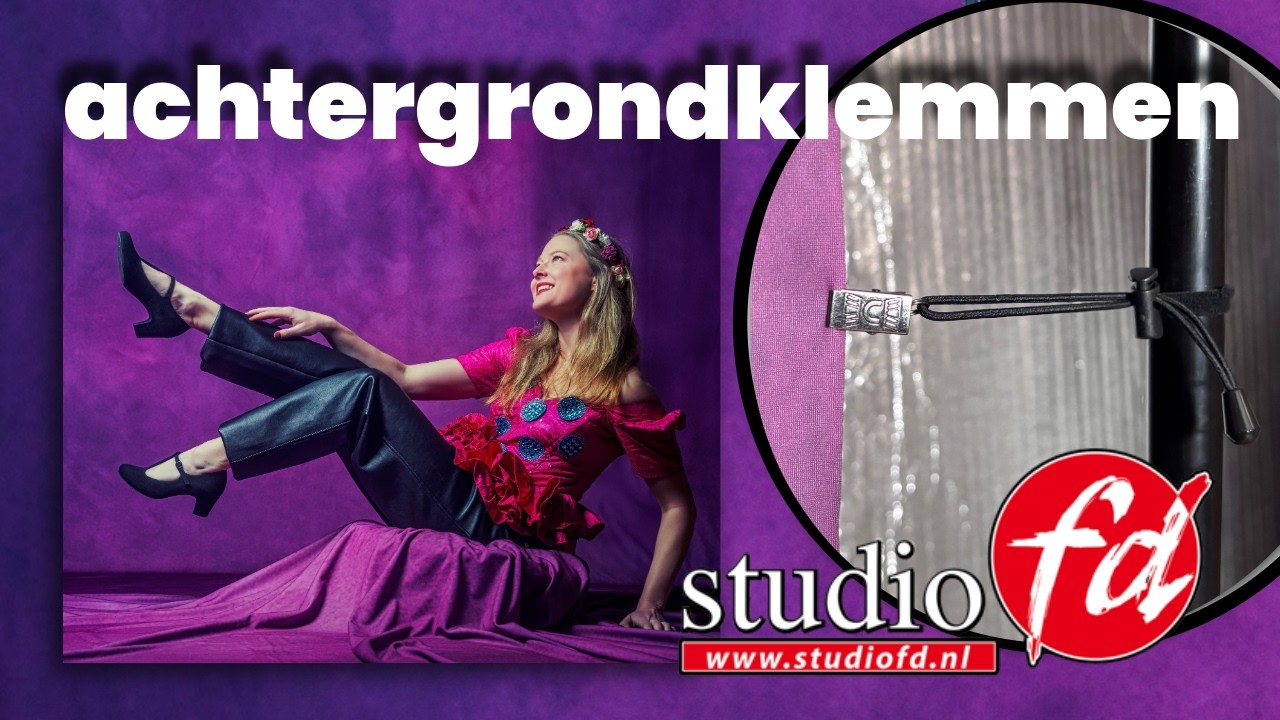
Because video always works better, we’ve filmed a small video showing how they work.

Get them here: https://frankdoorhof.com/web/product/backgroundclips/
💰 Only €19.95 for a set of 12.

And one in Dutch

YouTube player


How to built 3-Dimensionality in your sets 

Clicki is also a very portable backdrop (and does fit in our car exactly)