Tag Archive for: backlighting

That Hollywood effect

It’s weird but it does work

When we watch movies there is one thing that always draws my attention.
The flashlights.
Let me explain.

When I walk in a dark room and use my flashlight I can see the whole room light up, and… well that’s about it.
Well unless there is a LOT of dust in a room, but in those case I’ll be gone very fast.

So why is it that in almost every movie when someone enters a room there is distinct beam of light from the flashlight?
Well…. because it looks cool and draws you more into the movie.

So how do they do it?

You probably will know, but just in case.
You can get these effects by using a very nice focused flashlight and make sure the room is filled with haze, a very light smoke that is hardly visible.
In the previous posts we already talked about backlighting smoke, and that’s exactly what happens, and because the beam of light is very focused you can see the beams of light.

So how can we create something like this in our studio?

There are several solutions to create patterns in the smoke.
Of course you can chose to use a flashlight and no strobes. With modern cameras and great high iso performance this will be no problem.
When using strobes you can use for example a snoot, or a reflector with a very narrow grid and place the strobe far away from something that will project your pattern in the smoke. You can use branches, a ladder etc. As long as the strobe is far away it will create nice effects.

However if you want to do it easily and much better…
Use a gobo projector

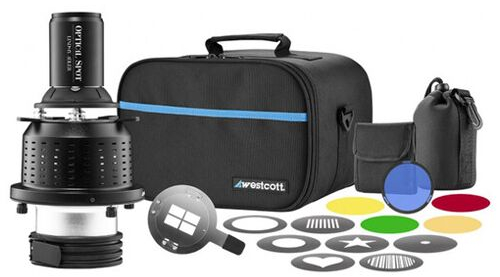
Probably one of my favorite toys in the studio is the Westcott Lindsay Adler optical spot.
This is a device you place in front of your strobe and you can use the blades to create a light pattern but you can also place metal discs with patterns that can be projected in the smoke.
The unique feature of a gobo projector is that on the front you will find a lens that will literally focus the pattern from the gobo. This means you can place the projector close to your subject and have 100% control over the sharpness of the patterns.

So let’s take a look at how this looks.
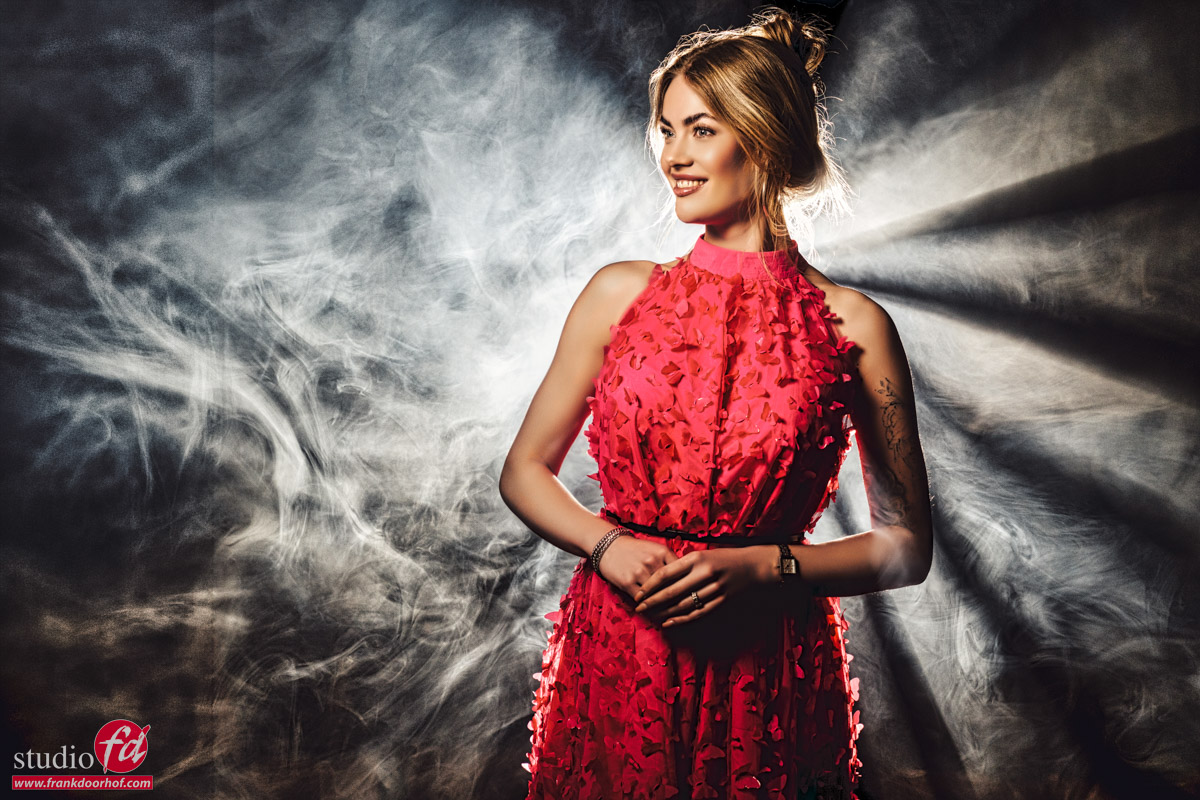
Ok that might be nice, but how about adding two extra strobes?
By adding some colors you can spice up a shot, especially with smoke.
I’m using two Geekoto GT200s with the Rogue Magnetic system gels.
When you add too much smoke the pattern will disappear, during the workshop I often have less time to let the smoke disappear, so as you can see in the following results the smoke was a bit too thick for an optimal effect.
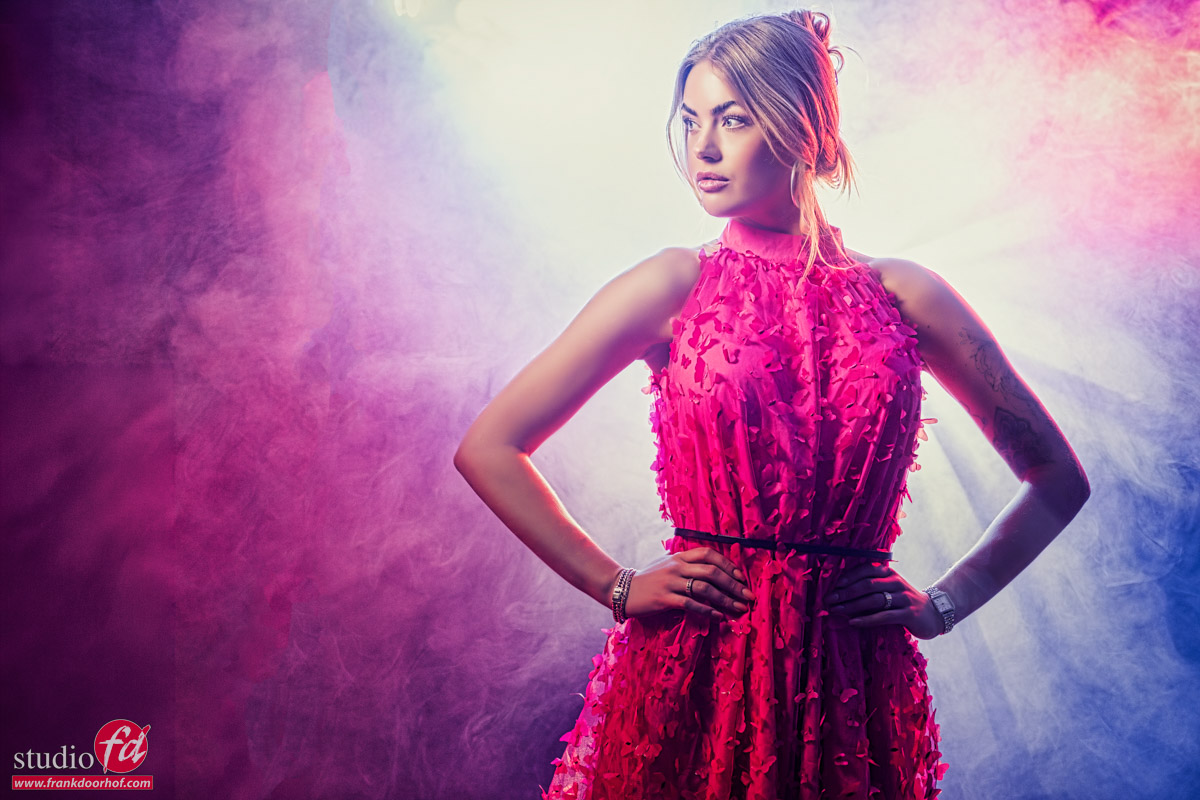
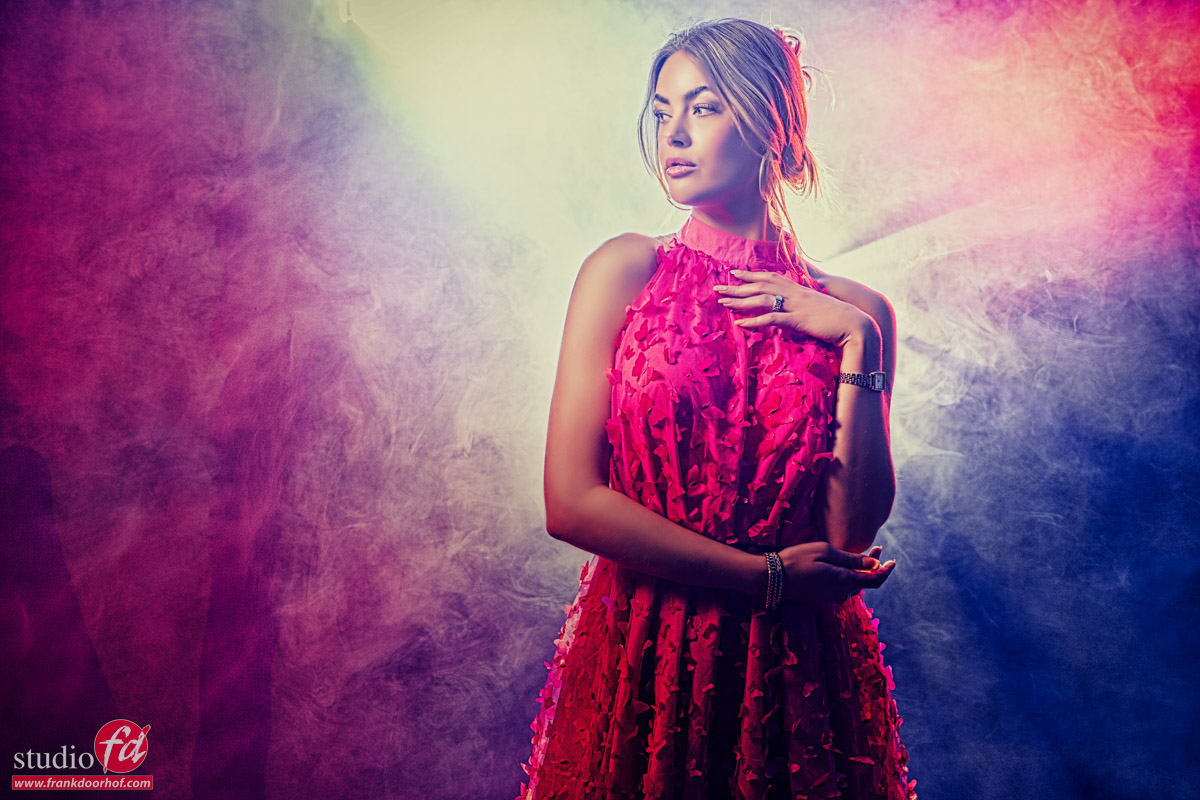
As you can see, adding the colors totally transforms the scene into something completely different.
Personally I like them both, but my preference are the ones with color.
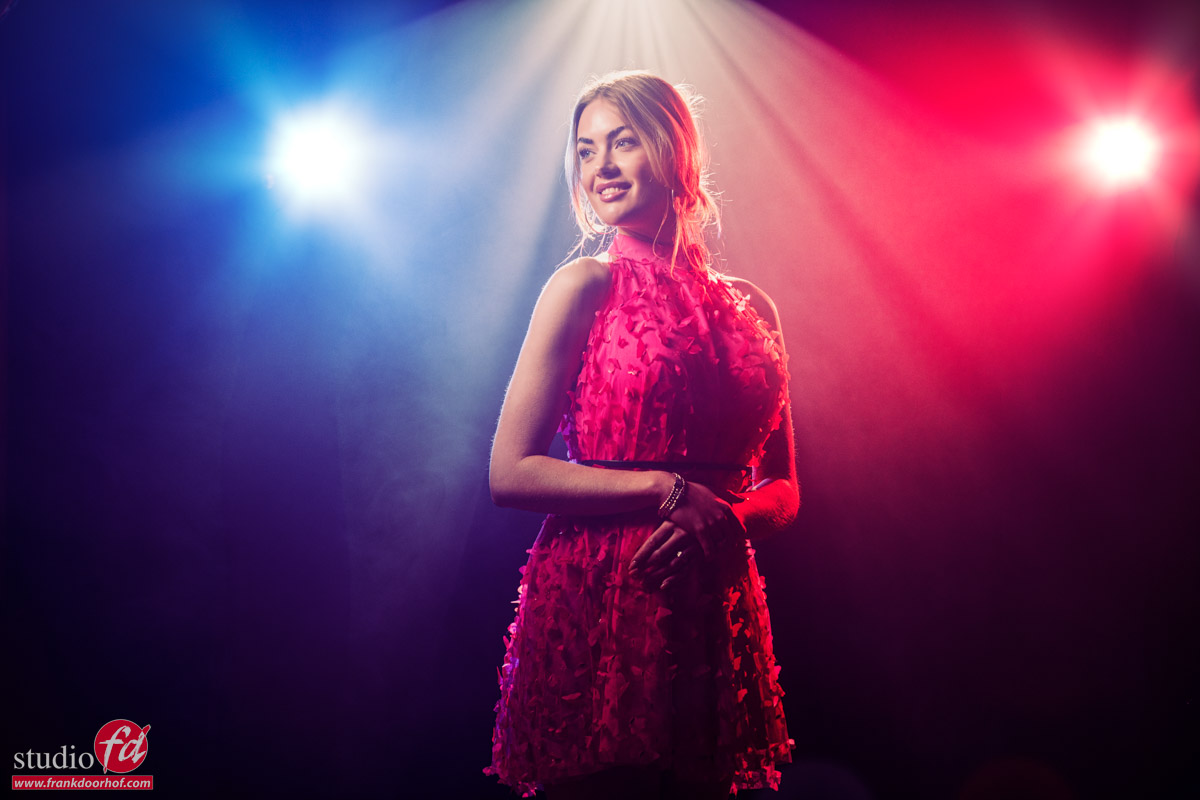
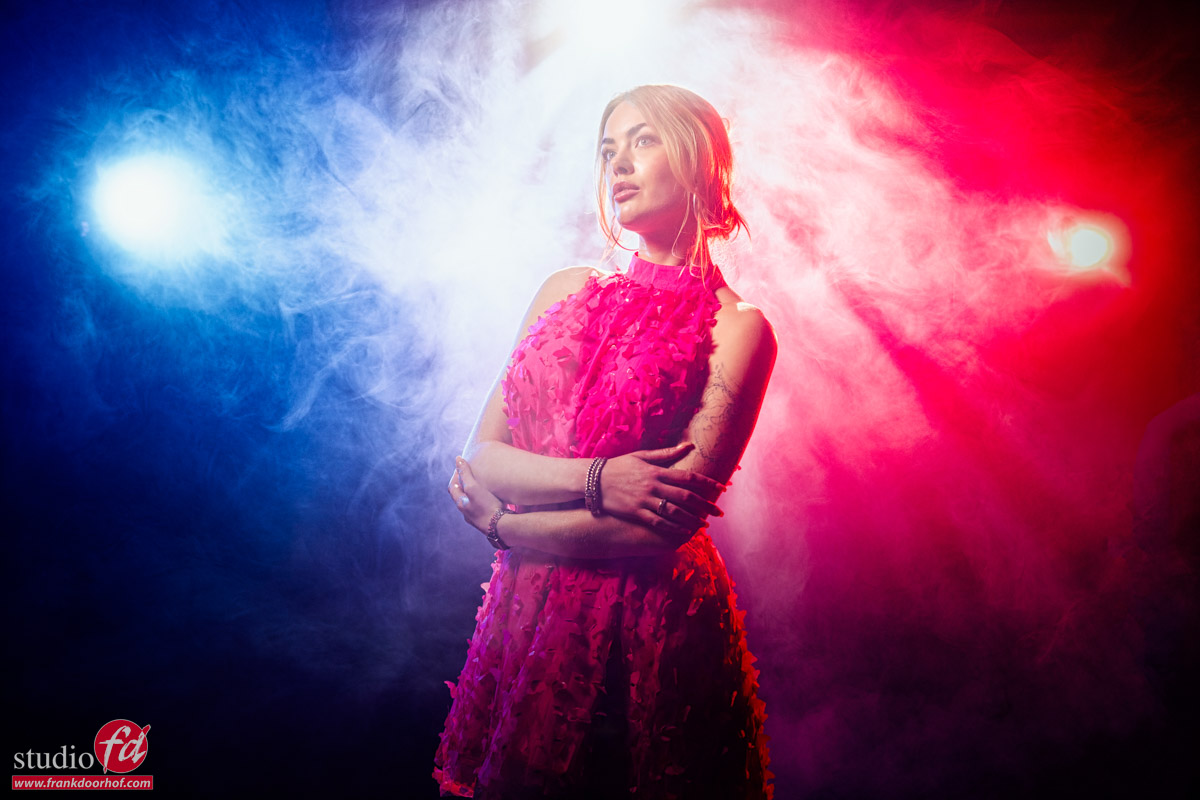
However having the patterns from the back did lose some impact, so at one point we decided to raise the stand and let the projector aim down at our model.
This way the pattern will cut through the smoke a bit different and make it more visible, even when using a bit more smoke.
More fun

Working with smoke is already loads of fun, but by adding patterns or/and a Gobo projector makes it a lot more fun.
I can highly recommend getting one for your studio. Especially when you like working with smoke and emulate the old masters or film noir techniques, now that I think about it, it’s also great for fashion 😀

Next time it’s about adding motion in the smoke and the model.

Workshops

Want to learn everything about light control?
Want to visit a workshop where it’s not just shooting a model with a fixed lighting setup, but see how the setup is built and adjusted to the taste of the group?
And of course learn how to work with poses, backgrounds, small sets, styling, retouching, and a lot more…..

If this all sounds awesome, visit fotografie-workshops.nl and book your workshop.
If you don’t speak Dutch, no problem, let us know a few weeks in advance, and we can switch the workshop to English.
Not possible to travel to the Netherlands?
We got you covered with our 1:1 online workshop.
We have a full streaming setup in our studio. 4 detail cameras and of course the retouching software, so you can see every detail and of course ask questions during the day. Plus, you get all the RAW files after the workshop.
 

Don’t do this but in this case do exactly that

Backlighting the right way

When I started with model photography I remember that the first time I used a backlit model I was over the moon with the results.
“Wow it looks like an aura”…. and indeed it did. And maybe it was in my advantage that we didn’t have 65MP cameras at that moment, because there are some things that you can better not do.

And one of those is backlighting your model from the back.
Now you might wonder..”Frank you promised us more about smoke”.
Indeed, so continue reading and it will all be clear.

Normal backlighting

When I use “backlighting” at the moment I mostly use two striplights from the back creating accents on the model.
In fact I don’t call it backlighting but accent lighting, because in essence the light is not coming from the back anymore.

So why no strobe behind the model?
Let’s take a look at an example.

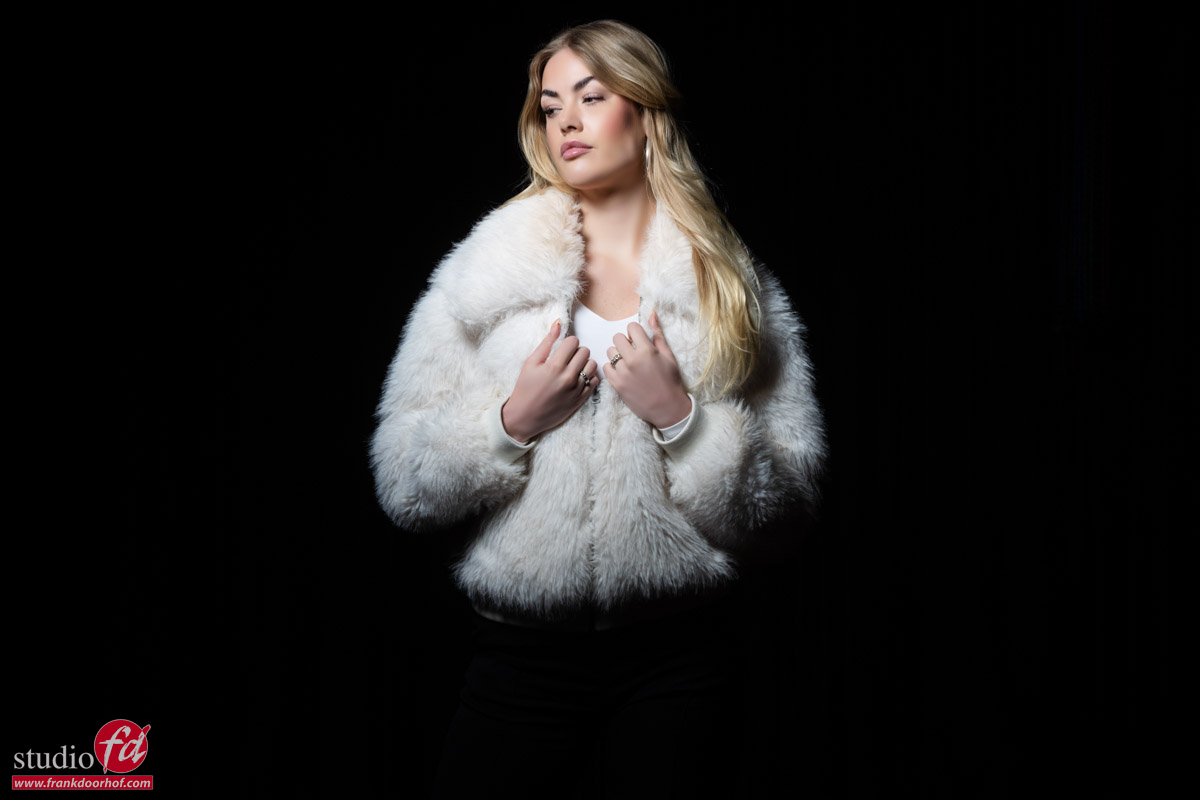
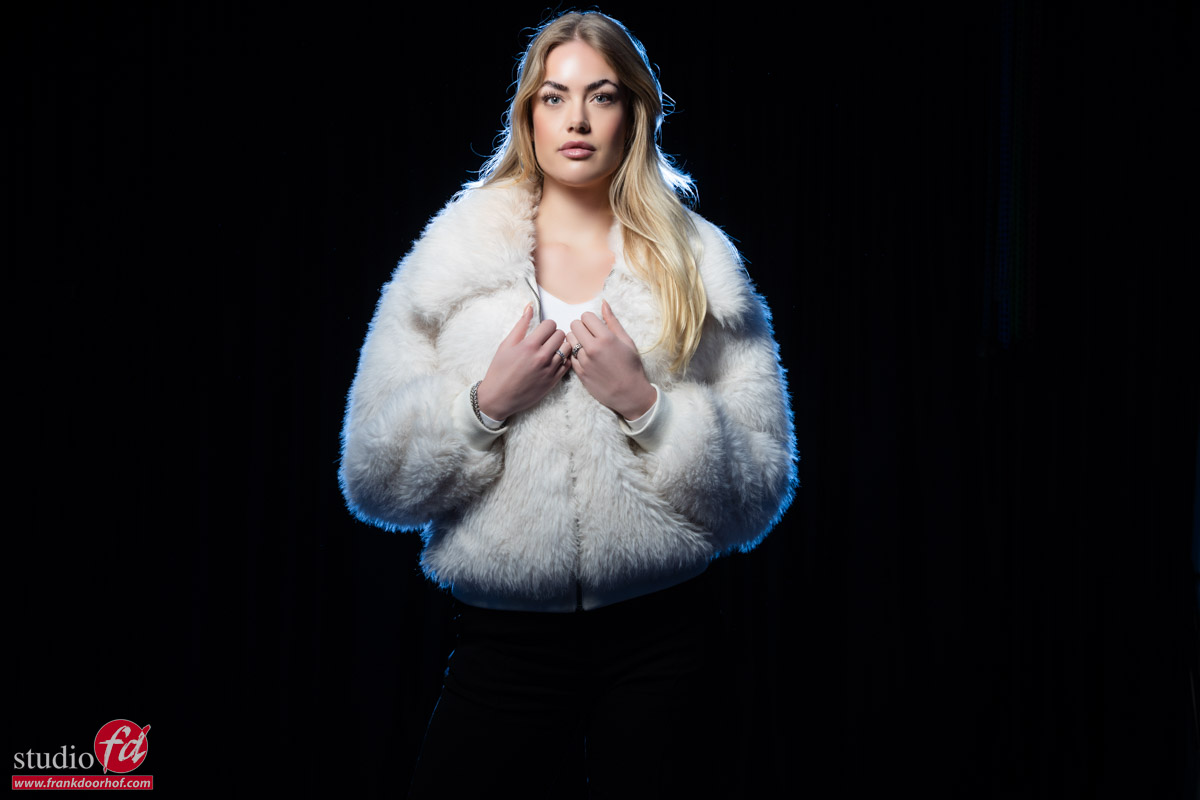
Here is our model Isabelle against a black backdrop.

To be honest there is nothing wrong with this shot lighting wise.
But let’s say we bought two strobes, so we have to use them, right :D?

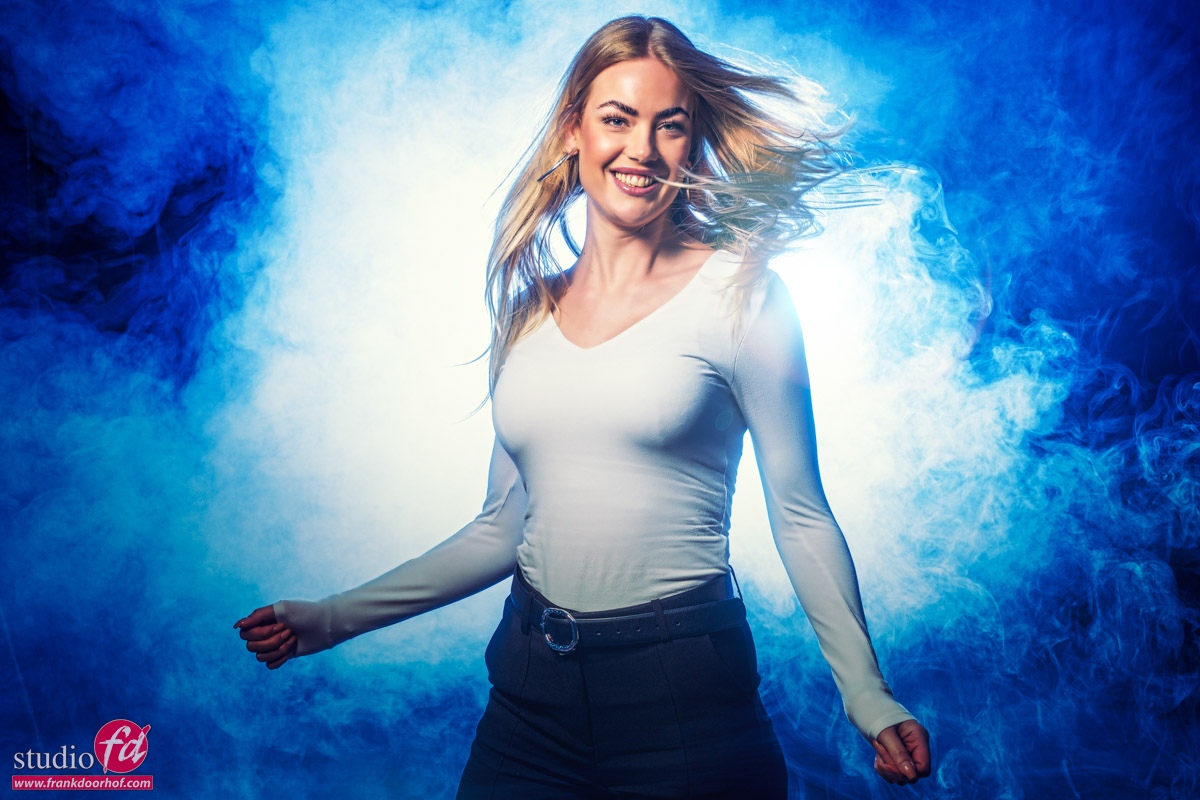
In the next image I’m using a strobe behind my model with a blue gel.
It’s placed directly behind my model, just I did when I started out.
The only difference is that the strobe I’m using here has a slightly less spread in the light, but I placed it further back to create the same effect.

Well there we go.
I remember I was really happy with this result when I started out.
But when you zoom in, you can see the dust in the studio, the hairs almost look artificial and also the accents doesn’t really “wrap around” my model.
In short, it’s not my favorite way of lighting.
Later on I did try to solve this by hanging a small softbox with loads of extra diffusion material on the ceiling of the studio aimed at the model from the back. This worked great as a hair light, but when I started using the one or two strips from side the effects became a lot better.

But as mentioned before.. it’s not about a standard lighting situation.
We are in the middle of a series on smoke.
And as mentioned in Part I, smoke works also as a diffuser. So that means that although I don’t see a lot of my strobe at the moment, that will change completely when I start adding the smoke. In fact this will create an effect we can’t achieve with lights on the side.

So in this case we have to use a setup that will “not work” in normal setups but is great for smoke.

So we can’t do anything with this without smoke?

If you know me, you will know that there is always an alternative way to use a setup.
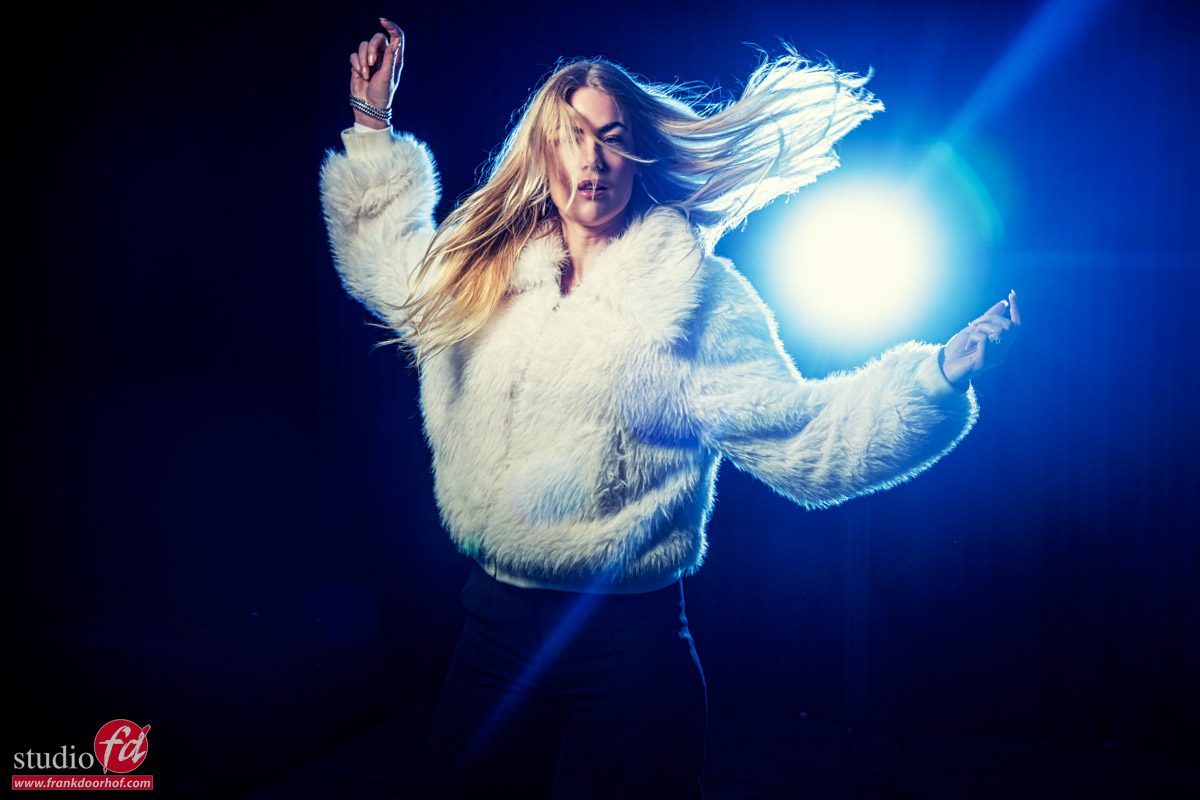
So what about not blocking the light, but let the model move around and have the light blast straight into the camera creating some cool lens flare effects and accent lighting on your model.

If you place the strobe almost next to the model, the model will be lit by the softer sides of the light and you can put the strobe on full power for very nice and full lens flares.
In this case we used it as it was, just to show an option during the workshop.

Next time we will start to glue the set together with smoke.
So make sure to check back for the next episode in our smoke in the studio series.

Workshops about (mixing) lights

Want to learn everything about light control?
Want to visit a workshop where it’s not just shooting a model with a fixed lighting setup, but see how the setup is built and adjusted to the taste of the group?
And of course learn how to work with poses, backgrounds, small sets, styling, retouching, and a lot more…..

If this all sounds awesome, visit fotografie-workshops.nl and book your workshop.
If you don’t speak Dutch, no problem, let us know a few weeks in advance, and we can switch the workshop to English.
Not possible to travel to the Netherlands?
We got you covered with our 1:1 online workshop.
We have a full streaming setup in our studio. 4 detail cameras and of course the retouching software, so you can see every detail and of course ask questions during the day. Plus, you get all the RAW files after the workshop.

Lighting tricks that work…..using the light behind your model, yes it works like a charm but it’s special

Sometimes you’re looking for something different, something a bit more daring or edgy.
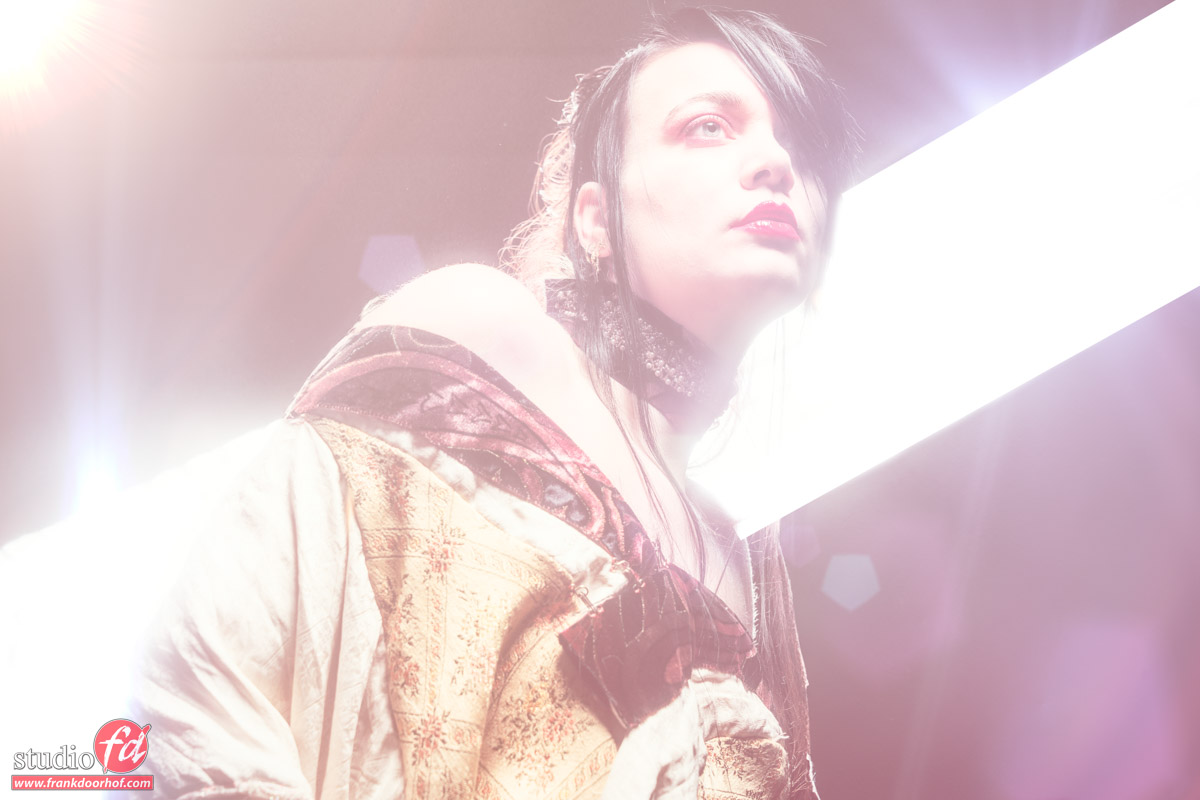
Now mostly during normal shoots we always try to keep the lights out of the final results, but also to take out as much of the flare as possible. For the flare we have great coatings on lenses nowadays so when you add the sun hood on your lens you probably won’t have any problems with flare.

Something else

But as mentioned, sometimes we want it differently.
In the shot I’m still using a mainlight (Geekoto GT400 with the 26″ softbox) but the most of the effect of the shot is coming from the striplight in the back. For the extra flare I’m using a K&F Concept black diffusion filter on my lens.

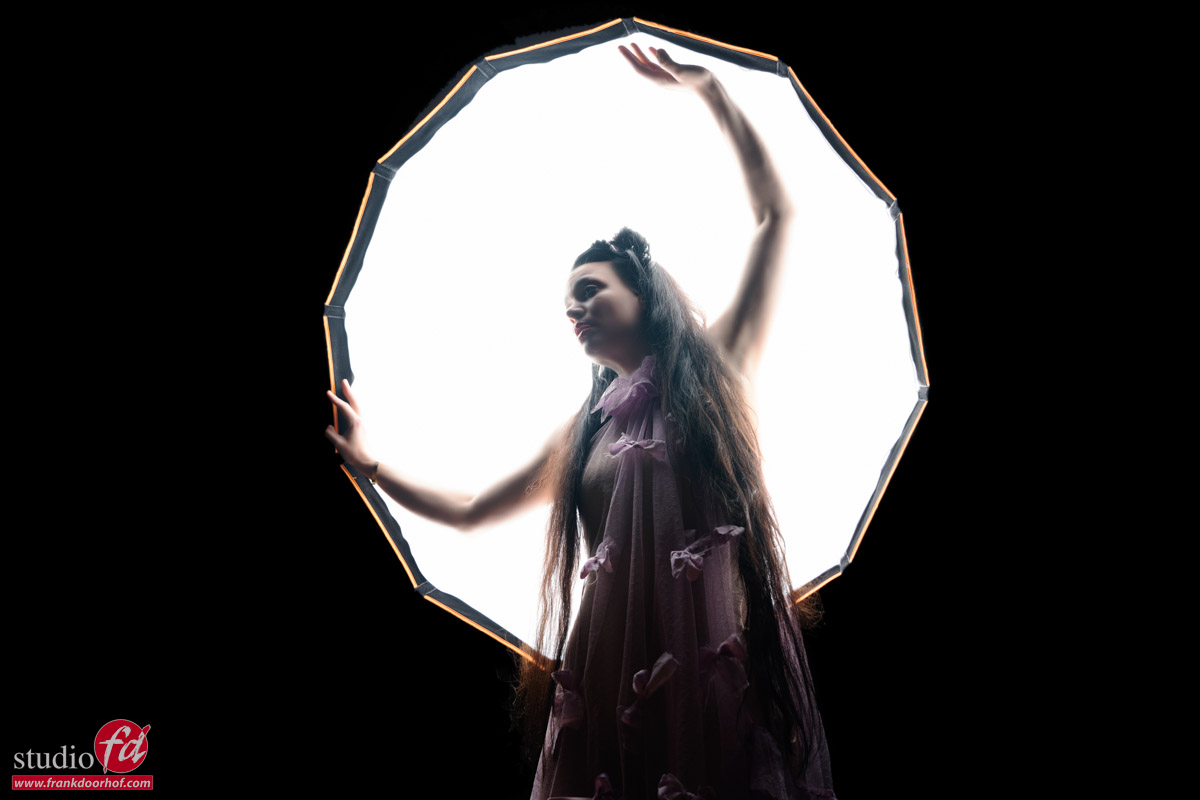
One big softbox

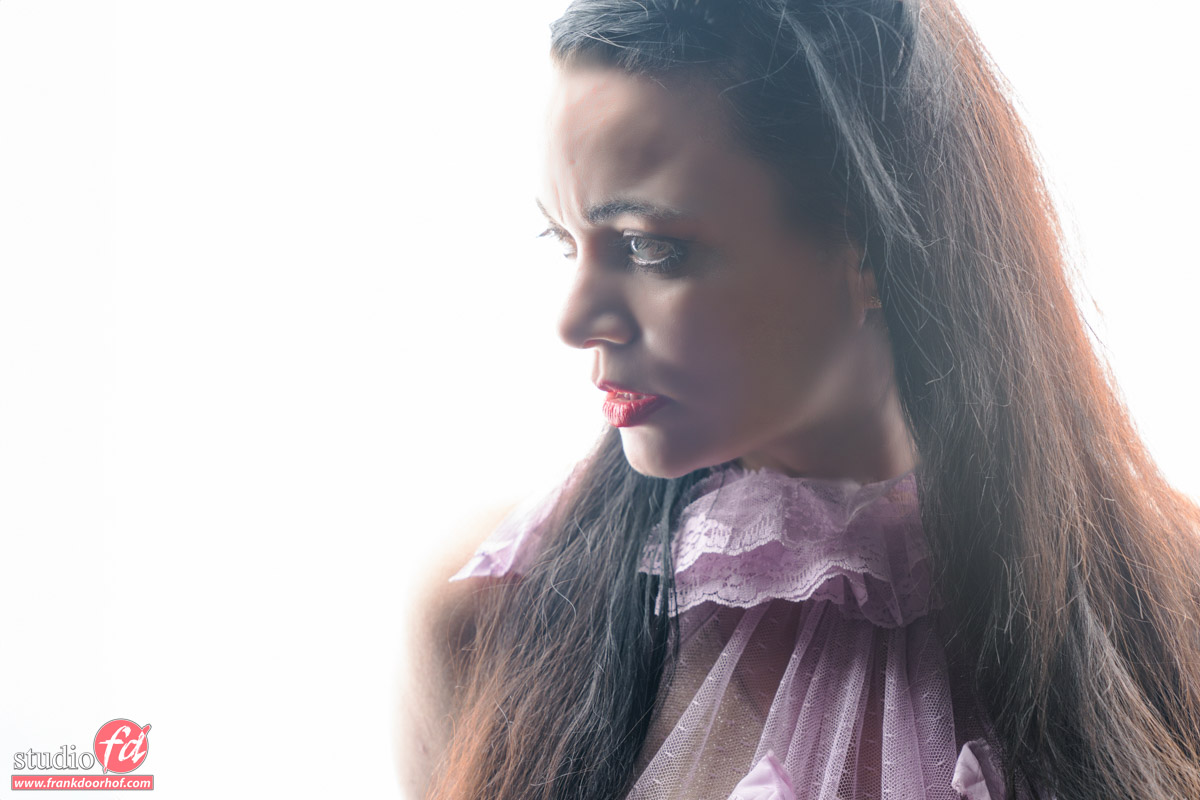
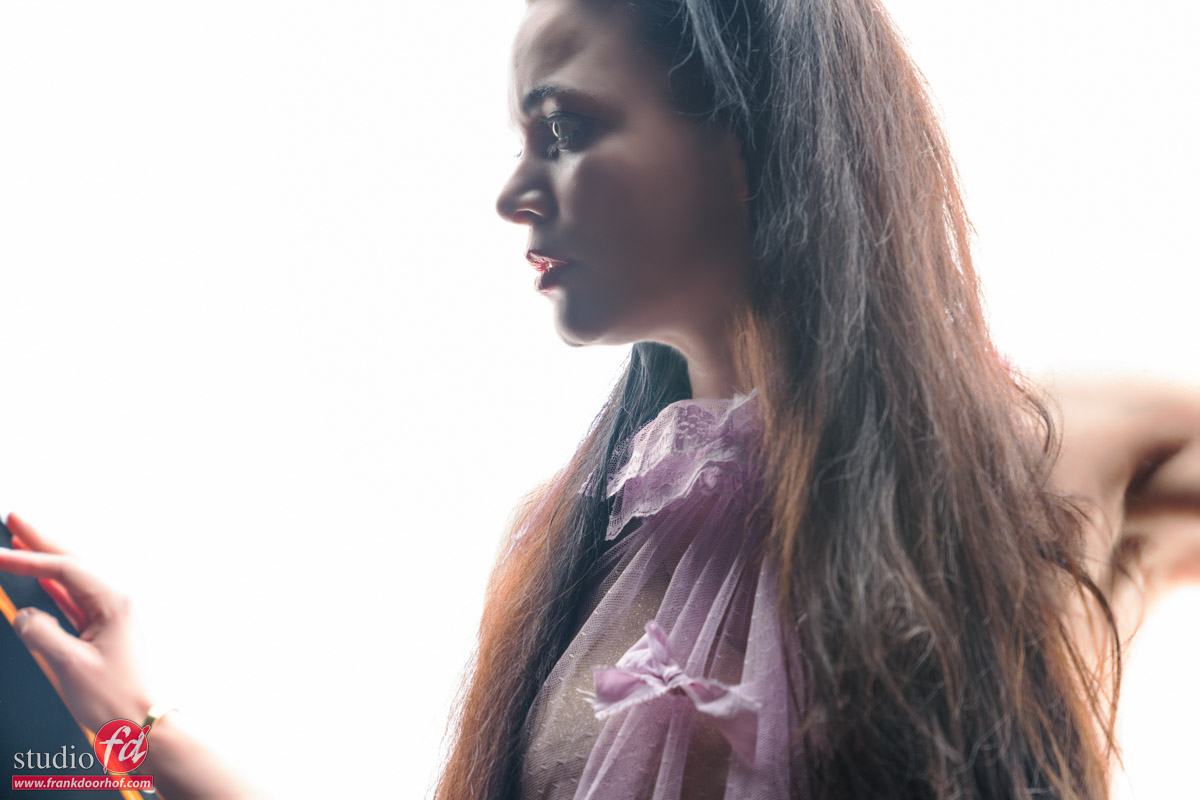
Now what if we replace the striplight with just a big softbox and don’t even add a mainlight source?
We get a very nice setup for some high-key portraits or just fun/different shoots.
You do have to be careful which way the model looks, straight on will be very ugly in most cases, but looking to the side can work like a charm.

Do make sure to take of the diffusion filter 😀 that will be a “little” bit too much.

Model : Nadine

Conclusion

As you can see using your light in different locations can give you awesome results, but getting the lights in the frame and giving them a purpose within the shot can really spice up the results, add some special effects with filters and … well your own creativity is the limit.