Reviews on gear and software

Yolobox pro live review

What’s in name…
When I hear the name Yolobox it’s not a professional device that pops into my mind, but as mentioned what’s in a name.

We’ve been live streaming for as long as I can remember.
It all started many years ago via special live-streaming software (YouTube didn’t support live streaming at that moment) and a webcam. I would start in the morning with placing the webcam in the makeup room with the model, after that we took the same camera and moved it to the studio to show the photoshoot. All via 1 camera, and the cool thing…. people were staying online the whole day, interacting, sharing ideas and chatting with each other and me. Sometimes someone fell asleep due to time differences, but it was an awesome experience.

Oh did I mention our internet speed at that time was app 0.5 up (if the wind was right).
Fast forward at least 15 years and we are now surfing the internet with a blazingly fast fiber connection of 160/160 and… we are still live streaming.

One webcam has morphed into 4 cameras inside the studio and one extra camera for me behind the desk.
During the live stream people can also see my desktop via another input device and of course picture in picture screens in different sizes. And of course people can interact plus we are streaming live on Facebook and YouTube simultaneous where people can directly interact.

For our live streams we use a pretty nice setup (if I may say so).
We have our HDMI’s coming into a RGB minilink which is connected to an external screen to show the previews. Software wise we are running Wirecast on my MacBook Pro and we also use an external monitor on this setup for the comments and the preview of YouTube studio.
Works like a charm and we are super flexible, but I can’t show retouching on my laptop while Wirecast is running without live stream issues when I use more demanding plugins.

Enter the Yolobox Pro
Let me start with a warning.
When I do a review, paid or not (in this case not) I’m brutally honest.
This means that I will not sugarcoat problems I encounter, but also take into account that those are often problems that I encounter in OUR situation, so make sure to take that into account. I just feel a review should be just that, and with a proper review there will always be positives and negatives.

During a recent dealer event I met up with the Dutch distributor of the Yolobox and really liked what I saw so we asked for a review unit. Today the review.
Although that you probably already guessed.
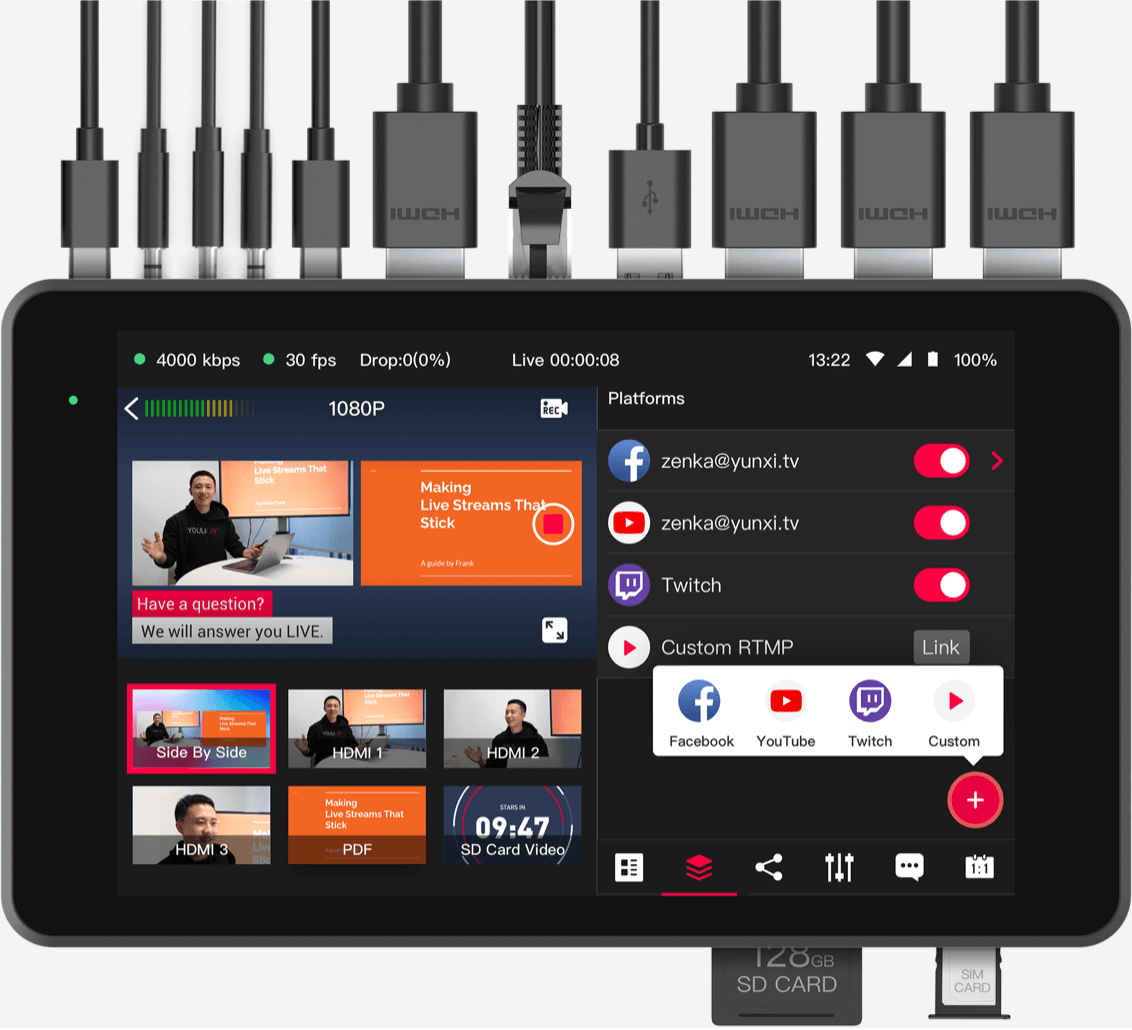
So what is the Yolobox pro?
In short you can get rid of all other hardware (except the cameras of course) and stream straight from one device.
Sounds way to good to be true right?
Well, now a days a lot it possible so why not and let’s be honest having one small device that does it all sounds absolutely awesome, so I could not wait till I could start testing.

Some cool things
Let’s start by looking at some things that I find very interesting in the Yolobox Pro.

First of all you can connect 3 HDMI sources.
This was my first problem I encountered with the Yolobox pro.
But there is a very easy solution. For our Digital Classroom setup I’m using a Magewell capture device for my iPad/Desktop and the Yolobox Pro also sports an USB input port, so I tested the Magewell with an 1080P camera and that worked like a charm, also my iPad and Desktop worked without any problems.
This means that you can work with 4 different sources, which for most people should be more than enough.
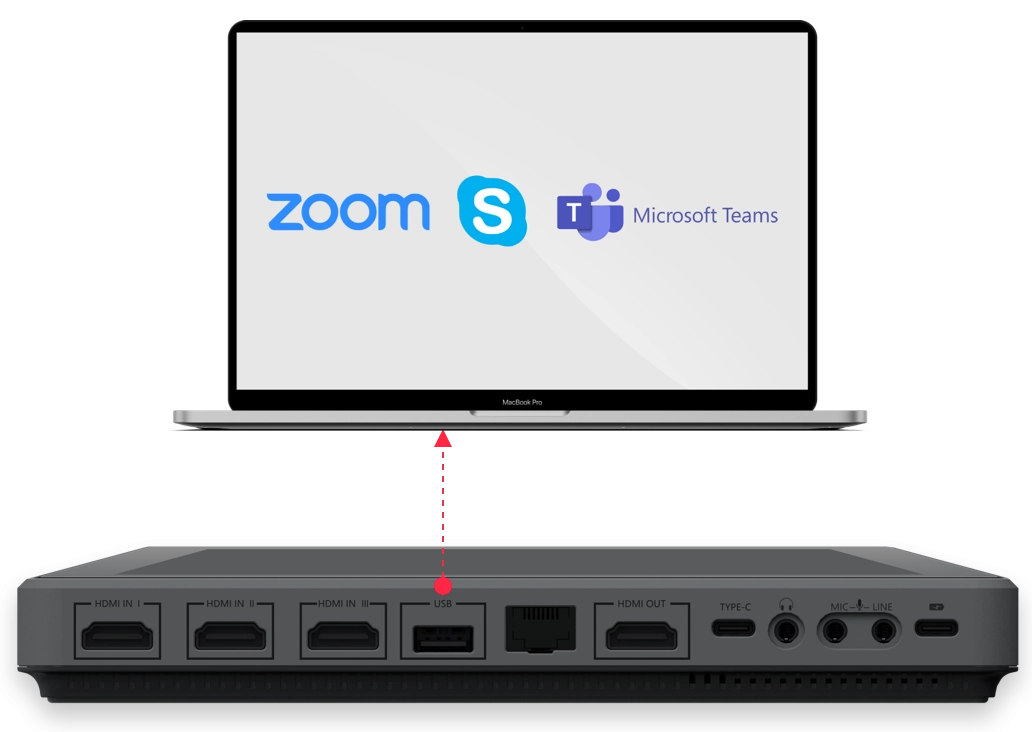
Zoom meetings
Since the Pandemic we are doing more online than ever, and you see that a lot of meetings are now also held online instead of going into the office. But as a teacher I also often encounter problems with streaming services for clients. Some clients are ok when we stream via YouTube on our account, but sometimes we also are asked to use dedicated software, and trust me some of them are really really limiting, often a webcam and if you’re lucky your desktop and that’s about it. But don’t worry, the Yolobox pro can output its video stream not only via HDMI but also via an USB output port and …yes it works in Zoom, Teams etc. it just things you’re using a webcam. So next time you will blow everyone away with stunning presentations, green screens and layovers, zoom effects…. oh sorry got carried a way a bit…..

Effects
Of course you need effects during the livestream, and the Yolobox Pro doesn’t disappoint.
You can chose some nice fade effects, create “custom” overlays, change the borders and backgrounds inside the Picture in Picture screens and you can even overlay score cards, social media comments etc. they have a lot of options that should be more than sufficient for everyone.

Guests
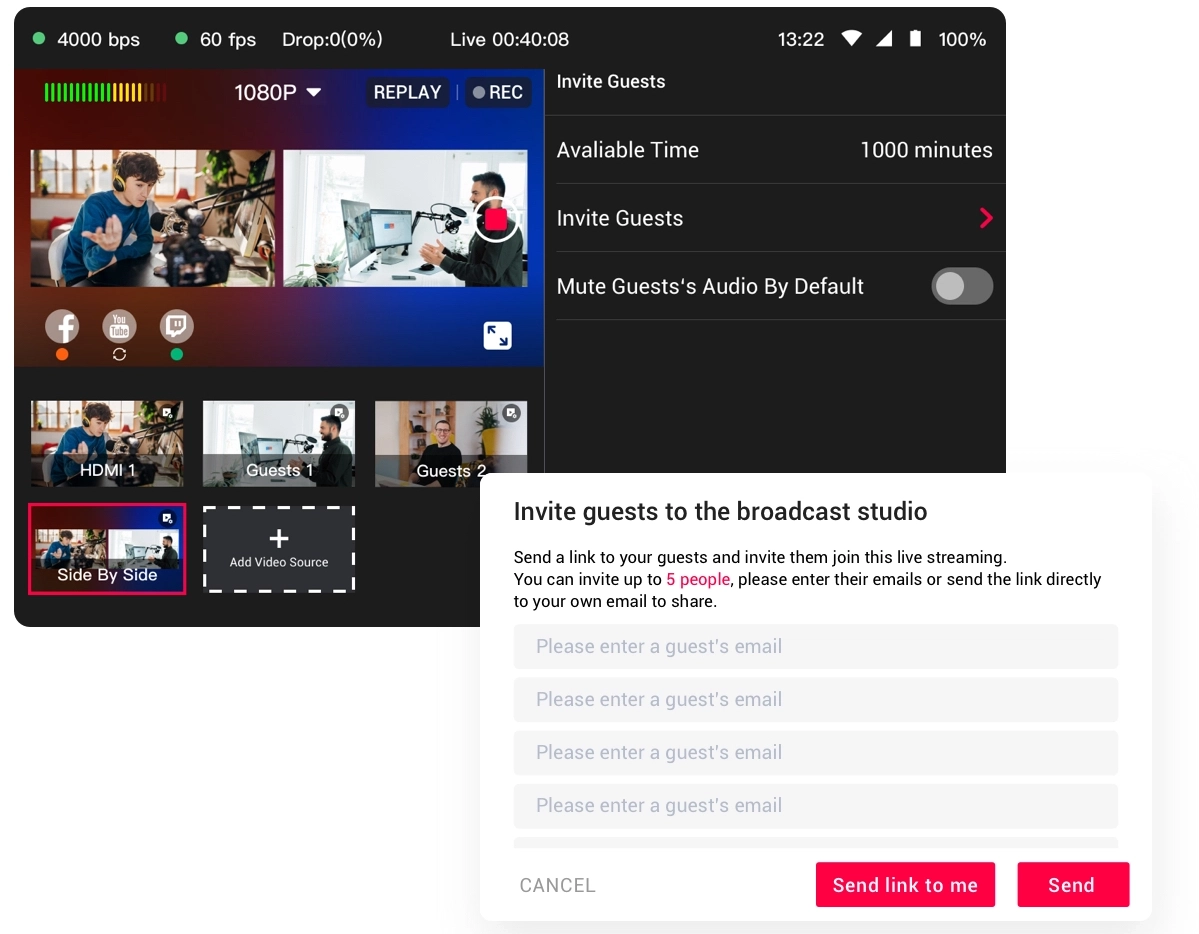
One of the things I love about Wirecast (but didn’t yet use) is to invite a guest.
You can just give them a link via the build in Guest module and during the live stream the guest just has to click there and he/she is live with you.
If you want to travel light and have internet you could use this function to use 1-2 extra phones as cameras, do make sure you disable audio for those phones if you don’t want them to be mics.
But we are not done yet.
Audio
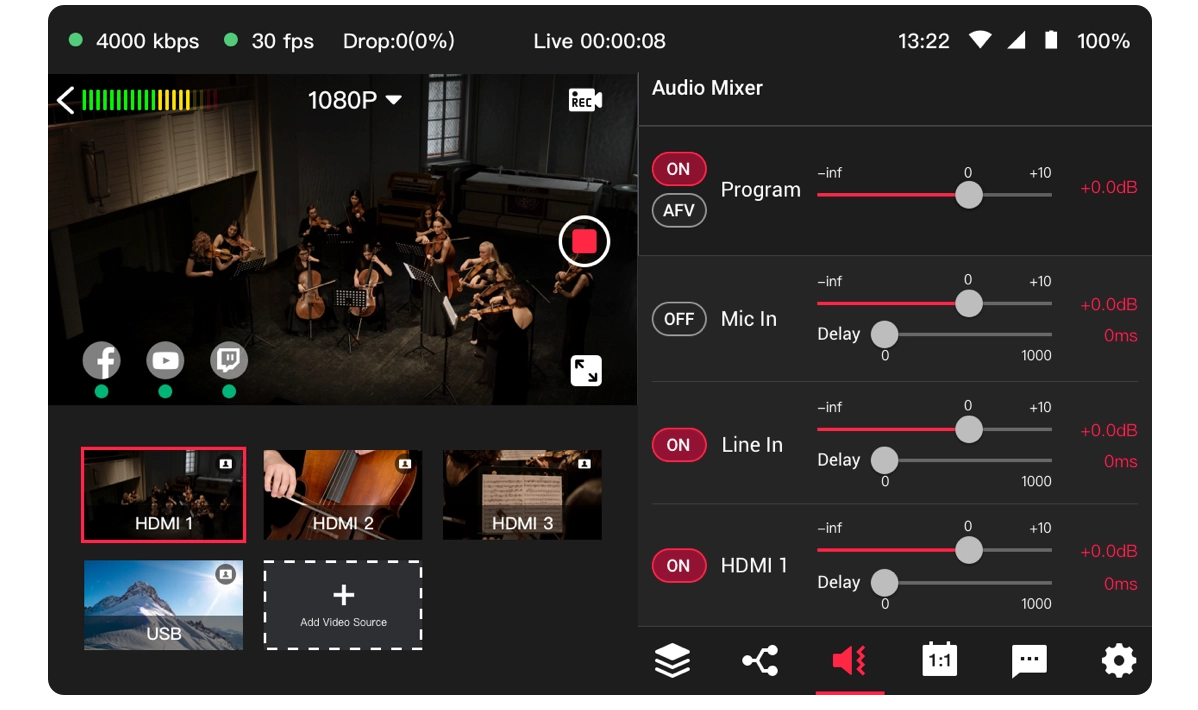
Audio is of course incredibly important, and boy does the YoloBox Pro understand this.
I love it when you can setup audio the correct way and although there is no support for plugins like a compressor/limiter or de-esser at least you can setup the audio per input and use delay per channel (well done) and even use an auto follow method. Very nice.
Multicast
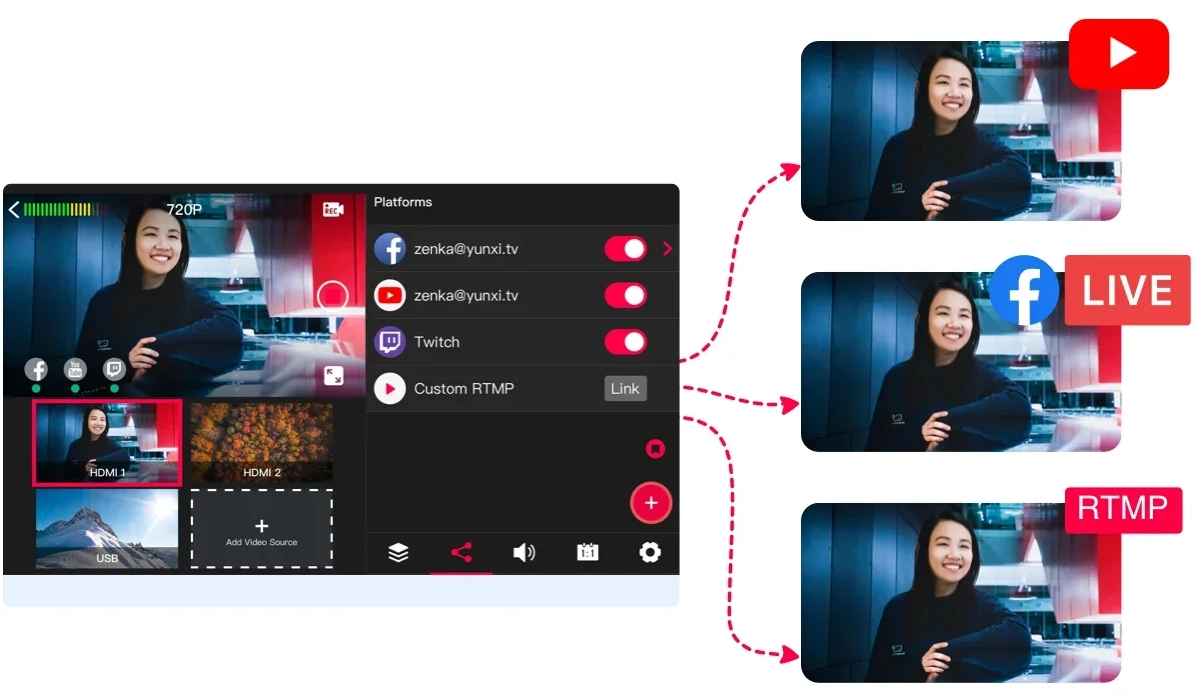
With the Yolobox Pro it’s also possible to stream to several services at the same time. And you don’t need the YouTube live stream studio to be open (to go live) with the internal software, that is a huge plus, you can also use the RTMP service option if you want to do something besides the included services.
Green Screen
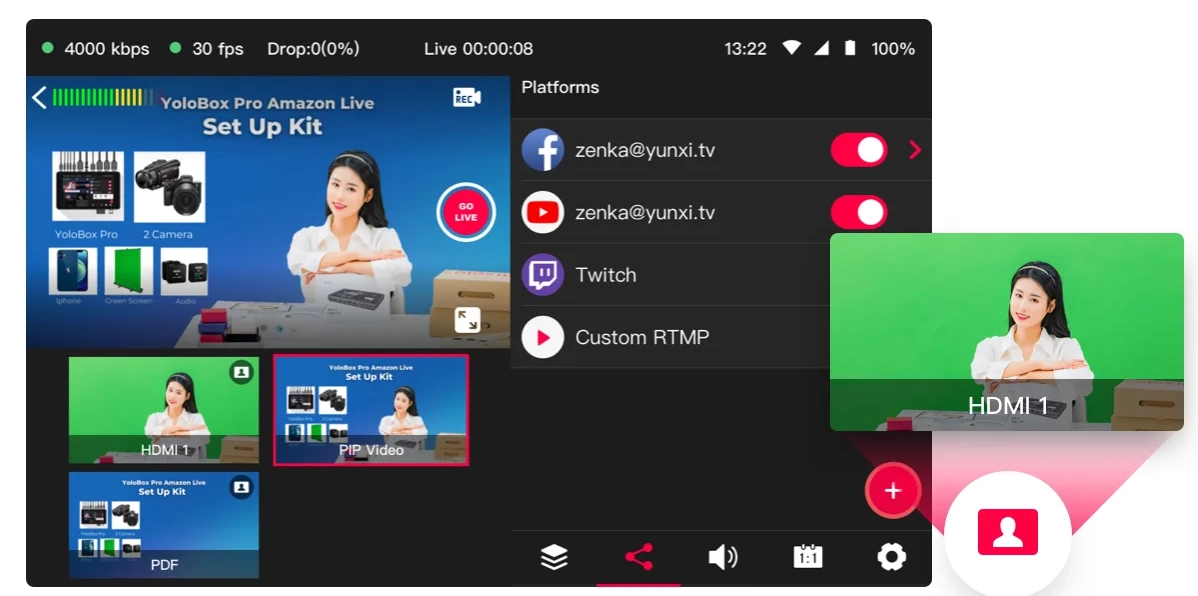
Maybe you need it, maybe you don’t but it’s awesome it’s inside a one box solution, and it works like a charm 😀
Just put a green piece of paper or whatever behind you and select a cool background and you’re there…. well ok you know what I mean.
Comments
This function I absolutely love.
During the live stream people often ask questions, with the Yolobox Pro you can chose to show the comments in the live stream. And the selecting or deselecting works really well. I always would advise to not show every comment, some people can’t handle the option to share their “opinion” during a live stream if you know what I mean, and editing it out later is often not possible. Luckily selecting the comments is super simple.


My conclusion
One might think that it’s impossible to replace a laptop with a lot of outboard gear for just one box, and well let me be honest, it is.
BUT, let’s take a look at why and if it’s really a problem.

For Digital Classroom I could replace everything when we look at sources.
I could work with 3 cameras and the iPad.
I would need a small switch for the desk camera, but this is no problem because the desk camera is never used when I’m shooting, and a cheap HDMI switch can even be used without power.

Also the overlays are great and I can’t imagine needing different ones or more designs. Of course it’s nice to have options but the options they give you are really versatile.

GreenScreen is not something we use but if you do I can say that the quality is great, it’s easy to setup and for streaming it looks great.

The comments as mentioned in the review are a real cool addition and in todays market it’s actually something that should be included. The way it’s done in the YoloBox Pro makes it super simple to operate even during a hectic live stream.

Batterylife it more than enough for a 2 hour live stream, but I would highly advise to have power available just to be safe, but a 2 hour stream was no problem at all, we still had juice left.

The operation of the box is a breeze, you don’t really need a manual.
You start with a blank canvas and can add sources and this is where it goes wrong for me.
To add a source you select the source from a menu and it’s added to the main page. When you start to stream switching between these sources is super easy and fast. But this is also a huge limitation which I personally can’t work around.

As mentioned before we use 3 cameras and an iPad on the YoloBox Pro.
But the selection is limited to pairs.
Meaning if I want to show all 3 cameras picture in picture with my iPad this is not possible.
I can select 2 Picture in Picture options side by side, but after that you can’t select more (they are greyed out as soon as you select one), so for the third camera you would need to choose a different picture in picture mode, and this where it shows the biggest limit.

The side by side options are ok. You can’t change the size of the windows, but they just take up 50% of the screen with room on the top and bottom where you can show a nice background. So far so good. But the other picture in picture options are not usable for me. The small Picture in Picture will always be projected on top of the active screen meaning in photoshop I will block certain menus that are vital, and because you can’t change the layout to be next to each other (slightly smaller main screen and small extra) it doesn’t make sense to use that for presentations or retouching.

Also the other Picture in Picture options must have looked nice on paper but are useless in real life, I can’t imagine anyone being able to work with 3 cameras next to each other but only showing a rectangular slide of video, this is impossible for the videooperator but also for the presenter who has to stay exactly in that space and the video operator will have to use a slider on the preview to know what is seen on the screen and remove that again when the video switches to another view. For static setups this might work, but I don’t think for anything else.

The same problem I have with videos.
Digital classroom uses a bumper to start, and that takes up one video spot.
But during the broadcast I also show at least 4-5 videos during the setup switch and if I have to visit the little room in the studio. With the YoloBox Pro I can’t add more than 2 videos so I have to be really fast or stitch 2-3 videos in a row which would limit my break to one. Or show the same commercials twice, or switch the commercials very fast during a live stream, meaning if you do something wrong the commercials start to play.

BUT… that being said
I absolutely LOVE the YoloBox Pro it’s awesome to see that with only one device I can go live during events, trade shows, in the middle of a location shoot and while traveling with the RV, as long as I have Internet I’m ready to go (using my phone as a hotspot).

It’s not a cheap solution, but it opens up so many possibilities for going live it’s mind boggling and I’m 100% sure that I would have used it during live shows or location shoots.

If you want streaming to be complete and simple but most of all being able to stream from most locations the YoloBox series is really well fitted for these tasks with the Pro giving you the most connections and options I think it could replace a laptop with Wirecast without any problems in most situations. For us the only limitations would be the video sources and the picture in picture solutions.

But let’s take one thing into account, because I’m not 100% fair here.
I also connected our RGB minilink to the YoloBox and that opens up a boatload of options.
We now have 7 sources and I only need one Picture in Picture source when I switch all the cameras via the RGB minilink. The only problem with this solution is that you will need an extra monitor for the switcher unless you own a switcher with a display like the RGB minilink. And we still have the issue that the picture in picture option is not sizeable. But the combi of switcher and YoloBox totally changes the game for people that need more cameras and Picture in Picture options. By using the external switcher you also have much better control over your cameras and you can also use the options from your switcher.

The Yolobox Pro is literally a hub for the demanding streamer.
On location you take just the box and in the studio I would personally couple it with our RGB minilink to get even more inputs and control. There is only one feeling you get when working with the YoloBox pro…… real enjoyment

HIGHLY recommended.
But do check if you can live with the video limit and picture in picture options.
We did mention this to the manufacturer and got the reply that they are working on this and it would appear in a future upgrade possibly.


 

Shooting models in the sun with Geekoto Off-Camera Flash

Geekoto is the perfect off-camera flash to get full control over your light. In the studio and on location!  Read more about shooting models in the sun with Geekoto Off-Camera Flash.


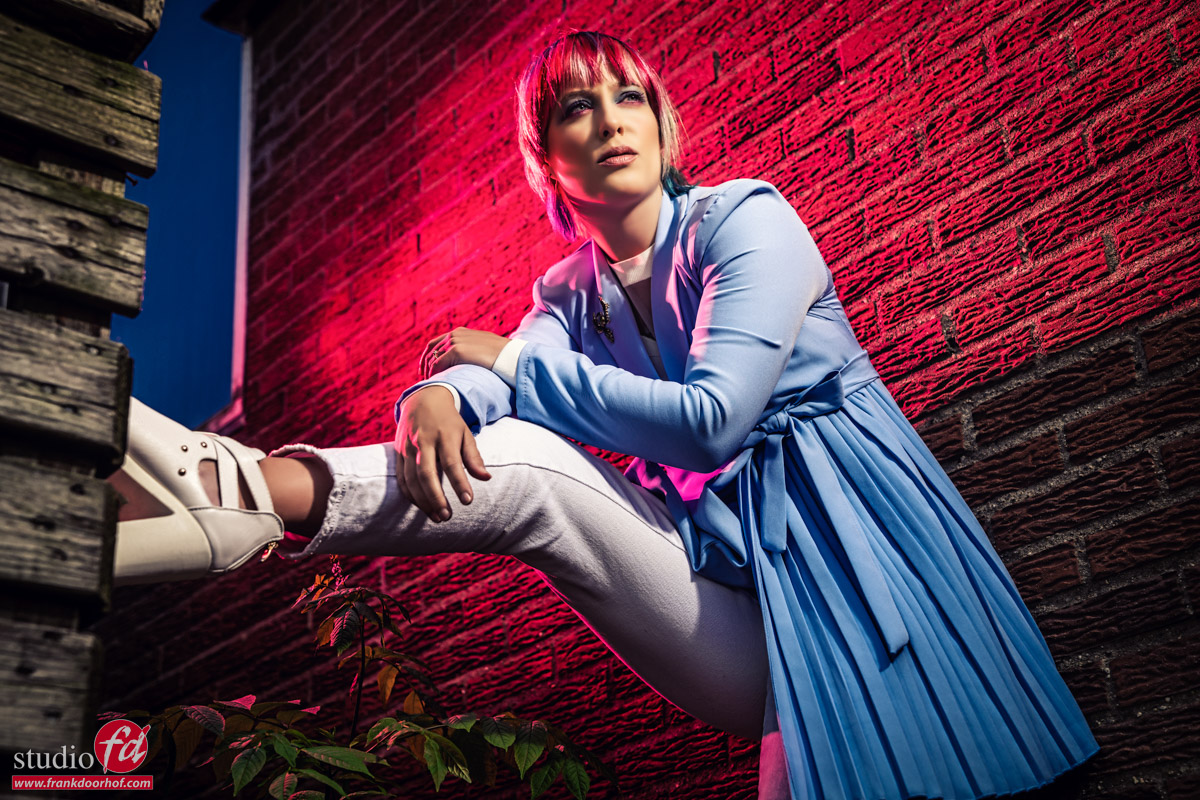
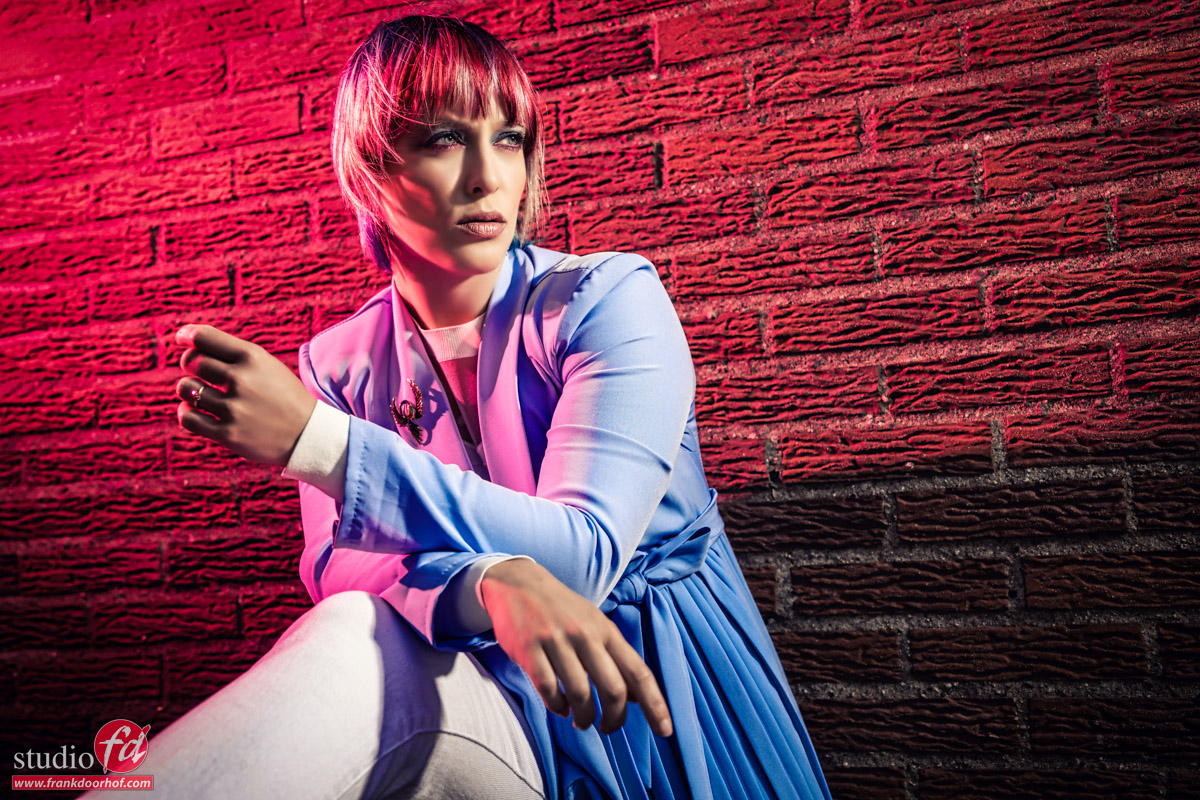
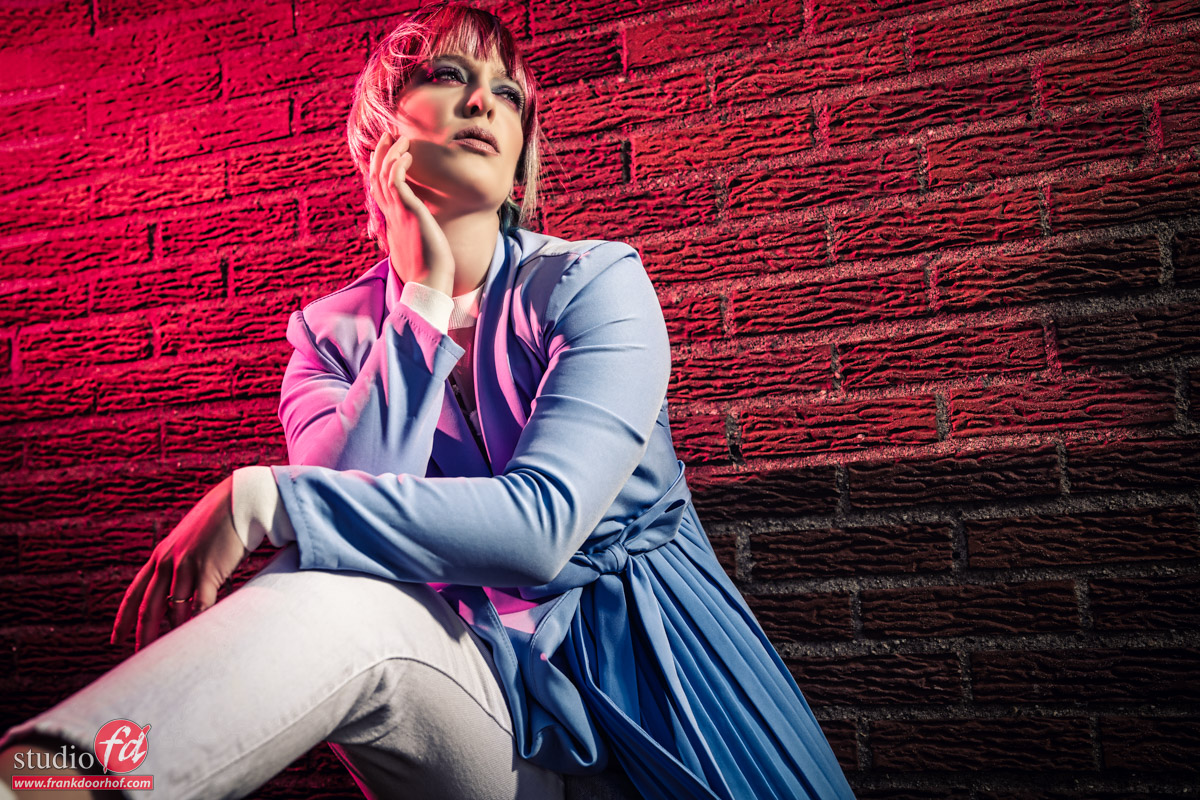
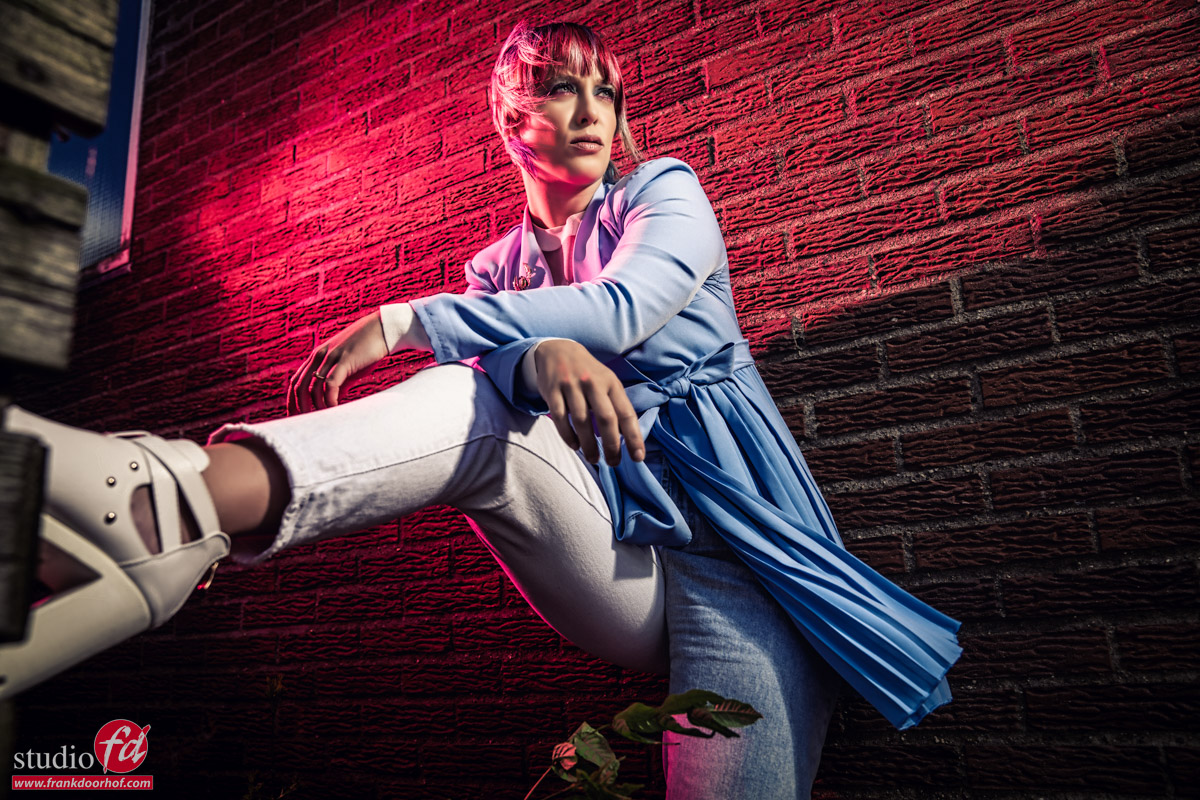
During the location in Emmeloord workshop with Claudia, it was the first time I used the Geekoto GT200 and GT250 during a workshop. I only shot the first set with the set with Geekoto and after that, we switched over to the powerful Hensel Porty System which images I will upload tomorrow. The weather was great. So, we had to shoot model Claudia in the bright sun with Geekoto Off-Camera Flash.

Yes, the Hensel Porty system is with its 1200W and large reflectors a lot more powerful, but for those small strobes, the Geekoto’s surprised all the attendees including myself.

We started with just using the Geekoto and a reflector on the Bowens mount.
Now I have to add it was very sunny.

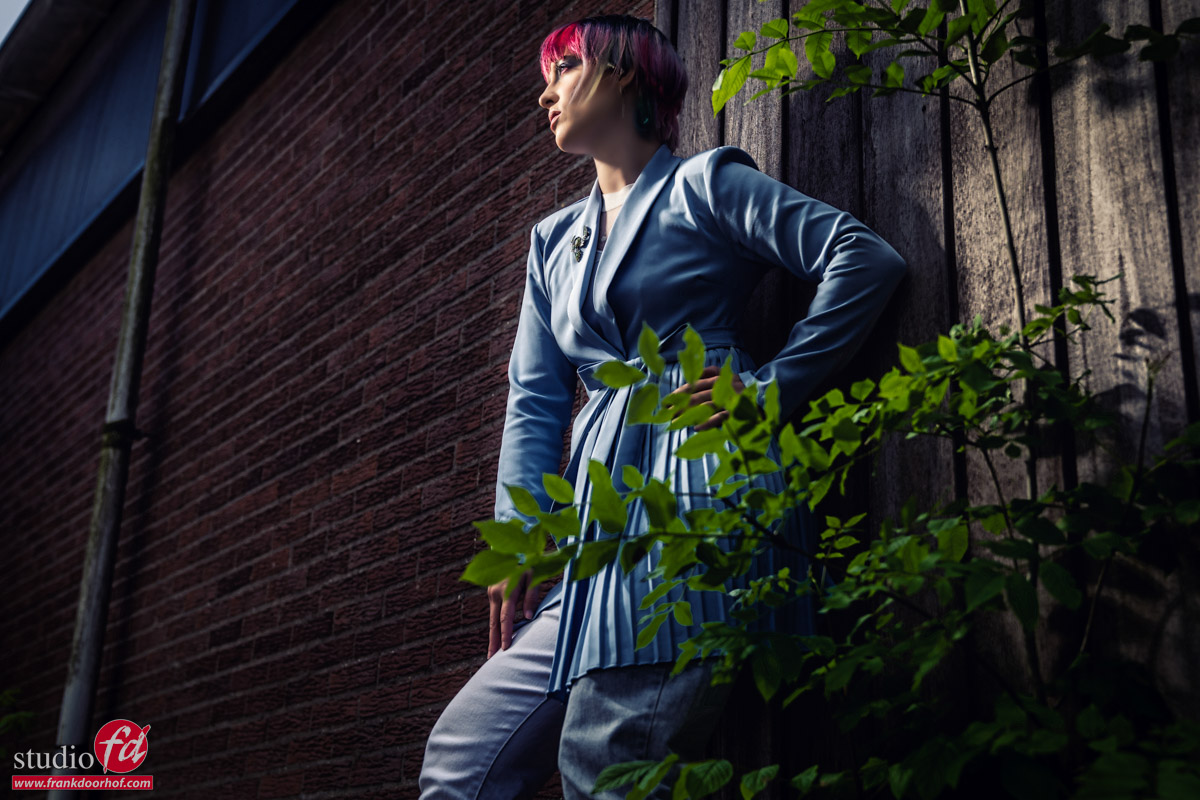
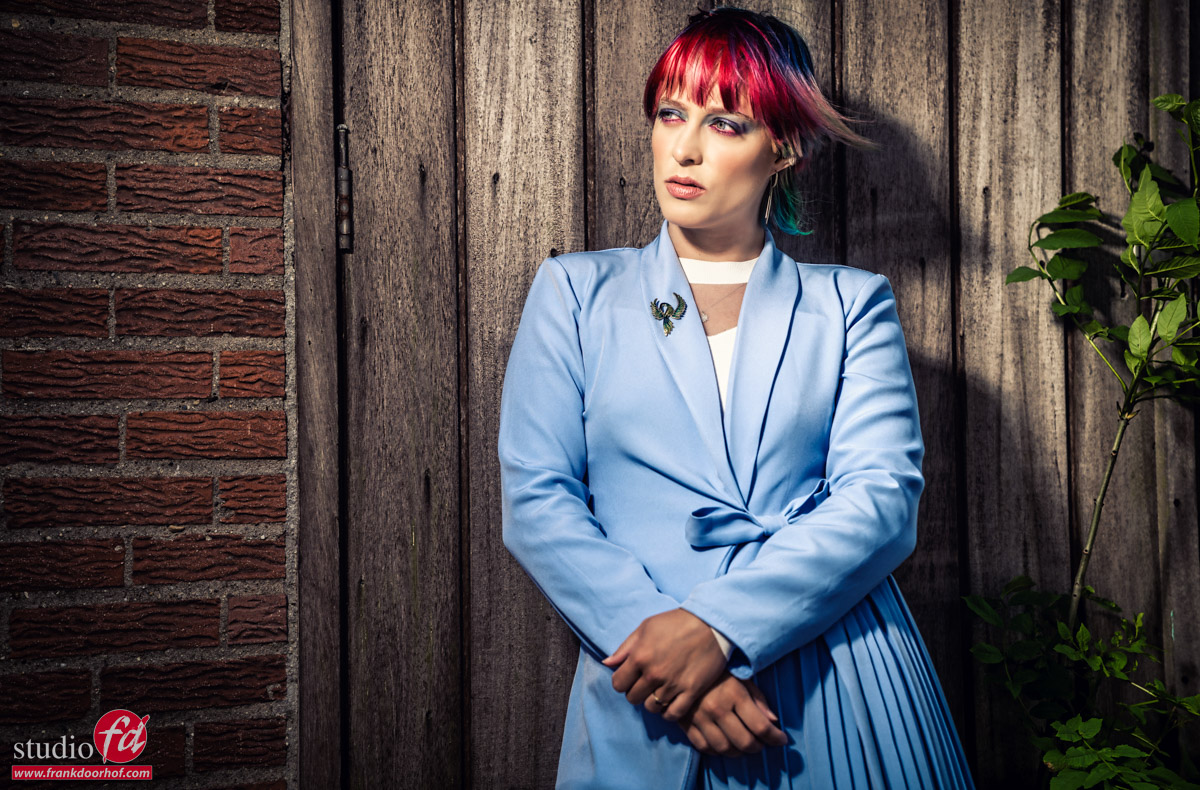
As you can see it’s pretty easy to push away the ambient light, and it’s easy shooting models in the sun with Geekoto Off-Camera Flash. And this was not even on full power but actually on almost the lowest setting, adding a reflector with highly reflective material really helps a lot.

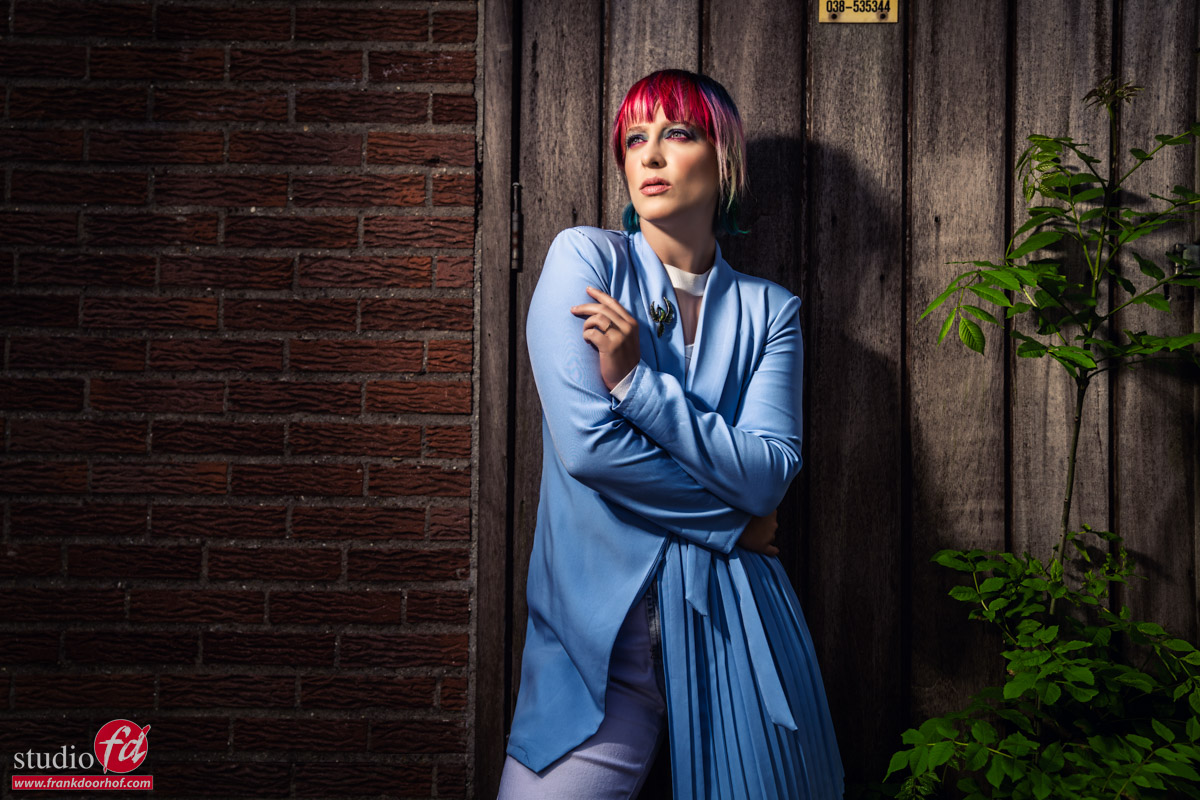
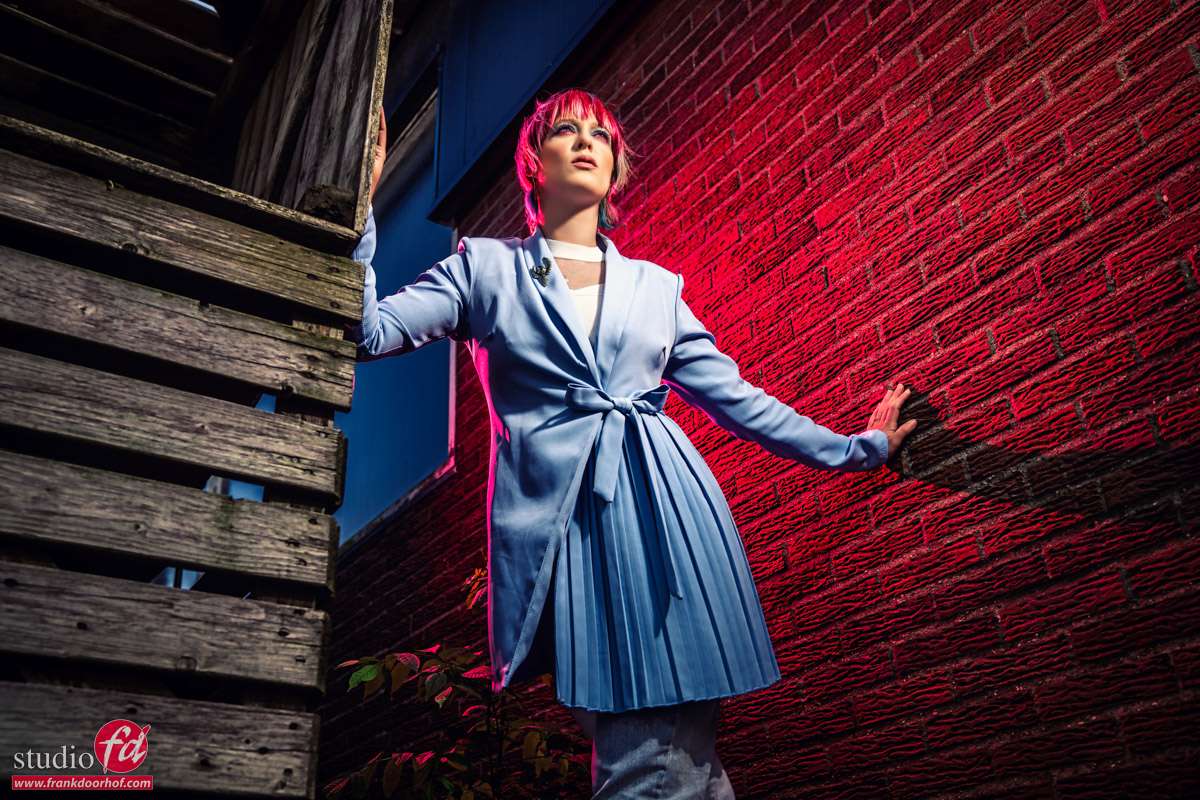
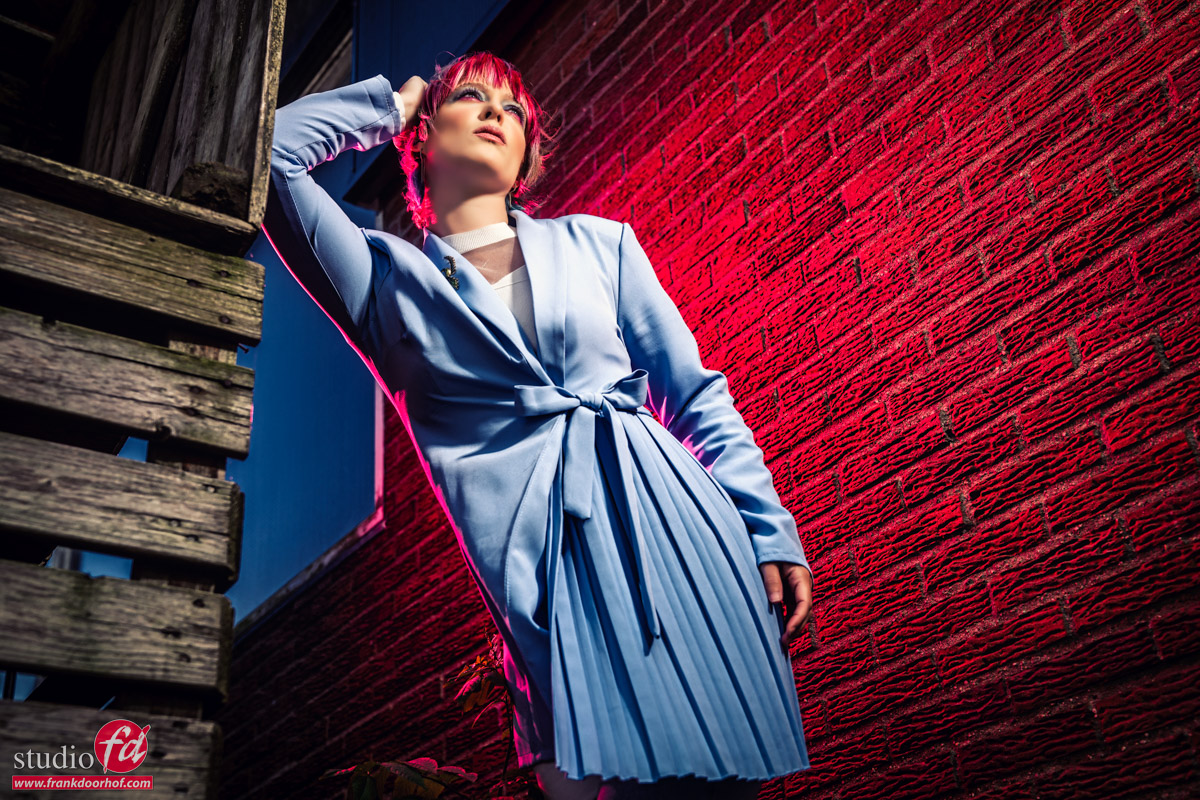
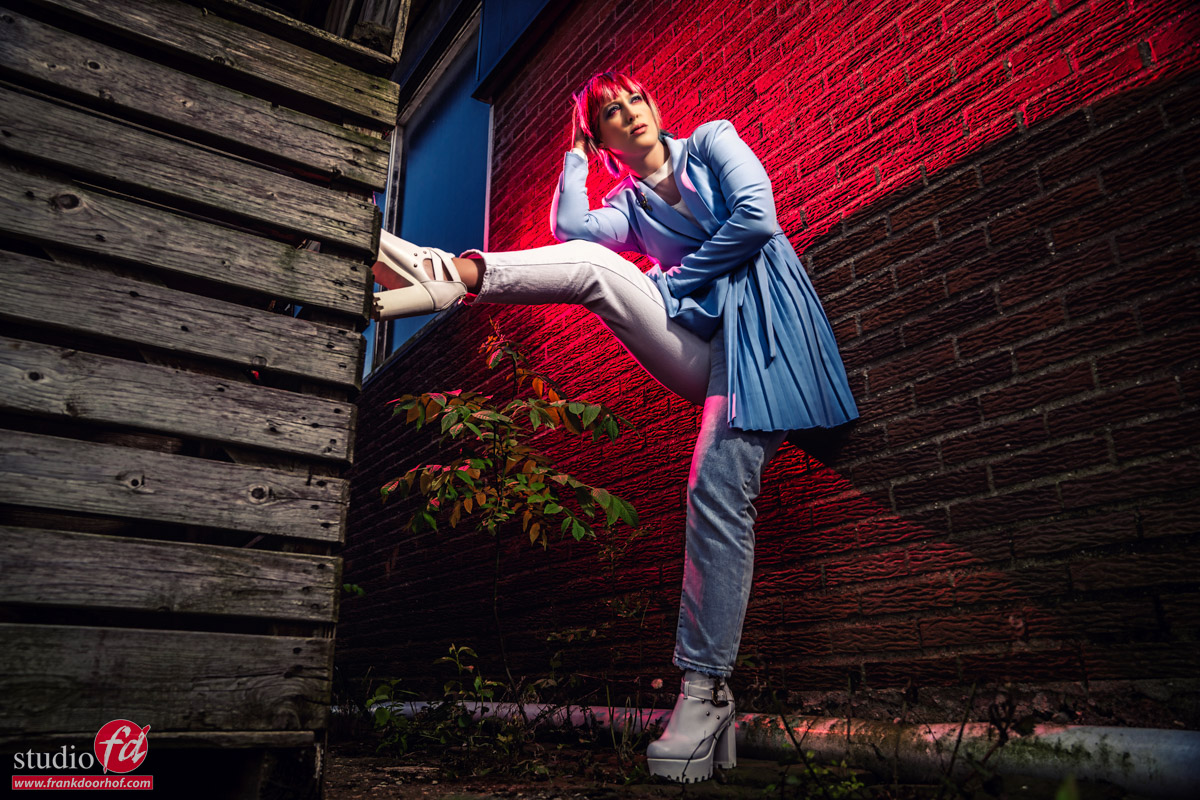
For the next set, Claudia only moved to another angle where the sun was a bit more challenging especially because I decided to also add a red gel and our Rogue dome to the setup, now you have to realize that adding a gel will take away a considerable amount of light, but as you can see in the results, the system had no problem keeping the mood I wanted.

Now the original idea for us was to use the Geekoto system as a replacement for our Nissin system making it easier for me to demonstrate our Rogue products during trade shows and workshops/events on location where you would normally need speedlights. But the Geekoto’s impressed us so much for the price that we decided to go a few steps further.

Starting next week we will be the official distributor for the Benelux for them.
We are building the website and will add the products to our shop this weekend, so if you want to order please send us an email or wait till we add them to the shop in the coming days.

For the time being, we have built the pages on:www.geekoto.nl

Backups and a new NAS release

As you all know I’m a big advocate for creating backups, Annewiek and I ran a PC shop for over 20 years and the misery that dataloss can give is something you never want to experience. We had people in the store literally crying because they lost everything. Trust me you never want this to happen. And it’s in essence very easily to prevent.
 
We all probably lost a few photos or videos and we all know how that feels, imagine losing all your work and images of loved ones, yes it happens daily.
 
So besides storing images on your internal drive (the dumbest thing you can do) it’s important to create a proper backup system. By the way, if you use a laptop and you see a C: and D: drive, this is NOT storing your images on a separate drive, it’s the same drive but divided into two (or more) partitions. It sounds ridiculous but we had several customers who used laptops this way and thought they were safe if the main drive crashed. 

The safe way
Remember that NO solution is 100% fool proof, and in the end YOU are responsible for making the backups, or at least automate the process.
My advise is to use a DAS next to the computer, this is a system that uses several drives to make sure that if one drive fails you don’t lose any data, as long as you replace that drive. It’s a super easy way to never think about storage space again, if it’s full you just replace a drive, and when you can’t add space anymore… well well done that’s a lot of data, now buy a second unit or a larger unit and connect them.
But it doesn’t stop there.
 
There should always, always at least be a second backup. Those backups are often placed on a NAS system.

The difference between a DAS is that a DAS is attached directly to your system and a NAS is on your network, the NAS also has it’s own IP address in your network.

The main advantages of a NAS is that you can work on it with several people, and even remotely.


Synology
During our years in the computer store we sold several brands, but the brand I always came back to as a problem solver or simply the best in its class was Synology.
So what do we do with our NAS?
We use several in our studio and home.
Mostly of course they are used for storage of our photos/videos and at home for my music.
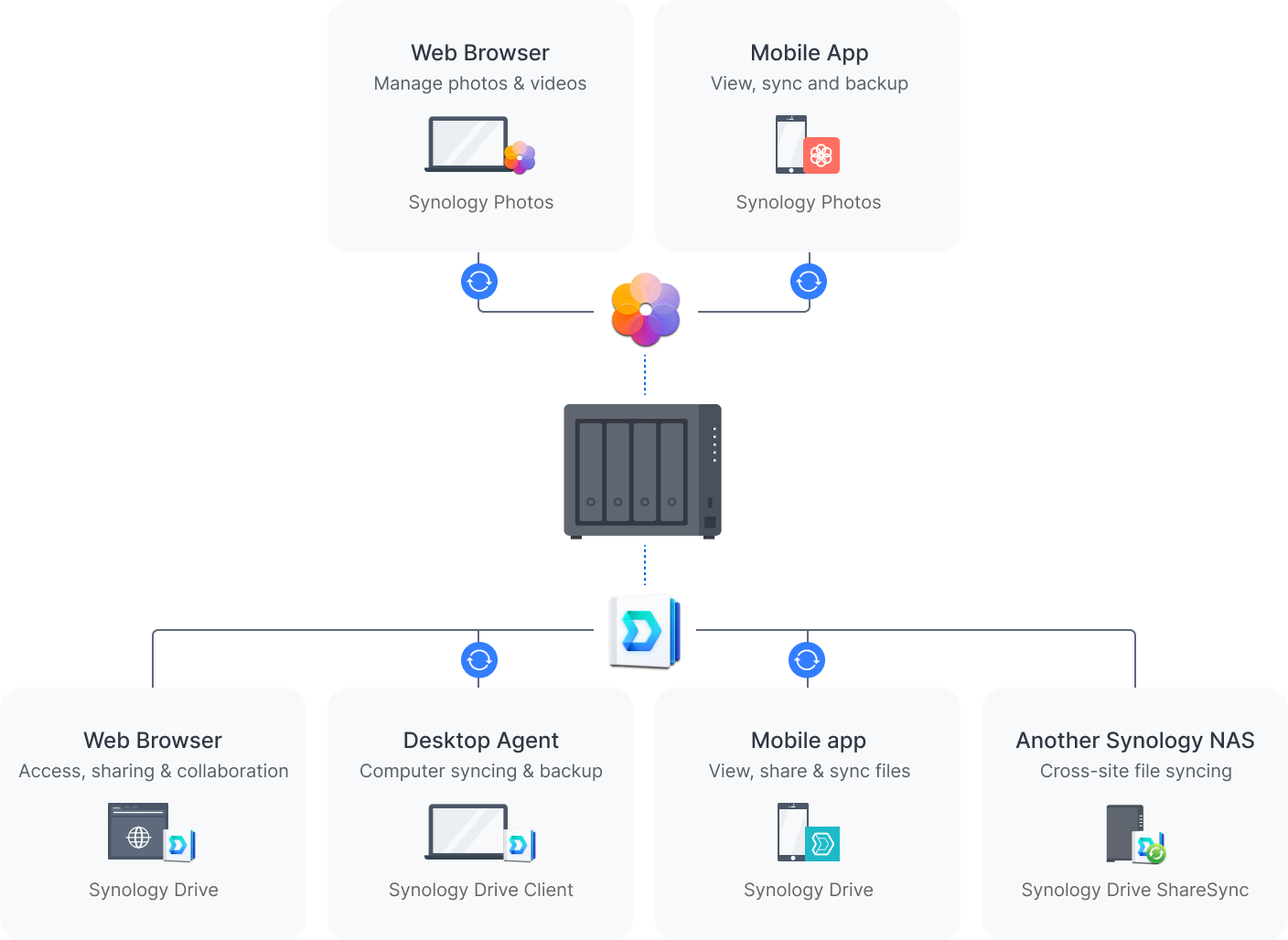
The thing I personally really love about the Synology products is that even when you don’t know anything about setting up a network or external access Synology got you covered. It’s almost a matter of 1,2,3 to setup external access to your NAS so you can access your data from anywhere in the world. (safely of course)

But there are also a lot of apps that will make life even easier.
One of the apps we use a lot is the amazingly handy Photos app for example. Never worry about your photos on your phone anymore, as soon as we enter our home the phone starts to upload all new photos to the NAS. The only thing you have to do it download an app on your phone and make sure it’s active. (remember nothing is 100% safe unless you monitor it yourself). You can even create different albums that are accessible for certain people. For example a dedicated album just for your family.

Another thing we have setup on our system is that our Synology in the studio is syncing the retouched photos to our Synology at home, so we have the retouched photos also in a separate location and a separate database/library in Lightroom, something you can’t easily do with online backups (we also use SMUGMUG for online backups).
You could run a whole website from your NAS, but that’s something we don’t do (at the moment), what we did setup is special customers areas, using the double NIC on the Synology we’ve created a separate access to the NAS that is not connected to our home network, this speeds up the external access considerably, and makes it possible for clients to download their files straight from our NAS, especially for video projects this is a HUGE time saver, uploading 120GB to an online service and letting your customer download it sounds easy enough but customers often don’t want to install the app needed for that access. By setting up a client access area we create a totally separated part on our NAS which contains all the data for that client, they can access it and download it, and when we give permission also upload materials, especially with my music (hobby) this is awesome for collaborations between musicians.

A Synology NAS is way more than just a few disks that you use for storage, it’s (when setup correctly) a total eco system that is great for yourself and your customers, in all honestly we could not operate our business without a proper NAS.

Synology over the years have been a very reliable partner and the quality of their support and gear is without a doubt in a league of their own. So if you’re in the market for a solid and trusted backup solution, make sure to check them out.

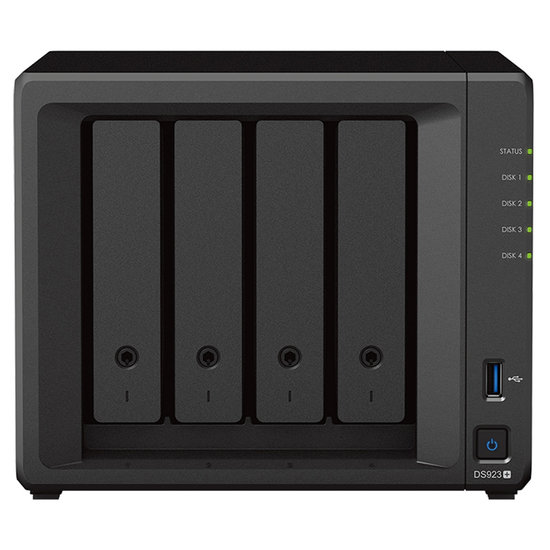
And having said that… Synology just released a brand new NAS, the diskstation DS923+
This is a very nice NAS for anyone that uses the system for photography/video and music creation. It’s very fast and can store huge amounts of data, and you can extend the system with extra bays/NAS units. It’s really a system you can grow in. And I think that’s a vital part of what we should all work towards, not replacing a NAS because it’s too small, but being able to extend the NAS with extra bays or connecting them to other units is vital for business I think.

But let’s not bore you with all the details, take a look at this new NAS here.
https://www.synology.com/en-global/products/DS923+

I’ll be testing one very soon and keep you all updated about it, but in all honesty I expect it to just work, like they all do 😀

One more thing….
I already mentioned this, but lets do it again.
A NAS/DAS or even a harddrive is something you store valuable information on, and like with bitcoin, if you lose the data it’s gone forever with no means to recover it. Luckily you can always use recovery software or for example the recovery service of your manufacturer, but best is to just prevent data loss. Here are some very simple tips.


  1. Harddrives
    use NAS drives, these are designed for the use in a NAS and will run much longer than a normal drive.
    also don’t buy all your drives from the same supplier. Make sure if you need 4 drives you order from at least 2 different shops. If there is a fault in a batch it’s often in a series of harddrives. Luckily it doesn’t happen a lot, but it’s hardly any extra work to just order from two stores, or a week apart.
  2. Brand
    I know price is important, but in the total cost we are often talking about very minor differences, and let’s be honest… always ask yourself the question “how much would I pay to get all my data back?” compare that to the extra costs between a very good NAS and a NAS that is sold at the local grocery market as “weekend deal”
  3. UPS
    If you take care of your NAS it will serve you for a long time.
    If you live in an area with peaks in the power, or black/brown outs it’s very wise (almost vital) to invest in a UPS or filter for the power. The UPS will keep the NAS running when the power goes out, preventing harddrive crashes, often it’s coupled with software that will shut down the NAS nicely.
  4. Use the scheduler
    In most NAS system you will find a time scheduler, I know a NAS is designed to run for days and weeks and years, but it doesn’t make any sense to keep it running when you only use it in the weekends or only during certain days. Just use the scheduler and let the NAS also take some rest now and than.
  5. Use the vacuum cleaner
    Maybe the most important one.
    Just for fun, power down your PC/Mac/NAS etc. and take a look at the fans and air in/out takes. I think you will almost immediately understand why some systems just shut down after a few years. I would HIGHLY advise to clean the fans at least once a year, and if you dare also open up the case and clean the inside. Better is to just do it every month. Trust me it’s vital.

I hope you guys enjoyed this article.
Feel free to leave comments on our social media, or email us questions.

To be 100% open and clear.
We have been working with Synology for a long time in our computer business, when I started our studio we also used Synology. Later on I became one of their ambassadors and have been ever since. As with all the advise I give you guys, the products I promote I also use myself.

Our brand new fiberglass umbrellas

For our Dutch visitors, please also read this blogpost on our Dutch site.

Umbrellas?
Yes I know.
Often the first light shaper you get when you buy your first strobes.
And let’s be honest, the quality of those photos are not all that, Right?
So in most cases we immediately start saving up for soft boxes, but they retail for a lot more money, and when you finally have the budget to invest in soft boxes… the quality often doesn’t jump up immediately right? But it does.

Well it’s easy to explain actually.
When we buy something new, we take time to test things and figure out how to get the best out of it (we paid for it right?)
And believe it or not, often the softbox indeed gives you much better results after a few days, but does this mean that umbrellas are limited?

I would like to say the opposite.
The main reason most photographers don’t use umbrellas anymore is because we still remember the problems and results from umbrellas connected to that first period, but… we didn’t know what we know now right?

A new friend
Let’s be totally clear, I’m without a doubt in the category that didn’t really like umbrellas. But I’m also the first one that will admit he was wrong… and very wrong (well ok not that wrong).

The main thing about umbrellas is the way you use them.
When we look at the new kit from Rogue we get two different kind of umbrellas.


First we have the white one
This is a 86cm umbrella you can use as shoot through, or reflective.
This is also often the kind of umbrella that gives beginners headaches for the simple reason the light goes everywhere. But in all honesty that’s also the power of this light shaper.

This umbrella is literally awesome to light white backgrounds.
Where with other solutions there is always some hot spotting on the background, it’s also very difficult to also include the floor, let alone also give the model a slight edge light. When you place the white umbrella correctly and adjust the distance to the preferred result you could in essence light the full background evenly, the floor AND give your model a slight accent light.

The main reason the even lighting of the background becomes more and more important has connection to the new cameras that use a soft shoulder and don’t clip highlights as easily as in the past, meaning if you get a hotspot behind your subject it can literally reflect back into your camera washing out the image and most certainly destroy detail in fine details like hairs (especially with a blond model). With umbrellas you prevent this from happening.

The white umbrella gives a beautiful soft omnidirectional quality of light and is also great to use a fill in flash, especially with larger sets and situations where you simply don’t have the room for a large soft box, or where you need a wide area of a room/set covered with light. But also think about larger groups etc. omnidirectional light is always handy.

The black one
The other umbrella is the black one.
This one is used in a reflector setup and is delivered with a nice soft light sleeve that is very easy to attach and has an opening for both speedlight and larger monoheads (we use it on our Hensel Experts and speedlights).

The main thing about the black umbrella is the softness of the light when used with the sleeve, but also the spread when used without. Let me explain.
When you use a standard softbox the light is in 99% of the cases placed in the back of the softbox aimed at the front or sometimes at a diffusion panel in the middle of the box. With an umbrella (and a little bit on a beauty dish) you don’t work with direct light, but actually with reflected light, and this means you get a MUCH nicer and more even light output. Meaning softer light from a MUCH smaller (in depth) light shaper.

The other thing I really like about the black umbrella is that you can opt for both the super soft quality of light with the sleeve, but also for a much harsher quality without the sleeve, making it one of the most versatile light shapers I actually have in our studio. Well ok the Westcott Lindsay Adler projector takes that spot but that’s something completely different 😀 (and more expensive).

The black umbrella I use a lot for fill in flash where I want a beautiful soft quality of light but don’t want the light hitting the rest of the set. Often I place this light 2-3 stops under the main light for an effect you just can’t do in post processing without adding loads of noise and detail loss.

Take for example this setup.

As you can see a very nice “dark” setup with loads of mood and atmosphere.
Normally I would use a large 1.20 softbox (800 euros) for this, first of all it takes up a lot of space (can’t take it with me on location) and it’s expensive for just fill in. With the black umbrella I took of the sleeve and added a small reflector to really focus my fill in light.

By the way that’s also something I love about umbrellas, they look so simple but you can change the rod distance, add sleeves, shoot through or reflect AND use other light shapers to really change the total look of the shot. How about for example using a grid inside the reflector… have to try that soon 😀

But you can also use the black umbrella for something else.
How about placing it above our model and aim it so the model is lit and the background. Add some Black diffusion filter on your lens (KF concept black diffusion filter 1/4 in this shot) and you get some interesting results from just one strobe.

Of course our cool ClickPropsBackdrops background also helps 😀
Ok, lets take a look at the disadvantages and advantages.

Disadvantages
I have to be honest I’ve been thinking about this a lot. So I decided to do it differently.
The main disadvantages of the umbrellas are often two fold.

First there is the control of light
especially when you start out you simply don’t have the proper knowledge to really use the umbrellas to their full potential. The setup can be quite difficult, not because it is difficult but because a small adjustment can give you a huge difference, in the past I would label this as hard to setup, but now that I’m a lot further in my journey I actually call it “mind boggling opportunities for many different looks”.

This about changing the distance of the light source itself, maybe making it leak on the sides on purpose, or using a reflector with or without grid, how about…. and….. you got it, you have to be able to use it to it’s max potential to really see the benefits. But when you do it will beat probably almost any light shaper you have for broad light, because let’s be clear, an umbrella is not a snoot, but it can easily replace most softboxes. So this argument I think is mostly experience and understanding of light.

The second one is a big one, construction
And this is a big one.
Most umbrellas I used in the past were easily broken or bend making them unusable in a few weeks/months of use. And although they are cheap I never really ordered new ones and just replaced them with using softboxes. The main advantage of these new Rogue umbrellas is that they are not only compact without sacrificing use cases, but their base is made from fiberglass, and that’s a BIG thing, these umbrellas will last a long time, and for lightshapers that are great on location (and in the studio) it means they get a bit more abuse than a softbox that is only used in the studio, so a sturdy construction (and a handy carrying bag) are I think essential.

To be honest this is about it, from what I can think off.
You could add wind on location, but that also goes for softboxes, and an umbrella with a sleeve is less prone for wind problems than without of course, so I would not really add this to umbrella specific.

Advantages
Ok, are you sitting down?

Price
The price of the whole kit is in Europe around 100 euros. Which gives you the white and black umbrellas, a sleeve for the black one PLUS a carrying bag, you do wonder how anyone can afford NOT to have one, right?

Usability
You name it, and you can probably light it with an umbrella.
White backgrounds.. no problem (saves on background reflectors which can’t be used for anything else)
Beauty portraits… no problem
Fill in light…. absolutely awesome
Full bodies, portraits, whole sets, the umbrella can do it all.
But most of all it fits on every brand and both speedlights and monoheads (studio strobes) but even on led lights you can place umbrellas.

Space
This is perhaps the biggest one.
Get large softbox quality in a very tight space. Especially on location, but also in the studio, I often fight with the space to fit all my lights in there. I often demo on trade shows where I only have a space of perhaps 3×4 meters which is really really tight if you also have to place your lights. So often I will bring one striplight and some reflectors or a beautydish, but add an umbrella to your kit and you can also use super soft light in tight spaces.

Conclusion
I never really looked at umbrellas the last few years, sometimes when I needed one I would pick one from storage to find out a rod was broken or it wouldn’t open nicely because something was bend, meaning most of the cases I would just not use it and grab my softbox again (safe and it worked). The new Rogue umbrellas forced me to look seriously at umbrellas again and I totally fell in love with it. It really fits my way of photography where I love to experiment with modifiers and don’t really like the one trick pony light shapers. And the umbrella is far from a one trick pony.

The umbrellas are now available via our webshop in the Benelux, or via our supported dealers.
More info on rogueflash.nl for Dutch customers and www.rogueflash.com for international customers.
I HIGHLY recommend picking up one kit and an extra white umbrella to be able to do almost anything you encounter.

See our live stream where I introduced the umbrellas via our Digital Classroom series.
This was the first time I really used them, and it’s live… so you really see me experimenting with them and finding new use cases.

But there is more, so lets take a look at some samples.
With smoke I always love the wrap around effect on my model, but I also want to see the detail in the smoke and a bit of light on the background, normally this means a 3 light setup. With proper placing the black umbrella we did it with one during a workshop smoke.

Here another setup with the umbrella and one accent light for the lens flare.
Normally I would use a softbox as mainlight. Now in this case we have plenty of room, but look at the space the umbrella needs and compare that to an average 1.20 softbox, I think it’s easily to see the huge advantages of using an umbrella 😀


And let’s add some more images I shot with the umbrellas.