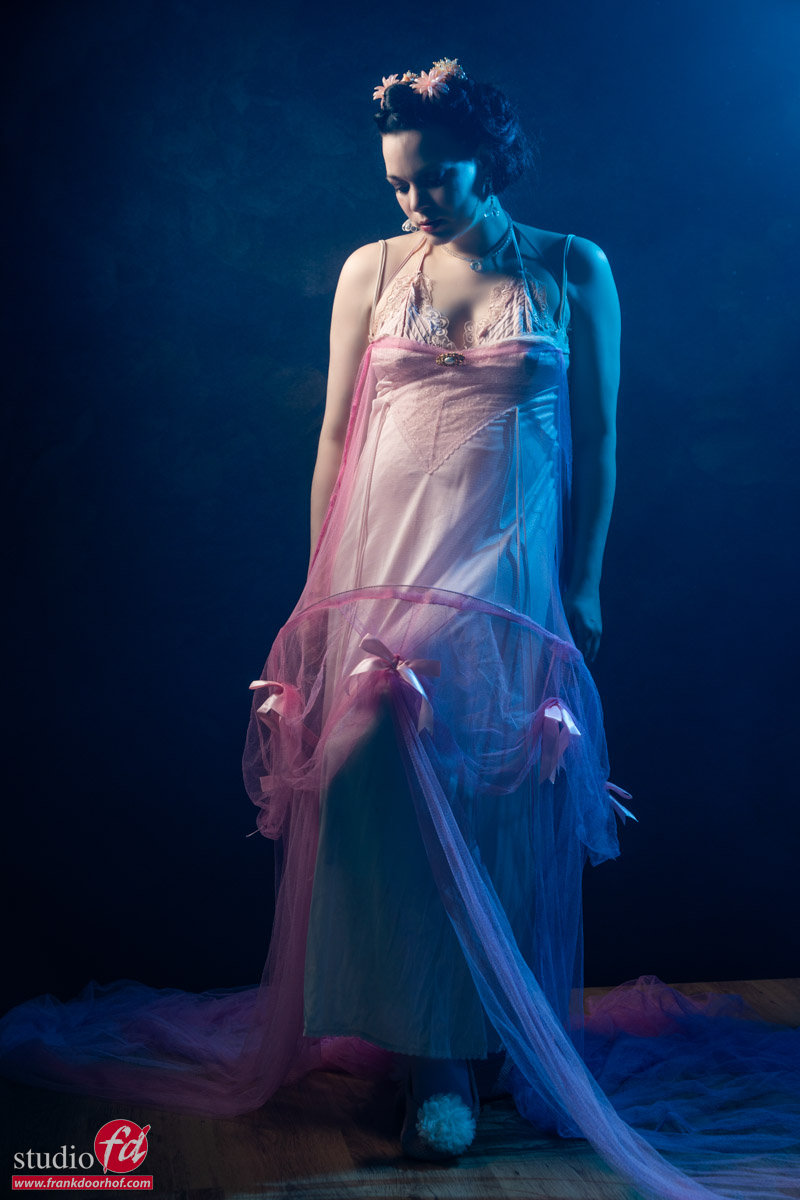
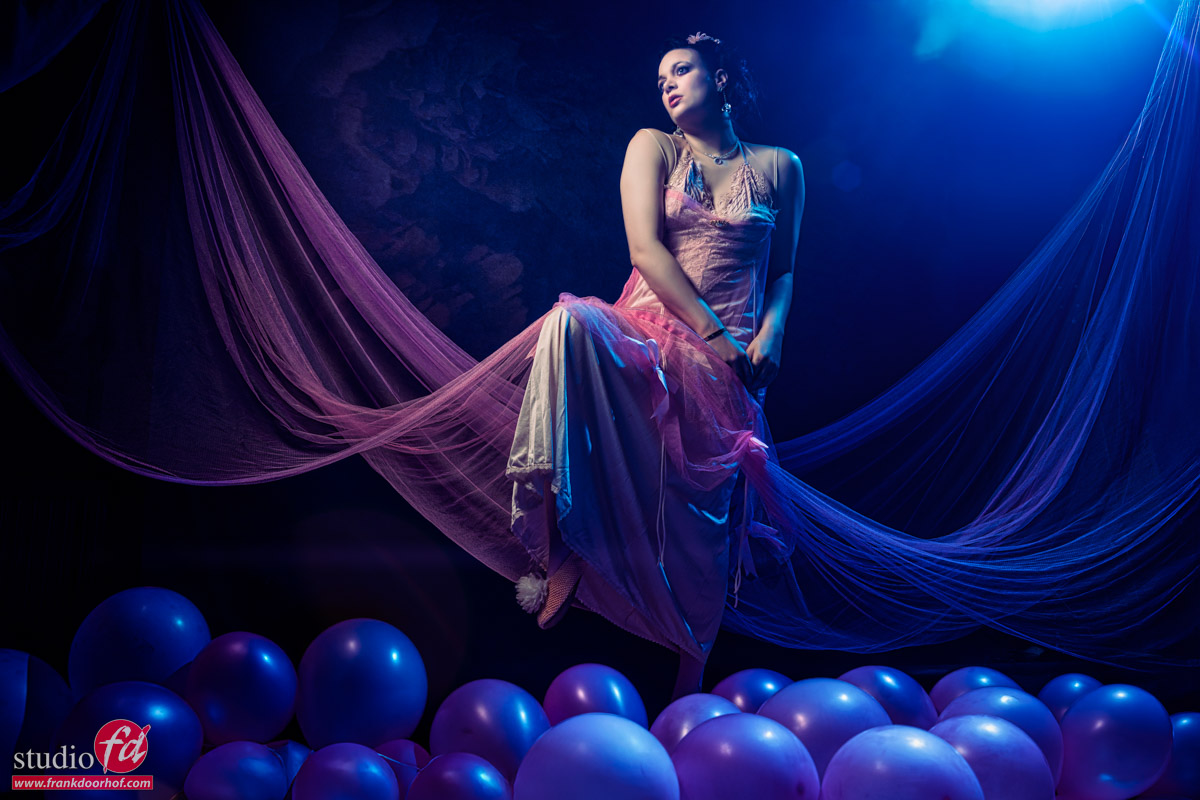
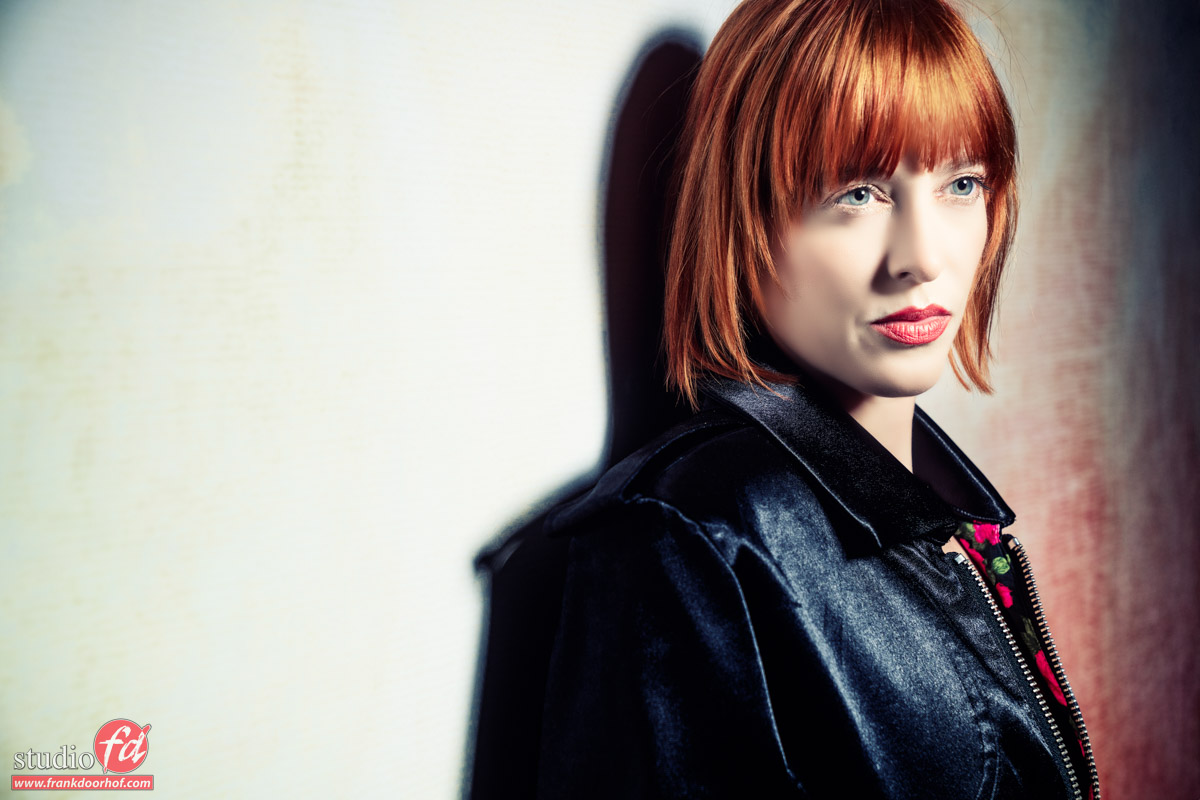
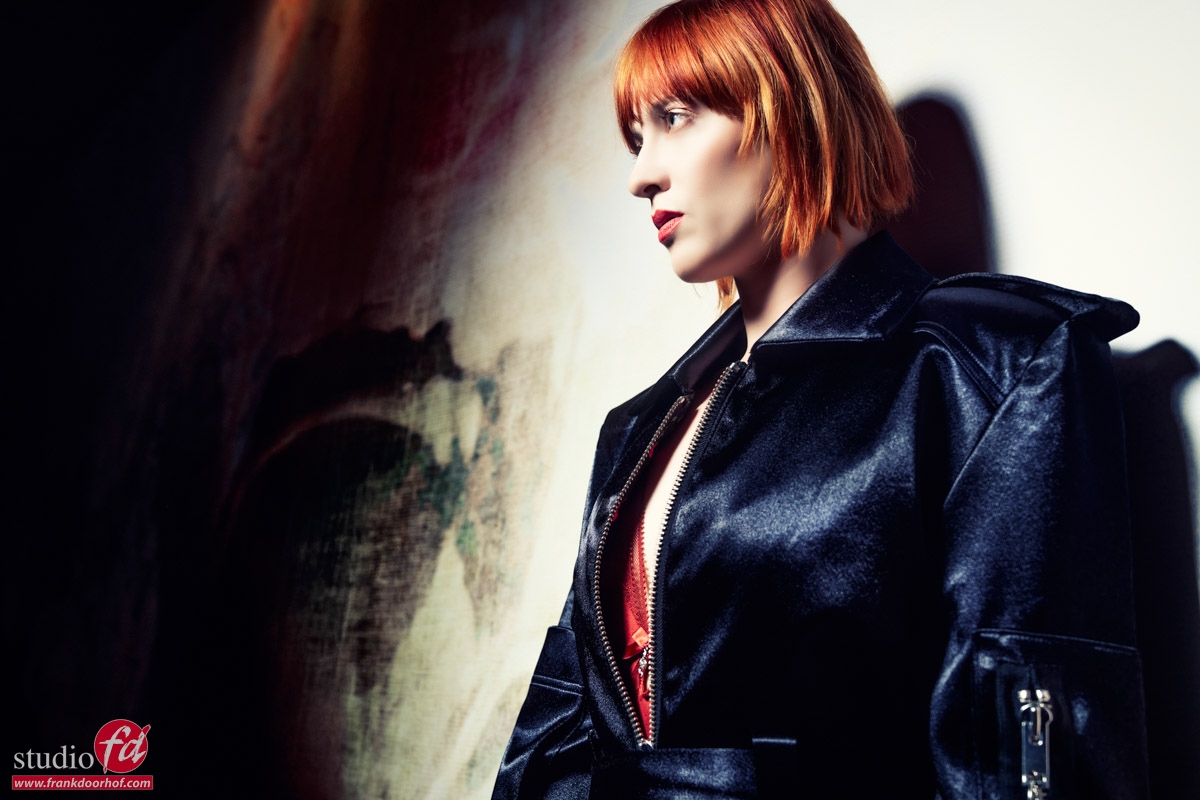
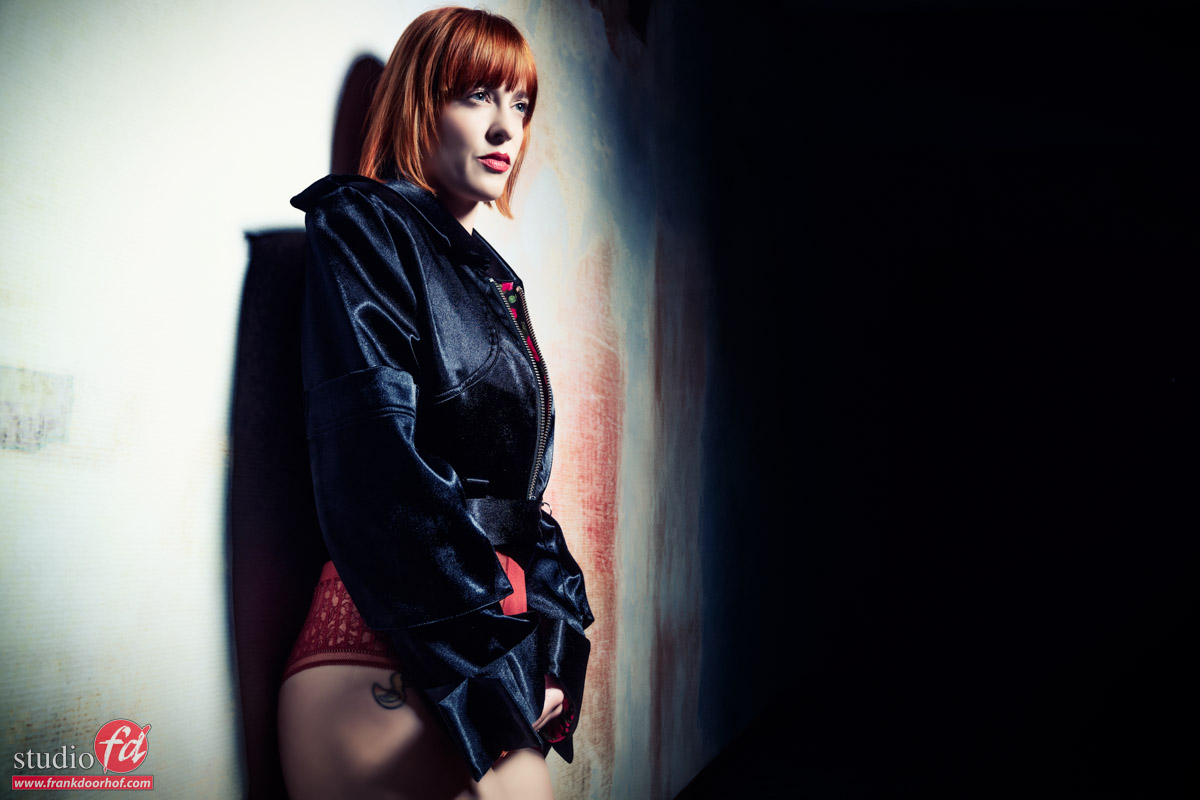
Why fake it when you can create it?
It’s still my motto: Why fake it when you can create it?
When I started teaching workshops, the first tours and workshops were often labeled “Why fake it when you can create it?”
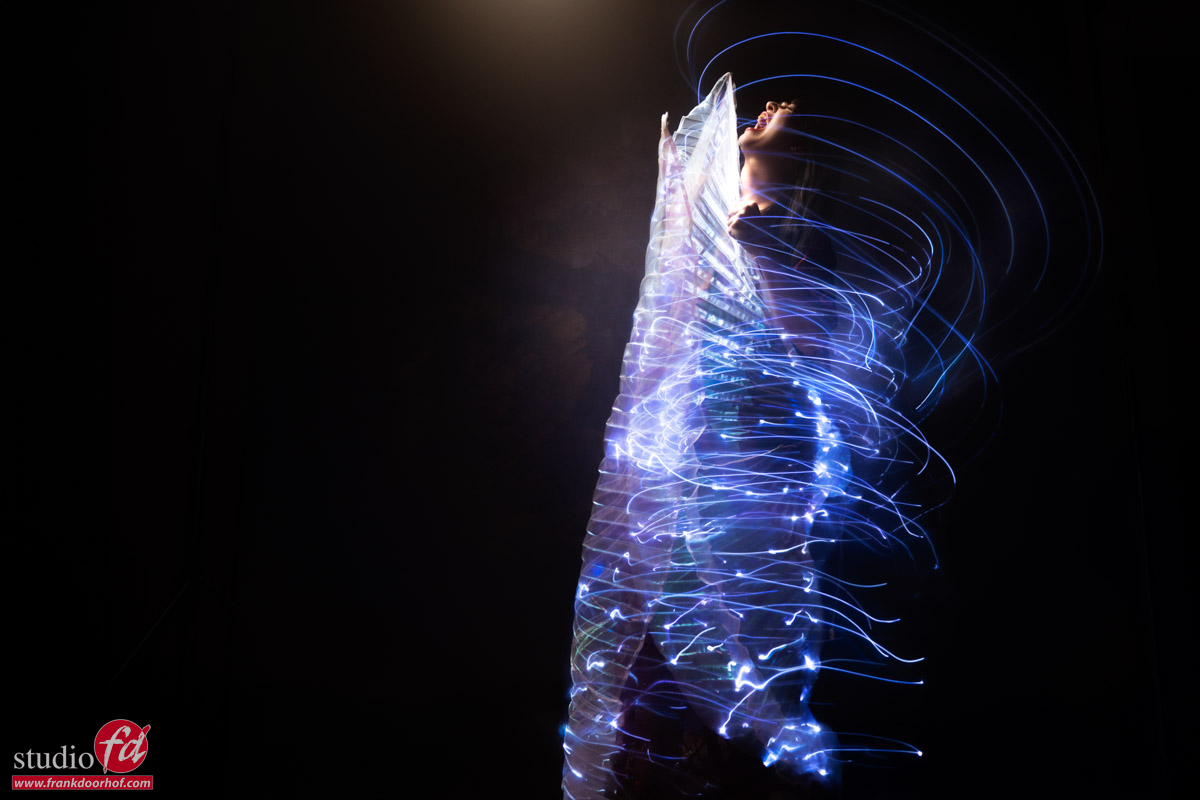
And that wasn’t even about using AI. The shots we are discussing today were all captured in-camera, and some people did not believe it, so I will explain how we achieved this.
I love working in Photoshop and spending hours on digital art, but with my photography, I like to get it right in camera.
When you browse through my portfolio, for example, most images were shot during workshops or events like trade shows.
Retouching-wise, it’s 99% skin softening and giving the image a film look. Especially the film look is essential for my workflow.
By the way, did you know you can get my preset packs for a few bucks?
We sell this mug so you don’t forget
Why fake it?
The way I use AI in Photoshop is mostly for cleaning up and extending backgrounds, and with Cosplay shoots, adding elements or building a complete set.
But when I use it, it’s 100% clear and visible. So why do I tell you this?
The first time I showed one of these images to someone, the first thing they asked “What software did you use?”.
Nope, this was done in camera! “Yeah, but how did you add the swirls?”….
So today, let’s take a look at how we did it: Why fake it when you can create it.
How it works
Let me explain why I like my motto: Why fake it when you can create it?.
When we use strobes, we are working on a shutter speed of 1/125 in the studio.
This is also called the X-sync. When we shoot faster without HSS, there is a chance of a black bar in the frame; the faster the shutter speed, the larger that bar.
The bar is your second shutter curtain catching up the first shutter curtain.
At the moment, only Sony has a camera with a new sensor that can break this X-sync up to the flash duration (and higher with light loss) of your strobes.
In the past, there was a Fuji consumer camera that could do the same trick. And if you’re shooting with Medium Format or leaf shutter lenses you also can shoot at higher shutter speeds.
For today, it doesn’t really matter because we will go the other direction.
Because we are mixing very dim lights with very bright lights.
Luckily for us, the very bright light is just a pulse. And this means we can use the shutter to get the right balance because the dim lights are continuous.
And you probably already guessed it, the lights are in the wings, Nadine is holding here.
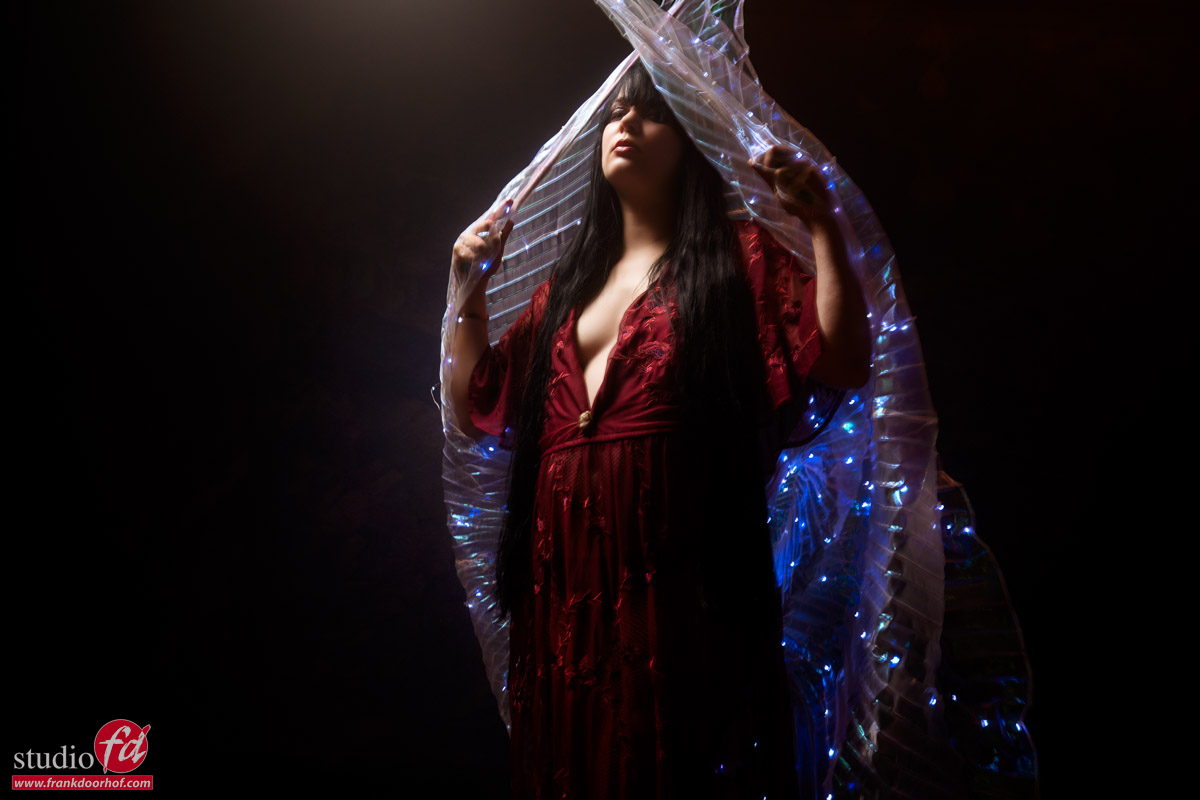
As you can see, we have a pretty good mix of our model and the lights, easy, right?
Yes and no.
There are a few things you have to take into account with a setup like this.
Vital parts
First of all, you have to realize that when you want to mix strobes and continuous light it’s very smart to set the strobe on the lowest possible setting.
The reason for this is that you will need less time to make the continuous lights show up in the shot. Meaning shorter shutter speeds.
Luckily for us, we are using the Geekoto strobes, and they have a great range. So, I can go as low as needed.
Also, don’t worry about ISO. With modern cameras and noise reduction via Topaz or Lightroom (or your favorite RAW convertor), you can easily use ISO800-1600 for commercial use.
Second of all you have to remember to turn off the modeling light of your strobe.
We are shooting with longer shutter speeds, and this means that your modeling lights will register and mess up the color balance. But also add motion to the area that you wanted to freeze with the strobe.
If you have problems focusing in the dark, get a Sony camera…. just kidding (or am I). Just ask an assistant to light your model’s face with a flashlight. And when you have focus locked, take away the flashlight. It works like a charm, and you have zero infection of the area your strobes hit.
and finally…
The same as above, but the other way around.
The strobe is much more powerful than the continuous lighting. So, when I set something like this up, I will be using a very focused light source.
You can use, for example, the Frank Doorhof flashbender, a striplight with grid, the Geekoto Quicky, or the Rogue snoot. Just make sure you are only lighting a very small part of the total area. You want to make sure the lights really show up in the final image, and when you blast your strobe everywhere, it won’t work.
Ready to shoot?
Almost.
When we want this to work, we must make the model move in the right way and at the right moment.
Mostly, I will count down and tell the model that as soon as she sees the strobe, she has to start the movement.
In this case, we ended up with shutter speeds between 1-2 seconds.
So, first, the strobe freezes the model’s face. The modelling lights are off.
Now, in 2 seconds, the model moves around, and the lights of the wings register on the black background.
Now you might wonder why the colors are visible. And they are not turning white with a 2-second exposure.
And this is a 100% solid question.
IF the model does not move, the lights would indeed burn out. Because they stay in the same spot.
However, because the model is moving, they don’t have “time” to burn out, so you keep the colors.
We started with some turns.
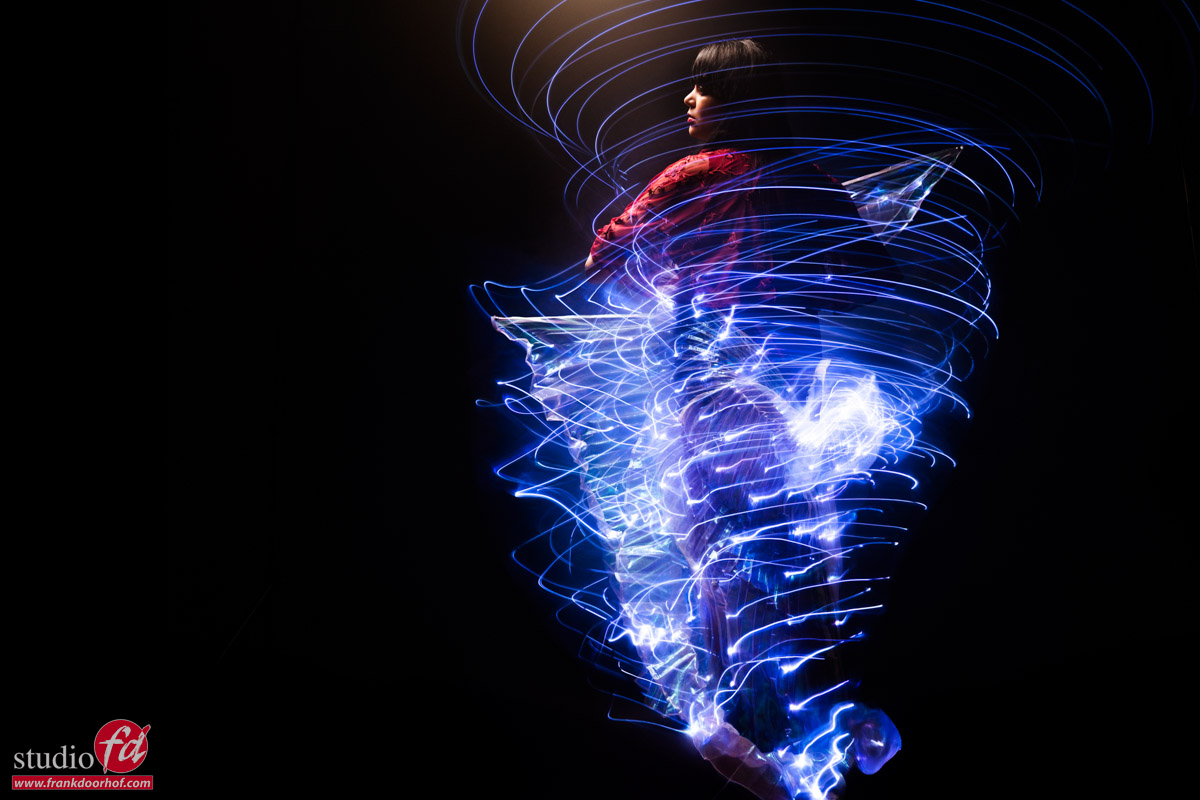
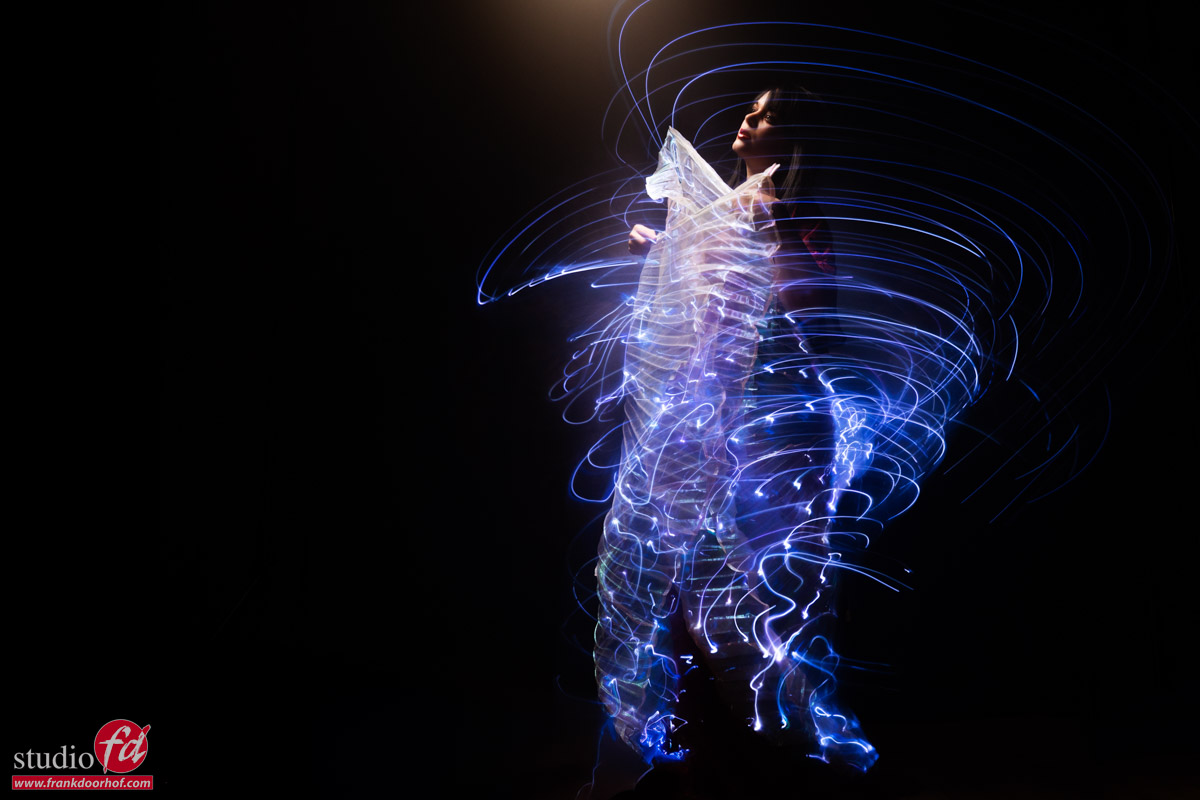
And of course asked Nadine to scream, for some extra OOMPF in the shot.
But what would happen if you don’t keep the camera steady but also start to move yourself, or zoom in?
One quick tip about zooming
In most cases, zooming in will work fine and give some really funky results. Zooming out (starting in close up) can work, but with these kinds of shots, it didn’t.
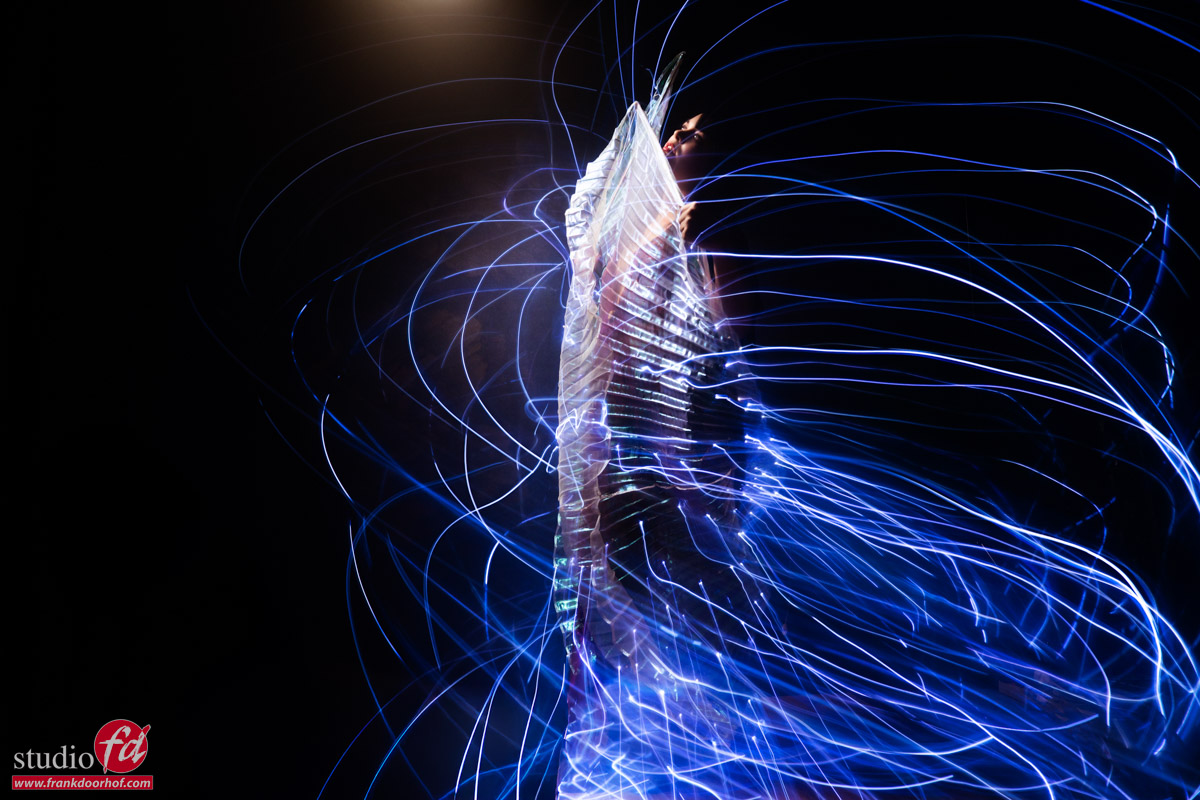
The workshops are super creative. Do you also want to learn how to not fake it but create it?
This is probably one of the things I love most about the workshops, when attendees bring their props and ask me to incorporate them into the workshop.
In this case, the angle wings were bought on Aliexpress/Temu/Amazon and were brought to the workshop by an attendee.
Nadine was, of course, the perfect model for this, and we ended up with some great shots, I think.
If you also want to visit a workshop, visit fotografie-workshops.nl for the agenda.
If you don’t speak Dutch, don’t worry. Let us know a few weeks in advance, and we can switch the workshops to English.
Or of course, book a 1:1 workshop in our studio, or even online right from your comfort zone 😀
Check out this video also with Nadine. The devil is in the details.