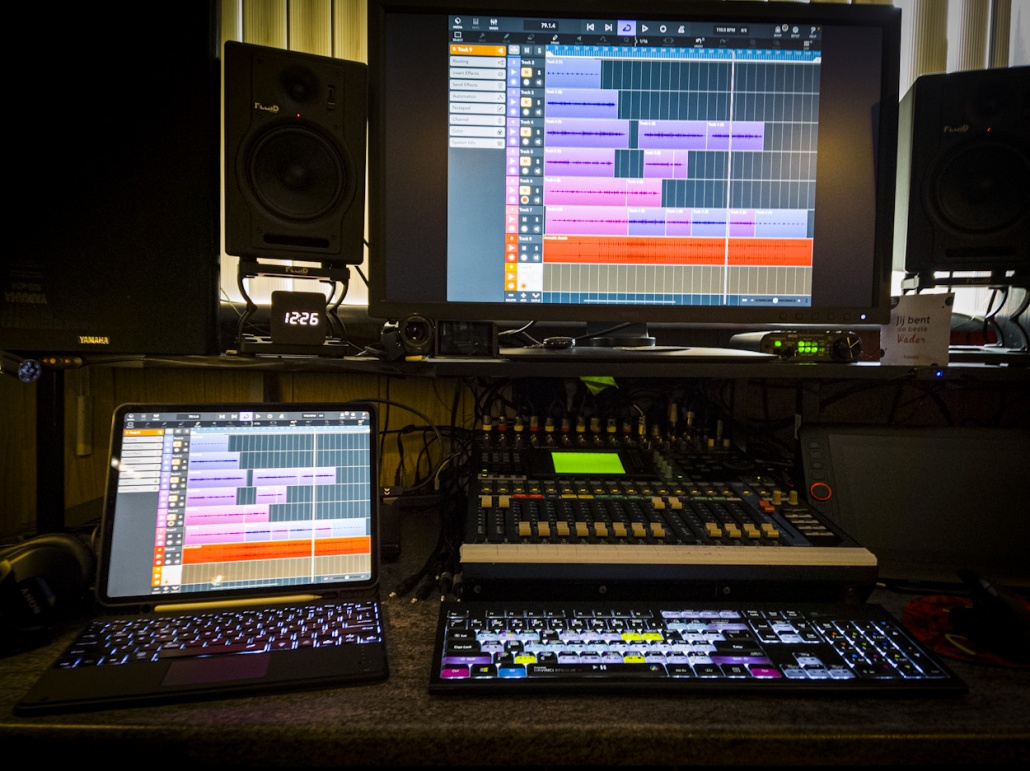

A cool cheap keyboard case for the iPad Pro
I absolutely love my iPad Pro, in the past year it has almost completely replaced my laptop, and lets be honest with the new M1 version the future for mobile workflows has never looked more promising.
I’ve already figured out a workflow for modelphotography that is not only fully working but it also a lot more precise thanks to the Apple Pencil. And for video it’s been my workhorse for over a year now and with multicam support coming soon I can’t see myself going back to a desktop to edit, Add to this the insanely fast M1 chip and the incredible screen and it’s I think very easy to imaging what will happen.
For me the future is 99% iPad Pro or similar solutions. My first iPad Pro was indeed the very first one and at that time I was highly disappointed by apple because it was.. well just a blown up iPhone, awesome to read comics on or consume media but for that it was too expensive and too heavy/big. Fast forward to present time and in only a year I’ve seen the iPad Pro go from almost unusable to almost replacing my complete workflow.
And remember that M1 chip?
yes the same one that’s in the Macbooks, iMacs etc.. yes the same chip, and in the first leaked benchmarks it was a race between the MacBook and the iPad Pro and the iPad Pro came incredibly close, meaning that in essence add a keyboard and mouse and the full photoshop should be able to run without any chances from the desktop version, now that’s awesome.
However there is on thing where the iPad Pro experience is a lot less “laptop like” and that’s the keyboard and mouse, don’t get me wrong you can do a lot with the onscreen keyboard, but it does cover a lot of real estate (even on the 12.9”) so the first thing I looked for was a keyboard cover. With my previous iPad I ended up with the apple folio solution which is pretty expensive an although it works like a charm I did miss backlit keys and some sort of trackpad for when I record tutorials with on screen actions.
I was looking for something where I could easily remove the keyboard and use the iPad Pro without the extra weight. That’s when I found the Sross keyboard case.
I’m not going to tell you it’s the best out there, because it isn’t but you can’t expect that for this price.
But, that being said, for the price you get a very nice sturdy case and a magnetic keyboard that attaches to the case when you want to use it, but you can also use it away from the iPad.
The trackpad works ok, and does the trick.
Lighting on the keyboard is very nice and you can even set different colors fitting your mood.
There is also storage for the Apple Pencil, but do realize it doesn’t charge when stored, but luckily they left the top part open for charging the pencil (something I see missing in a lot of budget cases) The volume and on and off also work nicely inside the cover but are covered against dust. The only “problem” I ran into was that my USB-C adaptor didn’t work anymore so I now use one with a small cable and that solves that “problem”, you will see this with all “fitting” cases, this is the advantage of the magnetic cases, but they have less protection, you choose.
Without keyboard the case is slightly heavier than the Apple version with keyboard (folio) but that’s more than ok.
I love the fact you now have a normal keyboard with backlit keys, cursors, delete AND backspace and a trackpad all for a very affordable price.
It might not be the best case or keyboard but for the price I can’t see how someone can be disappointed. For me, I’m going to use this keyboard till I see what others bring and can try those out in a store, because in all fairness as the keyboard and case operates right now I’m not willing to spend a lot more money for a solution, it’s very nice.
Here is the product link on Amazon, https://amzn.to/3fhtfew